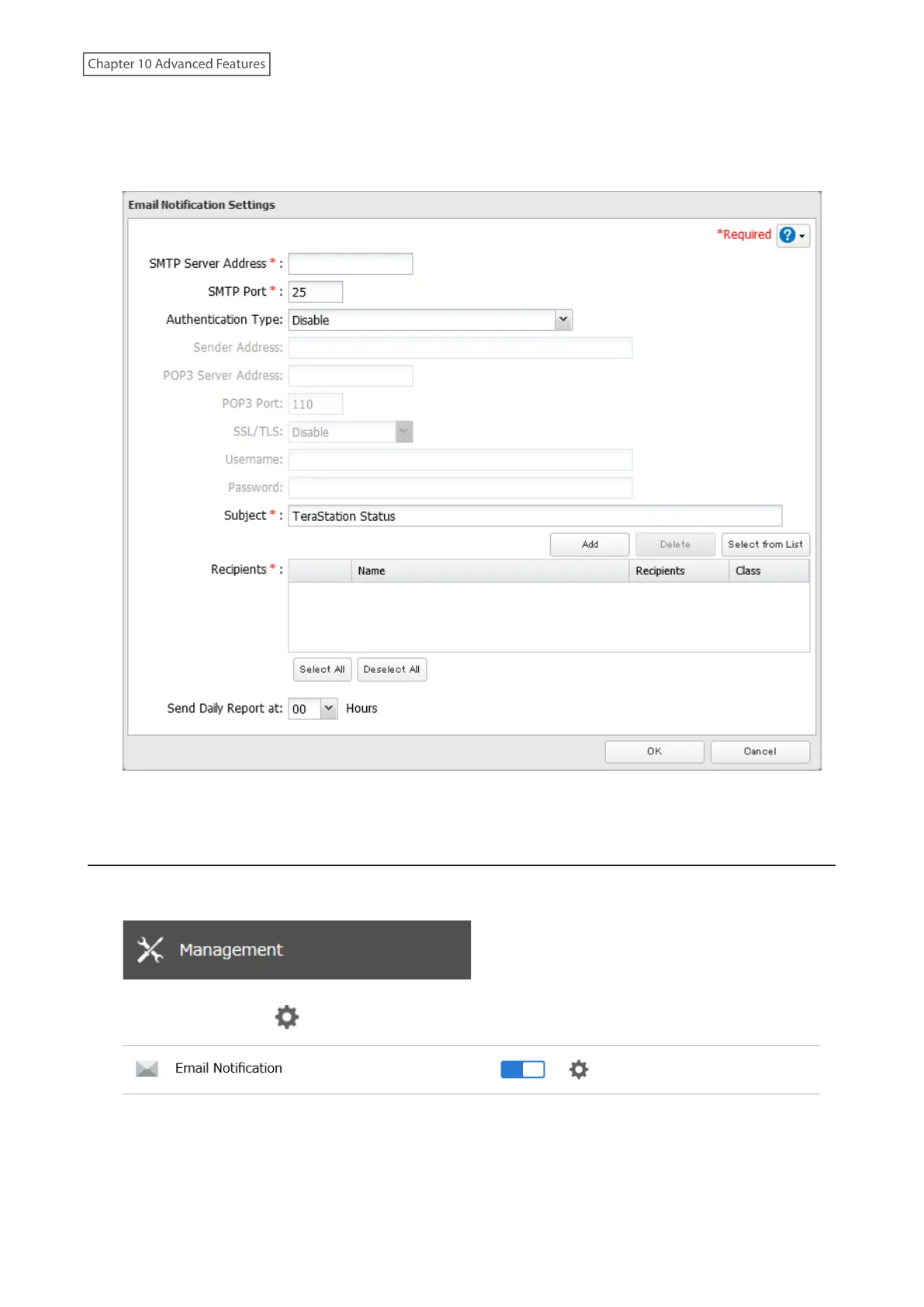
5 Enter your email server settings and the notification email’s default subject, then configure recipients and the
time when email reports will be sent.
If you select an authentication type other than “Disable” from the drop-down list, you can enter the sender
email address and credentials of the email server.
6 Click OK. The process is complete when you select either Yes or No to have a test email sent.
Changing Events for Email Reports
1 From Settings, click Management.
2 Click the settings icon ( ) to the right of “Email Notification”.
3 Click Advanced Report Settings.
232
Chapter 10 Advanced Features















 To Next Page