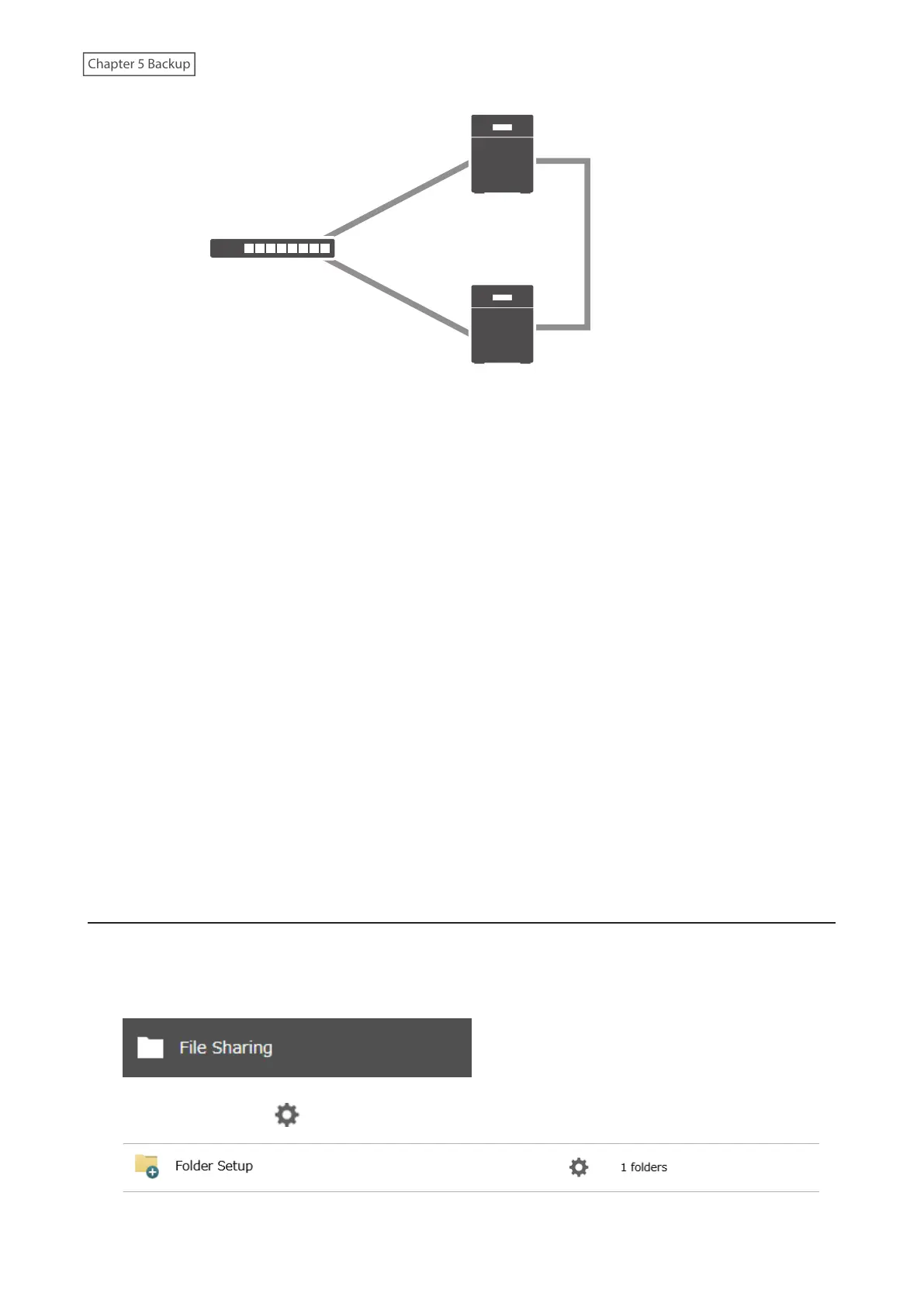
LAN port 2
(Static IP)
LAN port 2
(Static IP)
Replication Source
Replication Destination
Network
LAN port 1
(Static IP)
LAN port 1
(Static IP)
Note: Replication source data is copied to the replication destination folder with a differential overwrite. Any data
not on the replication source will be overwritten.
The following describes what can be configured as replication sources and replication destinations.
Folders Available as Replication Sources
• Shared folder on the replication source TeraStation (excluding the “info” folder)*1
• USB drive connected to the replication source TeraStation*1
Folders Available as Replication Destinations*2
• Shared folder on the replication source TeraStation (excluding the “info” folder)
• USB drive connected to the replication source TeraStation*3
• Shared folder on another Buffalo NAS device*4
*1 You can select up to the second level of folders. However, if the folder name of a second level folder contains
symbols, that folder may not appear as the target folder.
*2 The folder should have the “Backup” checkbox selected under “LAN Protocol Support” on the shared folder
settings.
*3 If the “Inherit subfolders' access restrictions” option is selected when creating a replication job, use XFS or ext3 file
systems.
*4 If the “Inherit subfolders' access restrictions” option is selected when creating a replication job, the device should
be a Buffalo NAS device whose subfolders’ access restrictions is available.
Preparing a Replication Destination
Configure a folder as a replication destination. Follow the procedure below to prepare a Buffalo NAS device as a
replication destination.
1 From Settings, click File Sharing.
2 Click the settings icon ( ) to the right of “Folder Setup”.
107















 To Next Page