Chapter 5 Backup
Backing Up Data on the TeraStation
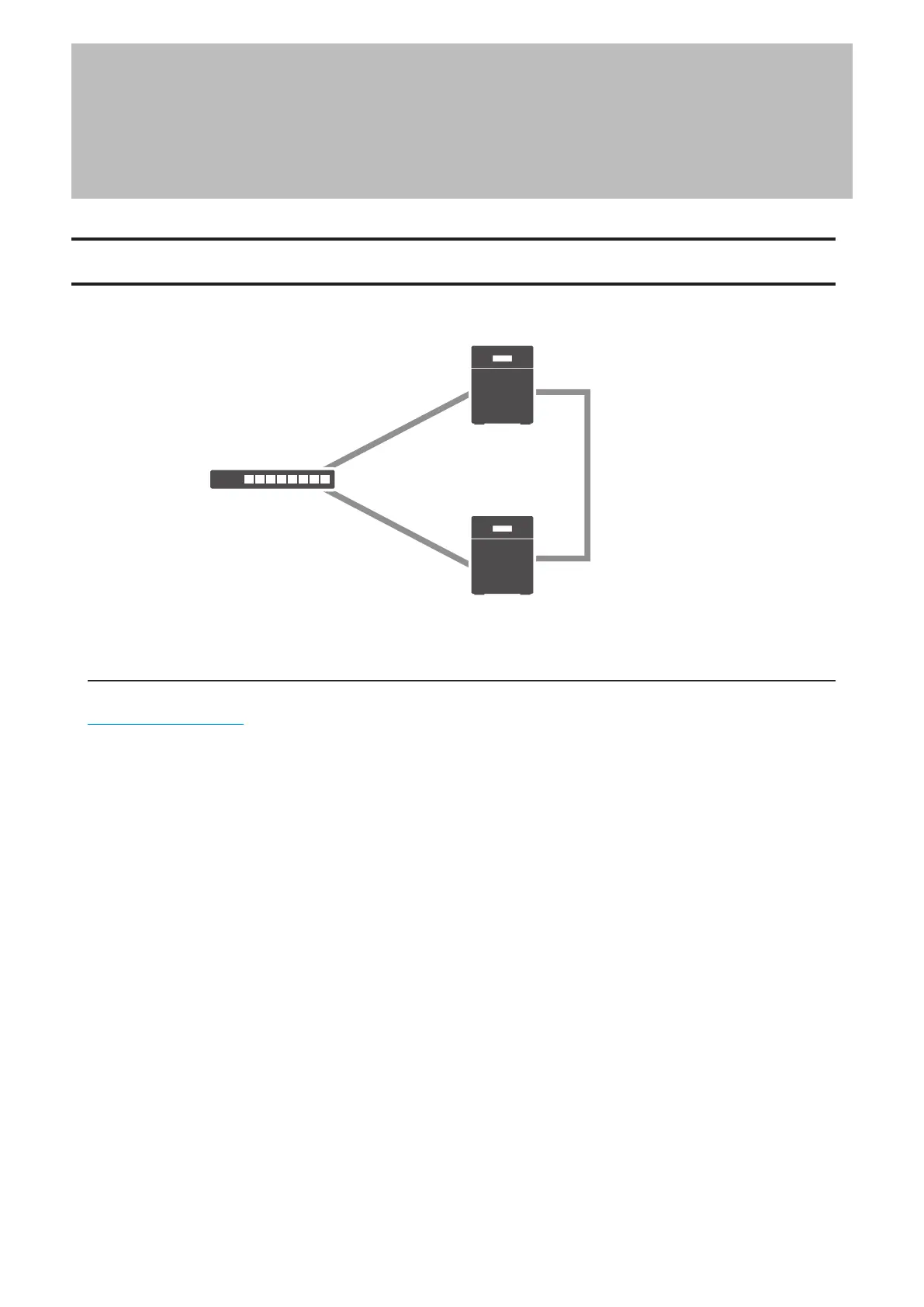
You can back up the TeraStation folders to another shared folder on the same TeraStation, a connected USB drive, or
a shared folder on another Buffalo NAS device, either on the same network or on another network.
LAN port 2
(Static IP)
LAN port 2
(Static IP)
Backup Source
Backup Destination
Network
LAN port 1
(Static IP)
LAN port 1
(Static IP)
Backup Modes
The following types of backup are available from this TeraStation. To restore data from backup, refer to the
“Restoring Backup Data” section below.
Full Backup
All files in the source will be backed up to the destination. You can specify how many backup versions to keep from
1–400, or select “Unlimited” to keep all backups until the drive is full. If you specify a number of backup versions,
the backup destination folder should be on the same TeraStation or on an external USB drive attached to that
TeraStation.
The backup data will be stored in the folder whose name will be the backup date and time.
• Folders available as backup sources:
◦ Shared folder on the backup source TeraStation (excluding the “info” folder)*1
◦ USB drive connected to the backup source TeraStation*1
◦ Shared folder on another Buffalo NAS device*2
◦ Shared folder on another rsync-compatible device
• Folders available as backup destinations:
◦ Shared folder on the backup source TeraStation (excluding the “info” folder)*2
◦ USB drive connected to the backup source TeraStation*2, 3
◦ Shared folder on another Buffalo NAS device*2, 4
◦ Shared folder on another rsync-compatible device
*1 You can select up to the second level of folders. However, if the folder name of a second level folder contains
symbols, that folder may not appear as the target folder.
*2 The folder should have the “Backup” checkbox selected under “LAN Protocol Support” on the shared folder
settings.
95















 To Next Page