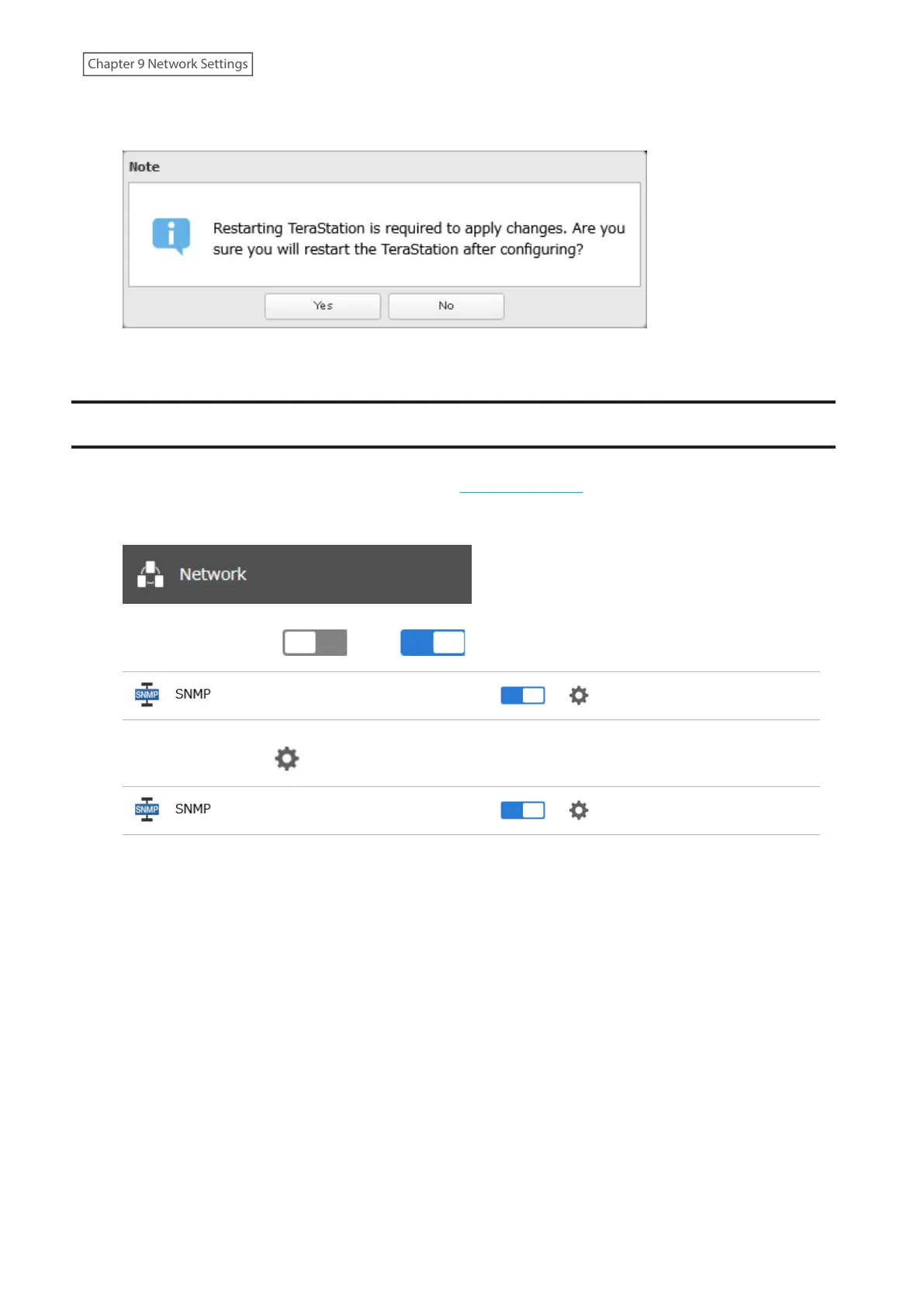
9 Click Yes to restart the TeraStation. If you select “No”, make sure you restart the TeraStation at a later time to
apply port trunking settings.
10 The process is complete after the TeraStation has been restarted.
SNMP
If SNMP is enabled, you can browse your TeraStation from SNMP-compatible network management software.
Examples of frequently-notified traps are described in the “Relevant Trap List” subsection below.
1 From Settings, click Network.
2 Move the SNMP switch ( ) to the position to enable SNMP.
3 Click the settings icon ( ) to the right of “SNMP”.
4 Click Edit.
223
Chapter 9 Network Settings















 To Next Page