Chapter 10 Advanced Features
Email Notification
Your TeraStation can send you email reports daily, or whenever settings are changed or an error occurs. You can
configure the events that will trigger notifications from any of the following functions: quotas, drives (internal,
external, or RAID array), fan, backup, replication, failover, antivirus, system alert.
Refer to the contextual help in Settings for more detailed information such as when the notification email will be
sent or the differences between the notification categories.
Enabling Email Notification
Follow the procedure below to enable email notification functionality.
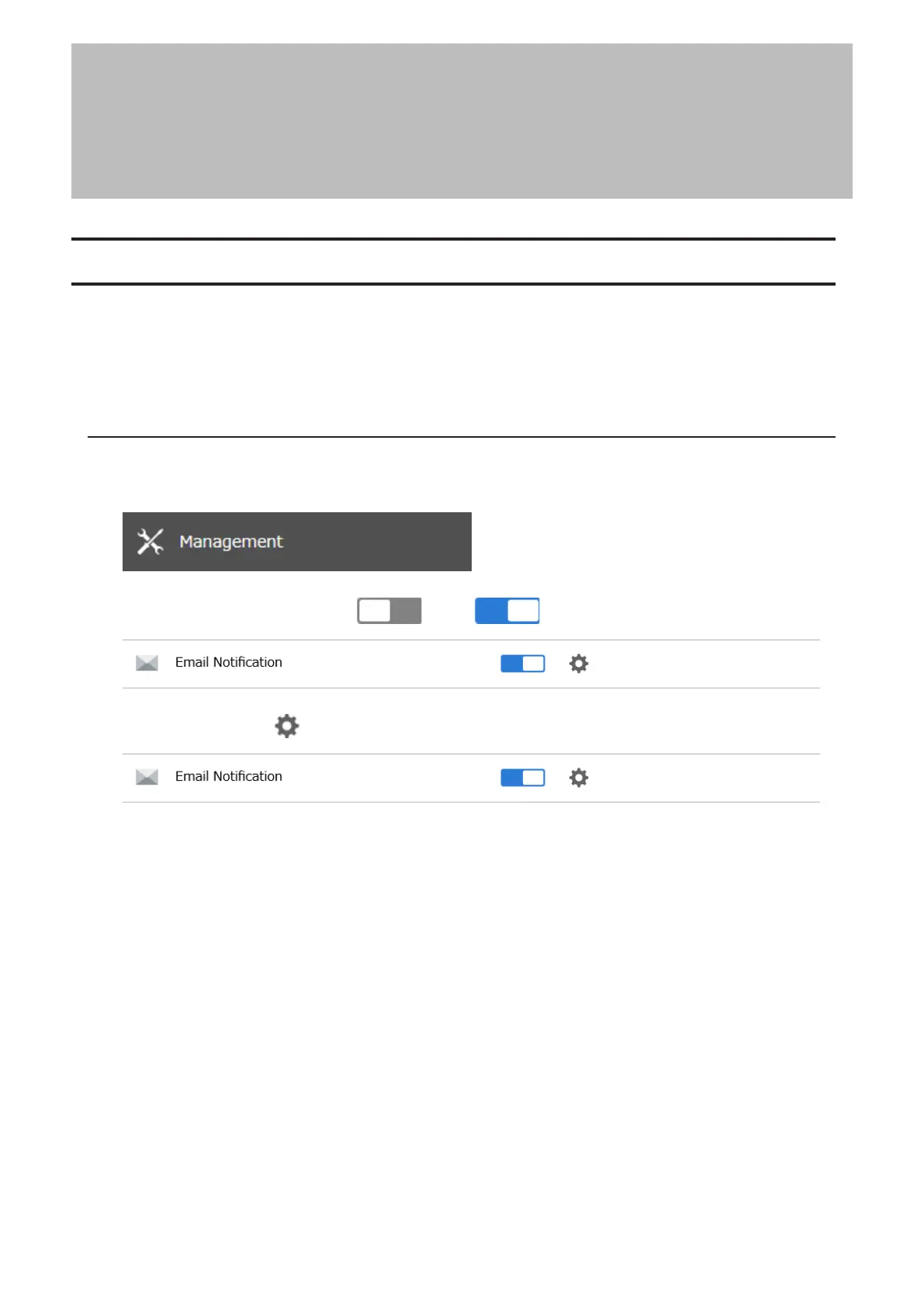
1 From Settings, click Management.
2 Move the email notification switch ( ) to the position to enable email notification.
3 Click the settings icon ( ) to the right of “Email Notification”.
4 Click Edit.
231
Chapter 10 Advanced Features















 To Next Page