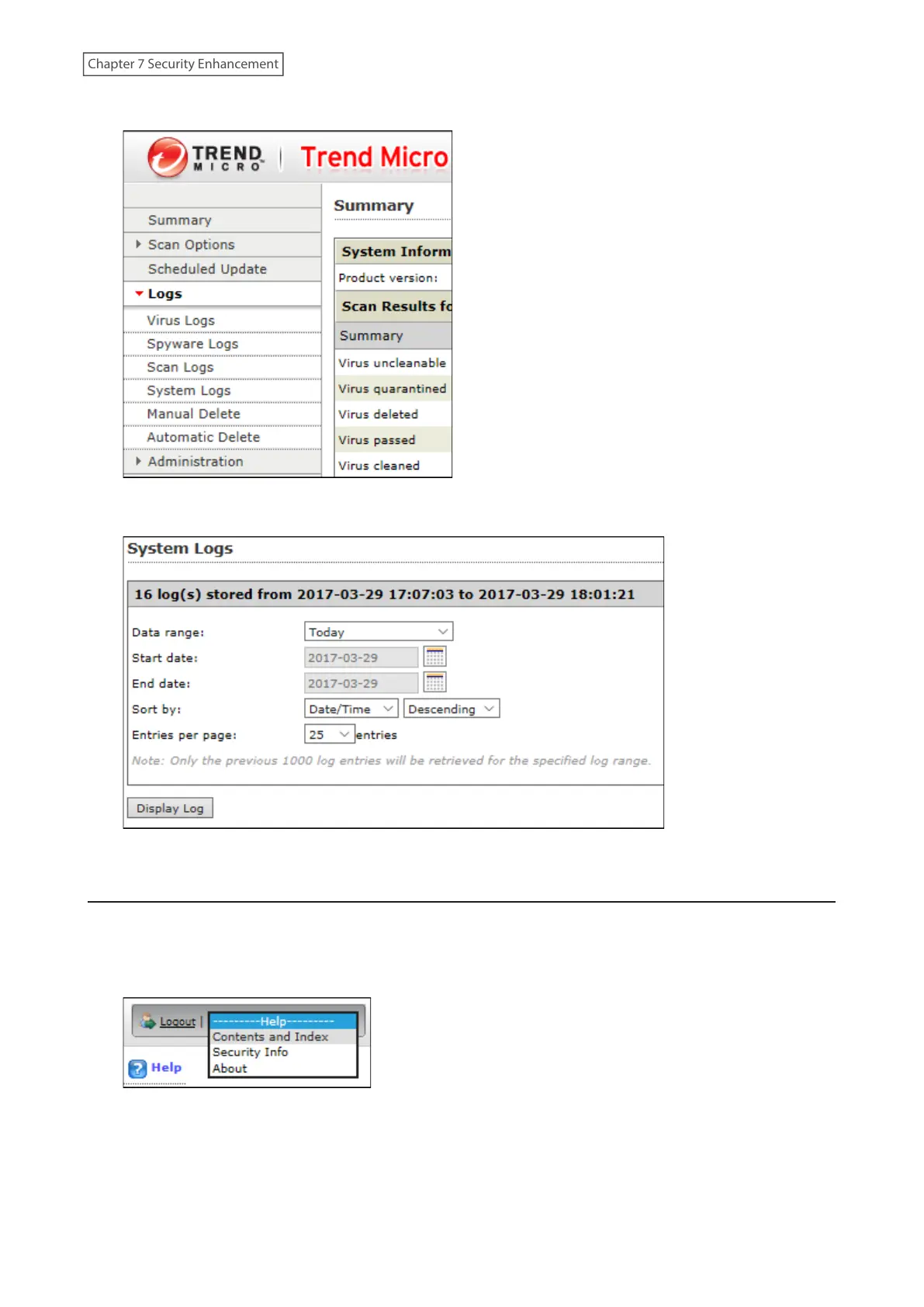
2 Click the log item that you want to check.
3 Click Display Log.
This completes the procedure for checking the log.
Opening the Online Help
For more information on the antivirus software, refer to the online help. Follow the procedure below to access the
online help.
1 From the right-top menu of the Trend Micro NAS Security settings page, choose Help> Contents and Index.
2 Online help will open.
Online help is now viewable.
203
Chapter 7 Security Enhancement















 To Next Page