Chapter 6 Cloud Services and Remote Access
Synchronizing with Amazon S3
The TeraStation supports Amazon S3, a fee-based online storage service provided by Amazon, and other cloud
storage services that share the Amazon S3 API. Follow the procedure below to configure your TeraStation for use
with Amazon S3.
Notes:
• Depending on the services you have purchased, prices for operations and amount of data will vary. To avoid
being charged unexpectedly expensive fees, we recommend staying aware of the price structure for data storage
and operations and regularly checking how much have been charged.
• Set the TeraStation’s time settings to the correct time. Using NTP is recommended. To configure NTP settings on
the TeraStation, refer to the “Name, Date, Time, and Language” section in chapter 10.
• If using Amazon S3 through a proxy server, click Proxy Settings and select whether to use the configured settings
or configure an identical proxy server. If using the identical proxy server, select “New settings” and enter the proxy
server name, port number, username, and password. Consult your network administrator for detailed proxy
server settings.
• This function doesn’t support Amazon S3 Glacier or S3 Object Lock.
Creating an Amazon S3 Job
Follow the procedure below to create a new job.
1 From the Amazon S3 portal, create your Amazon S3 account and a bucket before proceeding with the
procedure.
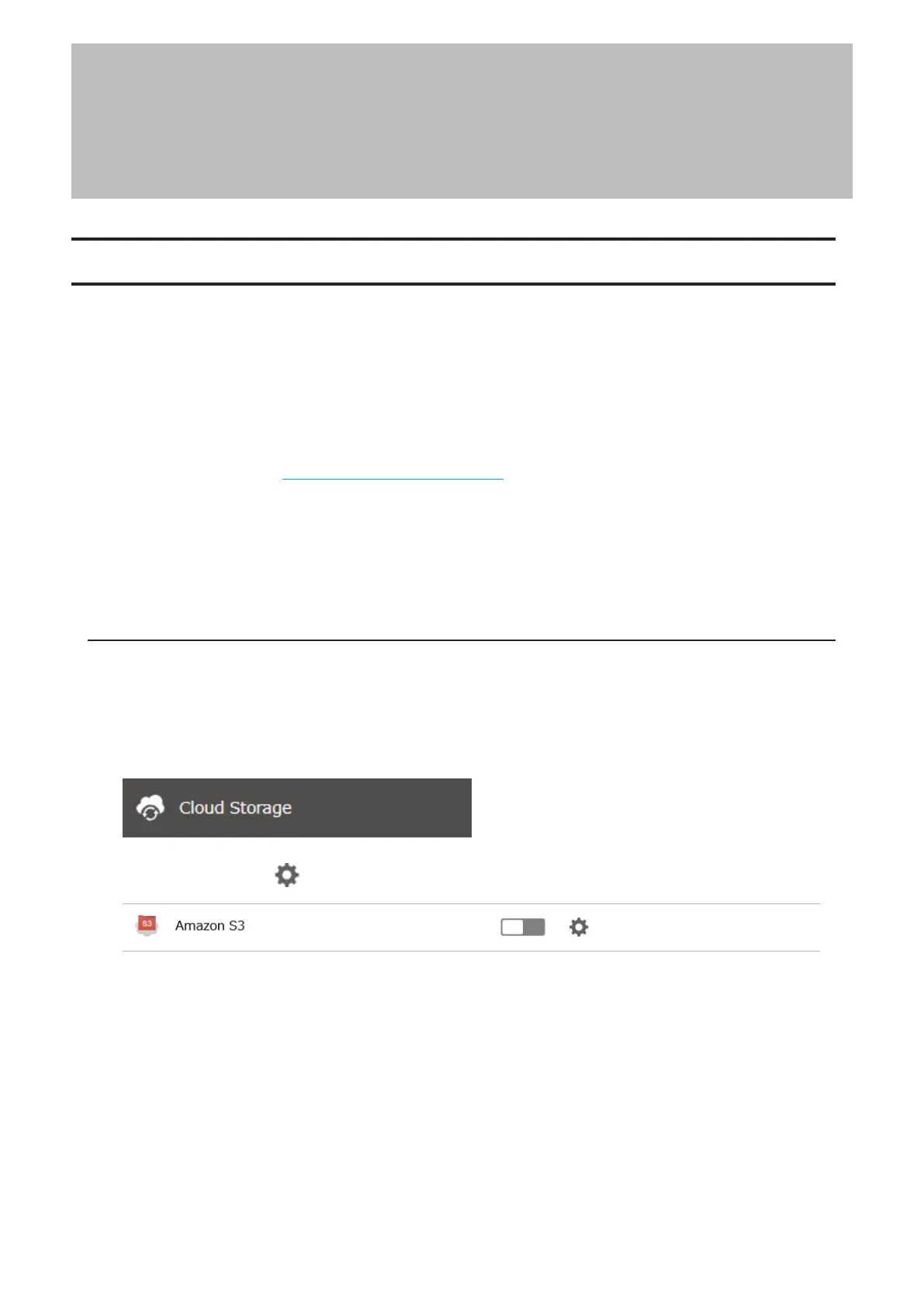
2 From Settings, click Cloud Storage.
3 Click the settings icon ( ) to the right of “Amazon S3”.
133
Chapter 6 Cloud Services and Remote Access















 To Next Page