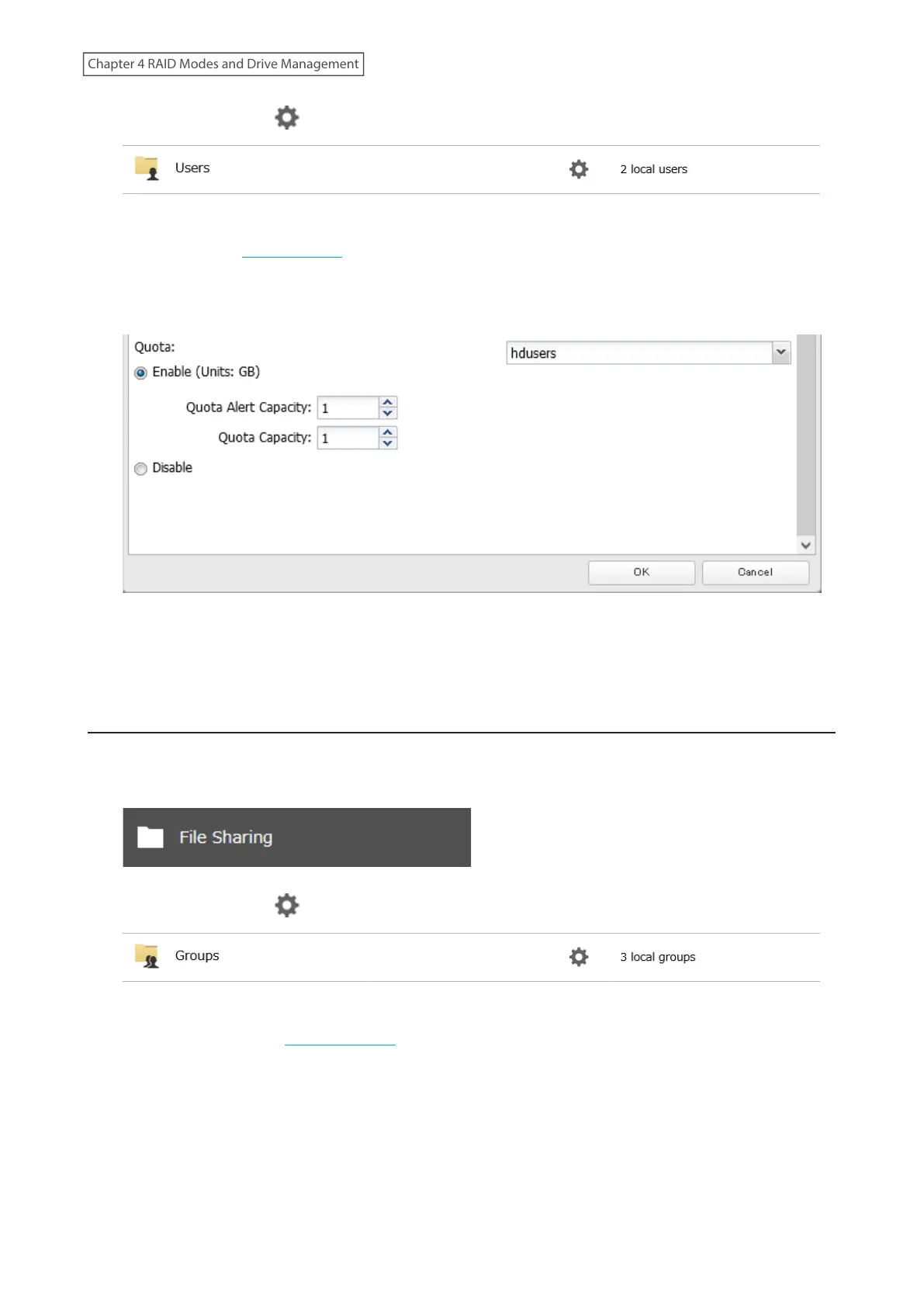
2 Click the settings icon ( ) to the right of “Users”.
3 Select the user that will be given a quota and click Edit. If you want to set a quota for a new user, create a user
by referring to the “Adding a User” section in chapter 3.
4 Enable “Quota” and choose the alert and the maximum amount of space the user will be allowed to use, then
click OK.
5 The process is complete once you close the confirmation window that appears.
Note: If you change the primary group, restart the TeraStation to apply the quota settings.
Limits for Groups
Follow the procedure below to limit the space for shared folders that each group can use.
1 From Settings, click File Sharing.
2 Click the settings icon ( ) to the right of “Groups”.
3 Select the group that will be given a quota and click Edit. If you want to set a quota for a new group, create a
group by referring to the “Adding a Group” section in chapter 3.
77
Chapter 4 RAID Modes and Drive Management















 To Next Page