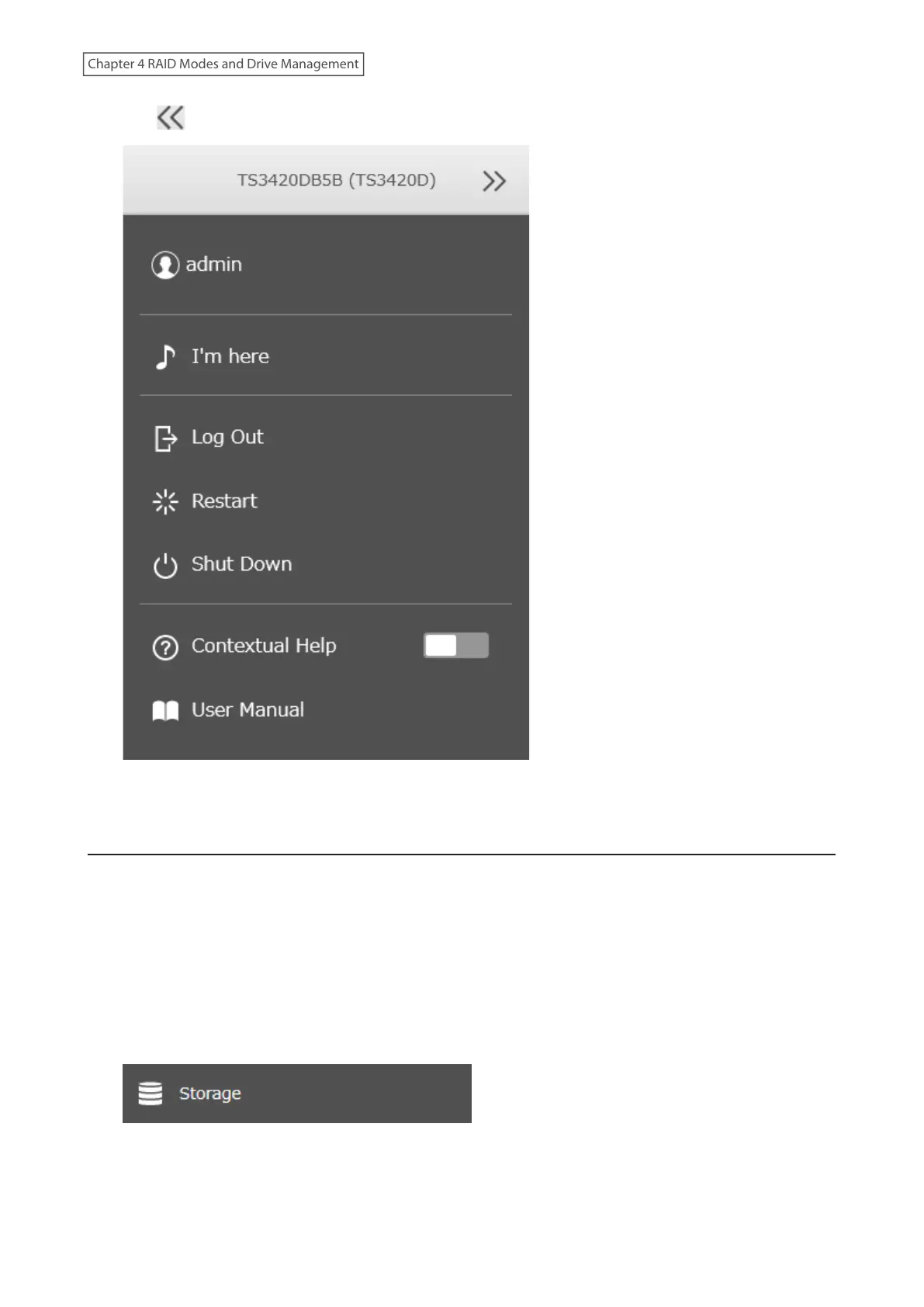
10 Click at the top-right of Settings and choose Restart.
11 The process is complete once after the TeraStation has been restarted.
Limits for LVM Volumes
If LVM is enabled, volumes can be created with maximum size limits.
Notes:
• When creating an LVM volume, all data in the area you specified for the LVM volume will be erased. Before
changing any settings, back up any important data.
• Do not use any of the following words for the name of a volume as these words are reserved for internal use by
the TeraStation: array x, authtest, disk x, global, homes, info, lost+found, lp, mediacartridge x, msdfs_root, mt-
daapd, printers, ram, spool, usbdisk x. Any instances of “x” denote a number (for example: array1 or disk3)
1 From Settings, click Storage.
79
Chapter 4 RAID Modes and Drive Management















 To Next Page