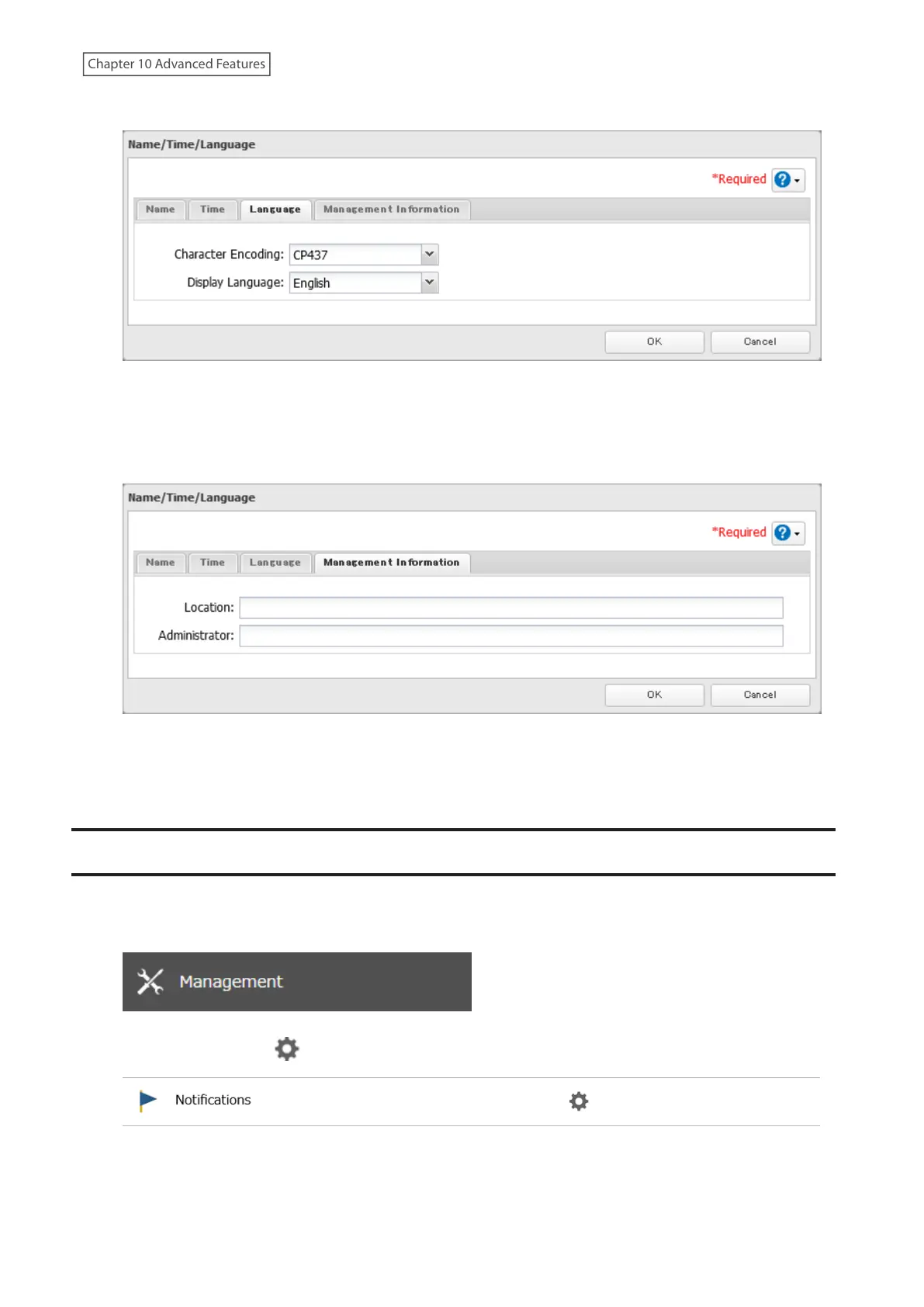
6 Click the Language tab and select the language to be used.
Note: This tab changes the language used by the TeraStation for email notifications and other functions. To
change the language displayed in Settings, go to Settings and click Language from the menu bar. Choose your
desired language from the drop-down list.
7 Click the Management Information tab. Enter the desired location and administrator information.
8 Click OK when all settings are configured.
9 The process is complete once you close the confirmation window that appears.
Beep Alerts
You can set the TeraStation to beep if certain errors occur.
1 From Settings, click Management.
2 Click the settings icon ( ) to the right of “Notifications”.
3 Click Edit.
4 Click the Alert Sound tab.
245
Chapter 10 Advanced Features















 To Next Page