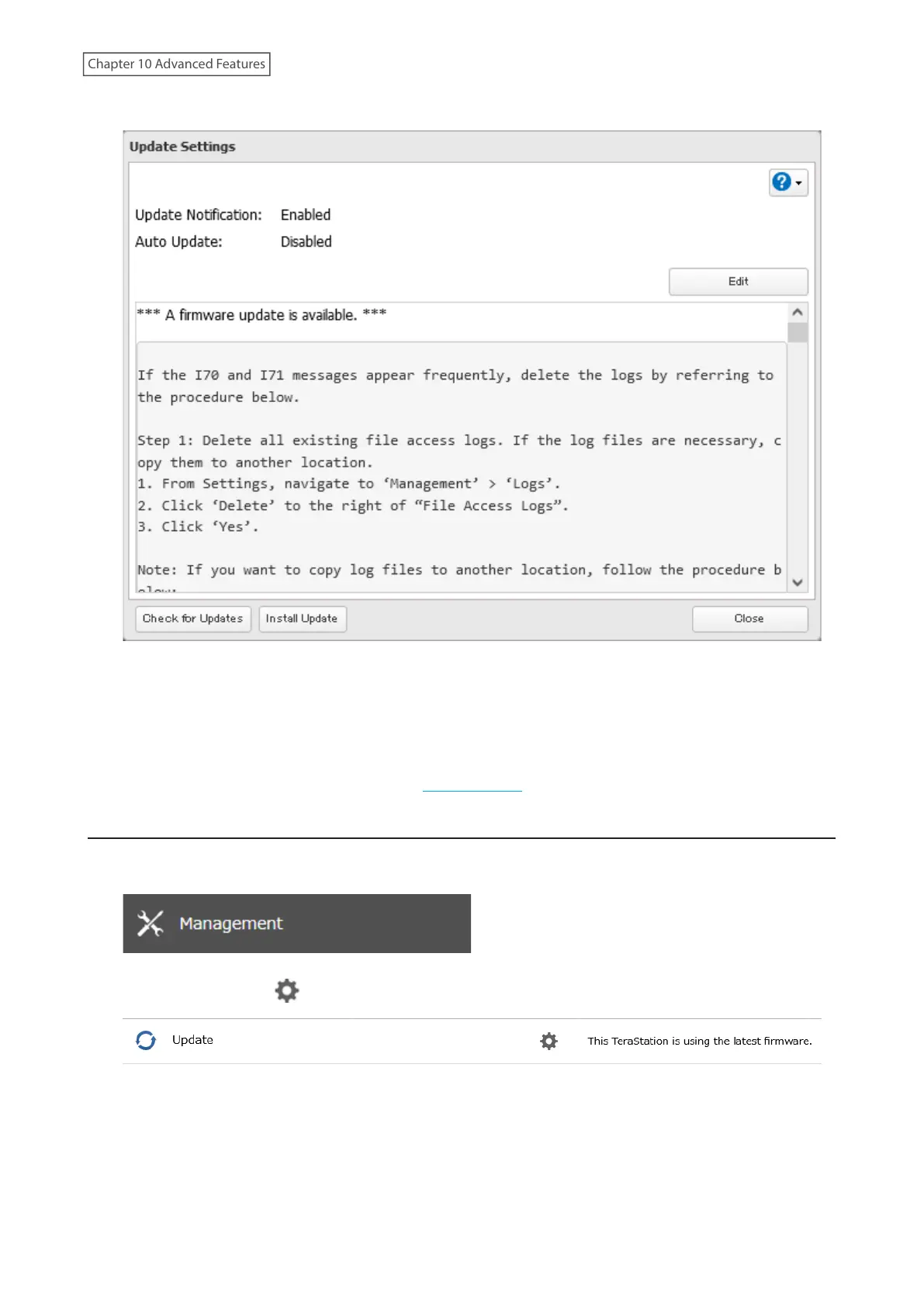
4 Click Install Update.
5 The “Confirm Operation” screen will open. Enter the confirmation number, then click OK.
6 The process is complete once you close the confirmation window that appears. Refresh the browser and log in
to Settings again.
You can also download the latest firmware from the Buffalo website.
Enabling Automatic Update
1 From Settings, click Management.
2 Click the settings icon ( ) to the right of “Update”.
3 Click OK.
4 Click Edit.
241
Chapter 10 Advanced Features















 To Next Page