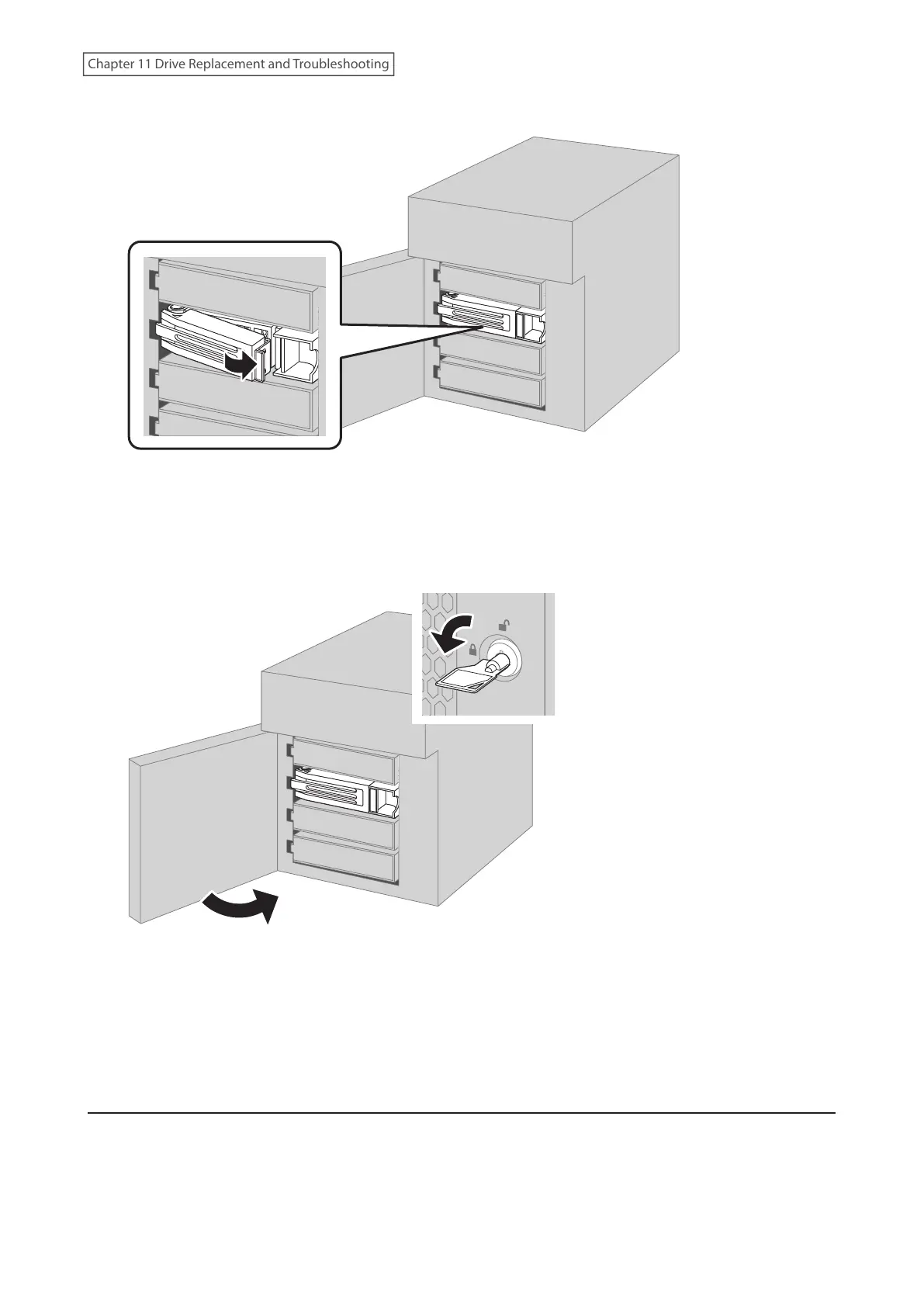
6 Swing the lock back down until it clicks into place.
7 When the replaced drive is recognized, the status LED will flash red and the I31 message will appear as a
notification.
8 Close the front cover.
9 Press the function button. The TeraStation will beep once. Press and hold the button until the TeraStation
beeps again.
10 The RAID array recovery will begin. The I18 message will appear as a notification after a few minutes. The
process is complete when the I18 message disappears.
Drive Replacement for a Redundant RAID Array (TeraStation Is Off)
If a drive used on a redundant RAID array fails, you need to recover the RAID array after replacing the defective drive
to a new drive. If a drive used as JBOD fails, you need to format the replaced drive after replacing the defective drive
to a new drive.
Follow the procedure below to recover the RAID array.
251
Chapter 11 Drive Replacement and Troubleshooting















 To Next Page