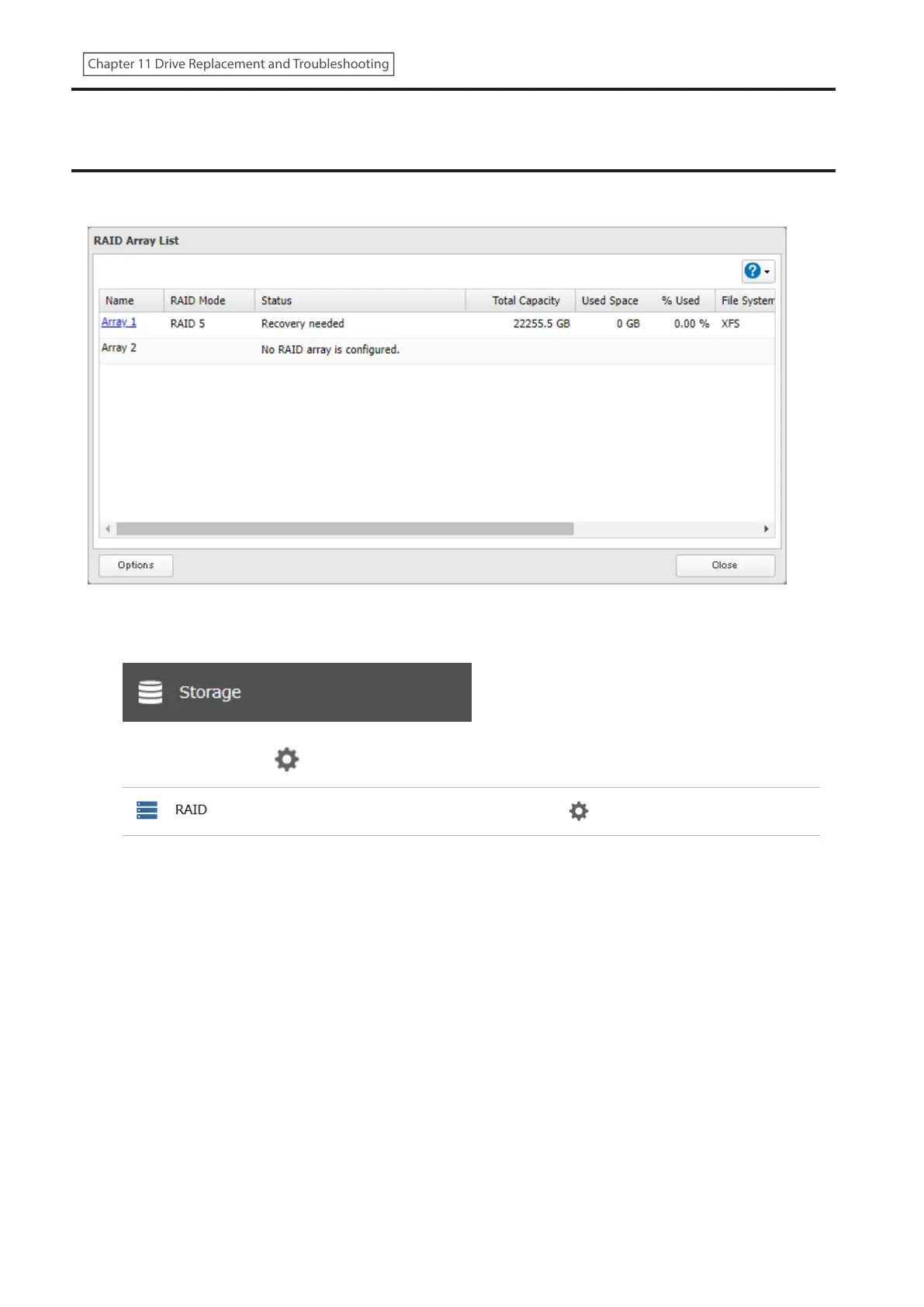
“Recovery needed” Appears under the “Status” Field on the
RAID Array List
If “Recovery needed” is displayed under the “Status” field for a RAID array on the RAID array list window as below, the
RAID array needs to be recovered.
Follow the procedure below to recover the RAID array.
1 From Settings, click Storage.
2 Click the settings icon ( ) to the right of “RAID”.
256
Chapter 11 Drive Replacement and Troubleshooting















 To Next Page