6 Click OK. The process is complete when you close the confirmation window that appears.
Configuring Security Settings
Use the Trend Micro NAS Security settings page to configure security settings such as updating pattern files,
configuring scan schedules, and activating or extending the license. To open the settings page, follow the procedure
below.
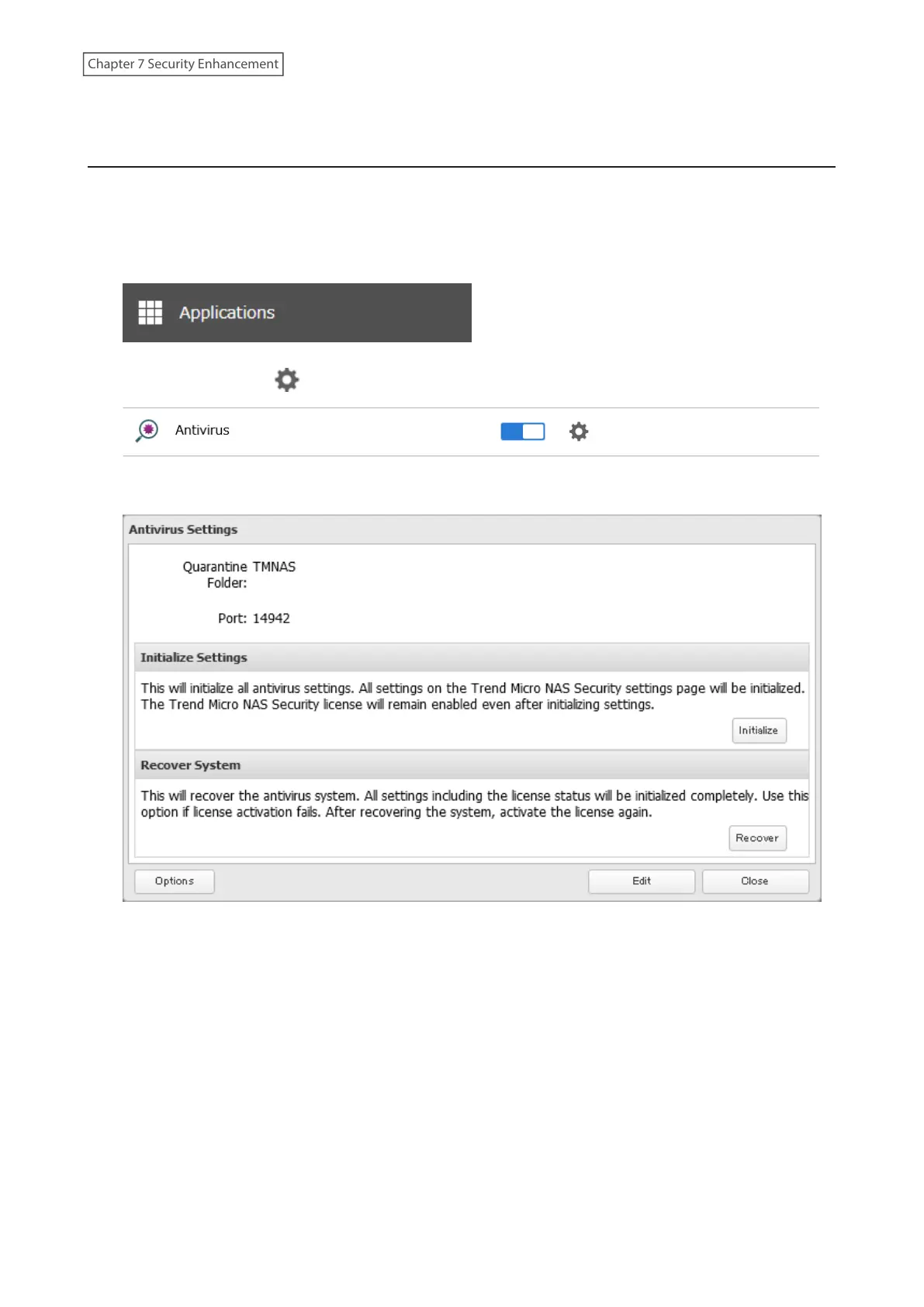
1 From Settings, click Applications.
2 Click the settings icon ( ) to the right of “Antivirus”.
3 Click Options.
196
Chapter 7 Security Enhancement















 To Next Page