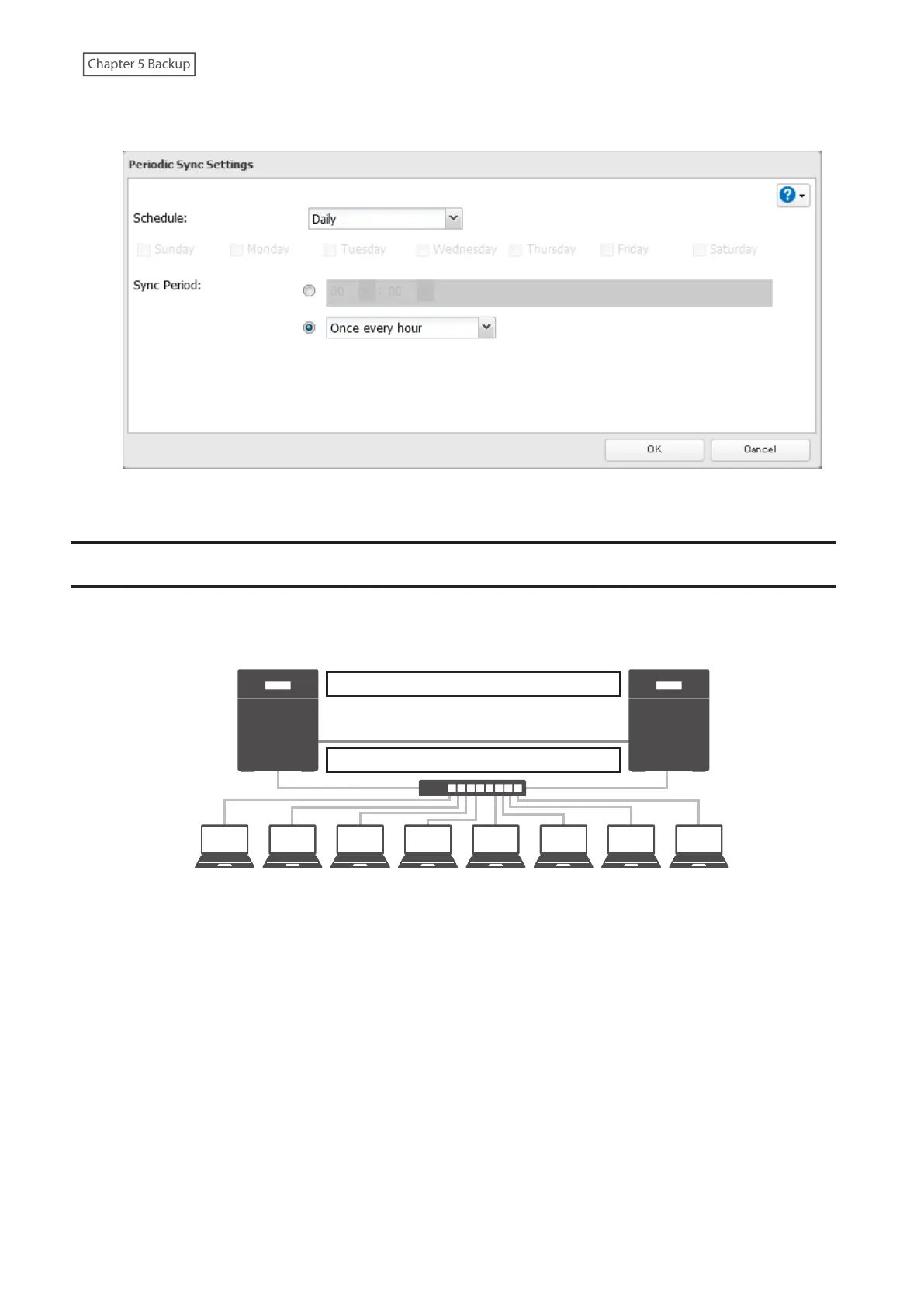
4 Select “Daily” or “Weekly” from the “Schedule” drop-down list. If “Daily” is selected, configure the sync period. If
“Weekly” is selected, specify the weekdays and the sync period.
5 Click OK. The process is complete once you close the confirmation window that appears.
Failover
With failover, two TeraStations are connected to the network for redundancy, with one being the main TeraStation
and the other being the backup TeraStation. If an issue renders the main TeraStation inaccessible, operation
automatically switches to the backup TeraStation.
Switches automatically if failure occurs.
Data on both TeraStations stays up-to-date.
BackupMain
Note: This function is not available for the TS3420DS and TS3420RS TeraStation models, and will not appear in
Settings for these models.
Failover will activate if any of the following occurs:
• The backup TeraStation cannot detect the main TeraStation within a specified time
If the backup TeraStation has not received a packet from the main TeraStation within a specified time, the backup
TeraStation considers the main TeraStation to have failed. By default, it will try five times and wait 60 seconds. If
this is triggered by accident, reconfigure failover from the main TeraStation.
• Errors
Failover will occur if any of the following errors occur:
E12 (cooling failure), E14 (cannot mount RAID array), E16* (drive not found), E22* (cannot mount drive),
E30* (drive failure)
*This triggers when the drive is configured in JBOD.
113















 To Next Page