Transferring Logs to the Syslog Server
1 From Settings, click Management.
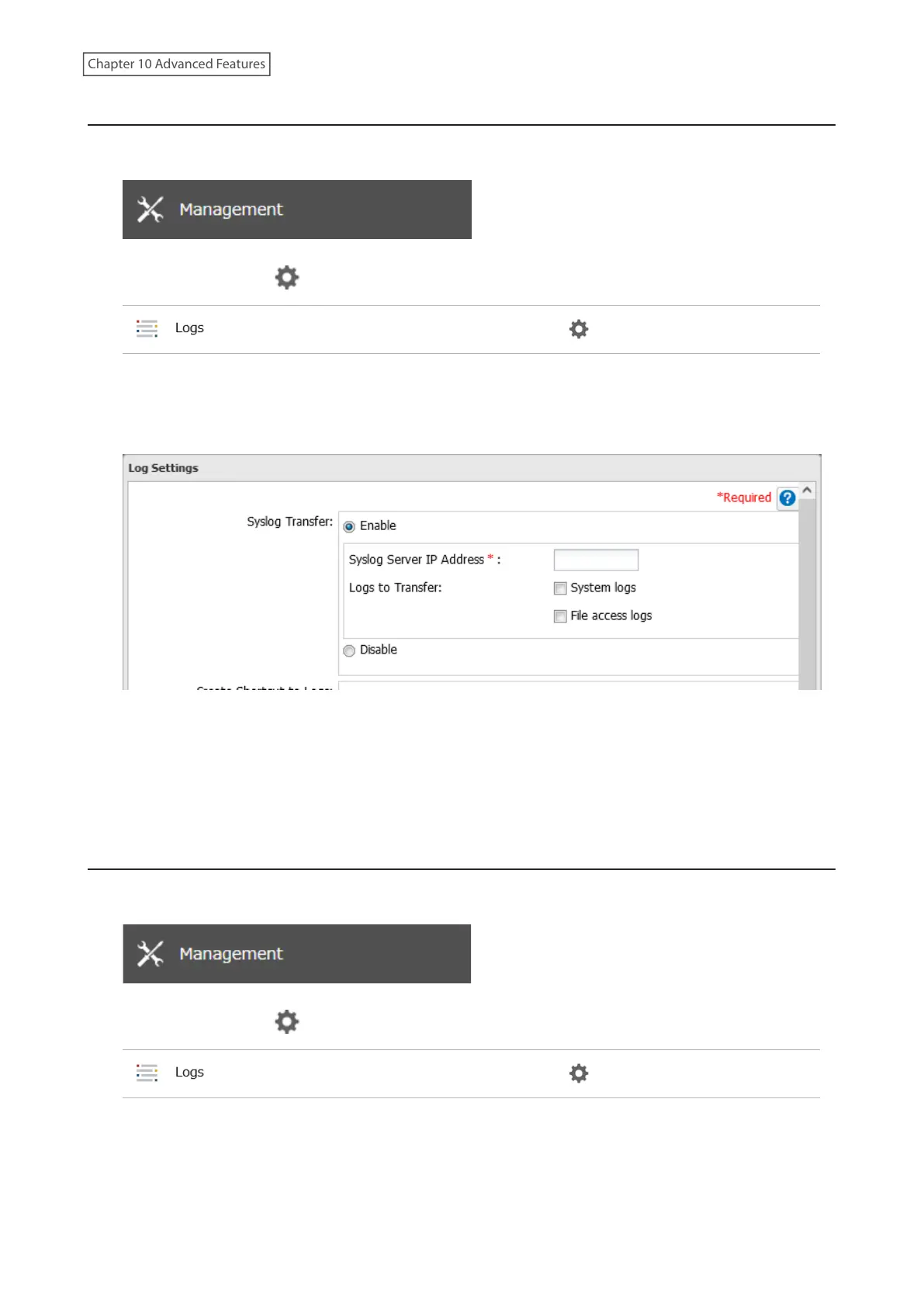
2 Click the settings icon ( ) to the right of “Logs”.
3 Click Edit.
4 Enable “Syslog Transfer”.
5 Enter the IP address of the syslog server where you want to transfer the logs to.
6 Select the type of log that you want to transfer from “Logs to Transfer” and click OK.
7 The process is complete once you close the confirmation window that appears.
Creating a Shortcut to the Logs in the Shared Folder
1 From Settings, click Management.
2 Click the settings icon ( ) to the right of “Logs”.
3 Click Edit.
238
Chapter 10 Advanced Features















 To Next Page