Erasing Data on the TeraStation Completely
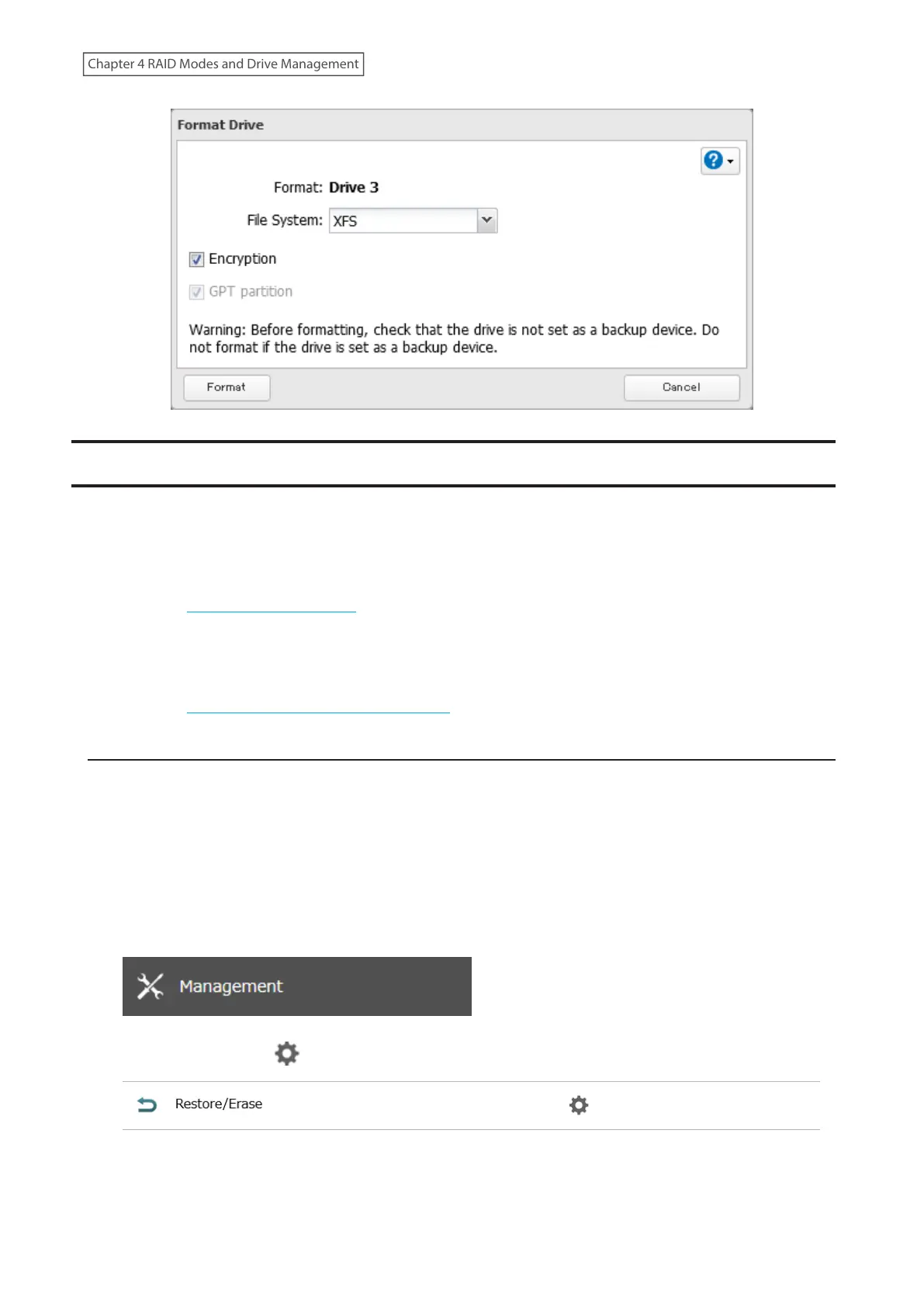
For data erasure, the TeraStation offers both drive formatting and Secure Erase features. Select the data erasure
procedure that offers the appropriate level of security you prefer.
• Full Format: A full format will overwrite the drives with 0s. Typically, formatting drives on the TeraStation is
sufficient to erase data, although data from formatted drives can still be recovered under some circumstances.
This level of erasure is sufficient when you transfer, replace, or repair the TeraStation.
Refer to the “Performing a Full Format” section below for the detailed procedure.
• Secure Erase: Secure Erase uses Secure Erase commands to fully erase data from the whole drive area. Secure
Erase does a much more thorough job of erasing data, and is recommended for removing all data from a drive in
a way that makes it nearly impossible to recover with current tools. This level of erasure is recommended if you
are planning to dispose of the TeraStation.
Refer to the “Performing the Secure Erase Command” section below for the detailed procedure.
Performing a Full Format
Follow the procedure below to perform a full format to the TeraStation. After performing a full format, make sure the
TeraStation is transferred, replaced, or repaired accordingly.
The TeraStation will be in the following state after a full format is performed:
• All drives in JBOD
• An empty shared folder on each drive
• All settings returned to their default values
• All logs deleted
1 From Settings, click Management.
2 Click the settings icon ( ) to the right of “Restore/Erase”.
73
Chapter 4 RAID Modes and Drive Management















 To Next Page