Chapter 7 Security Enhancement
Two-Factor Authentication
Two-factor authentication is a security feature that strengthens login security by requiring a verification code in
addition to username and password to log in to Settings. Two-factor authentication can better protect both your
login credentials and data on the TeraStation.
Enabling Two-Factor Authentication
Notes:
• To enable two-factor authentication, enable email notification first. Refer to the “Email Notification” section in
chapter 10 for the detailed procedure.
• Two-factor authentication requires an authenticator app to be installed onto your mobile device. The following
authenticator apps are supported:
◦ Google Authenticator
◦ Microsoft Authenticator
◦ Duo Mobile
◦ Twilio Authy
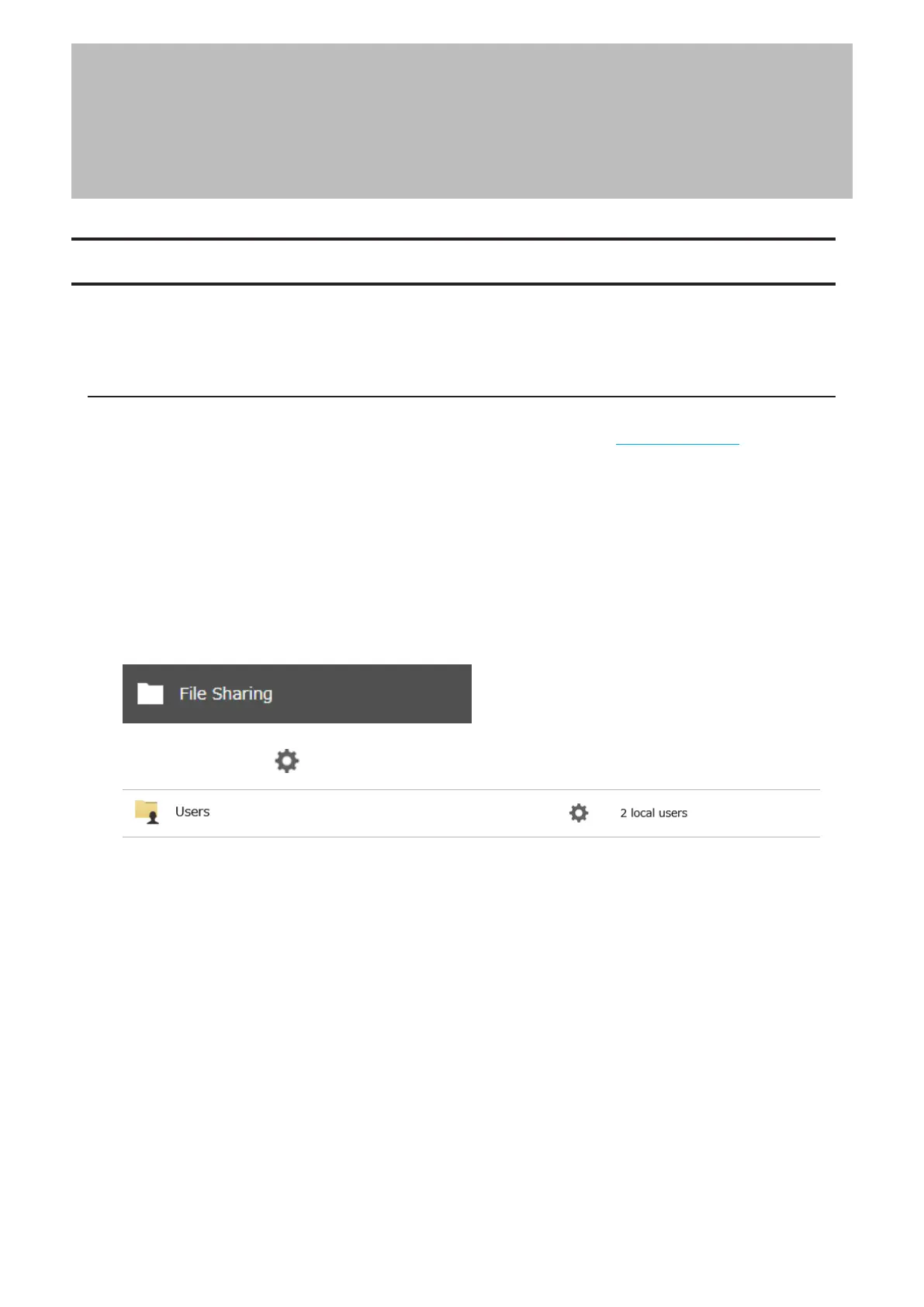
1 From Settings, click File Sharing.
2 Click the settings icon ( ) to the right of “Users”.
185
Chapter 7 Security Enhancement















 To Next Page