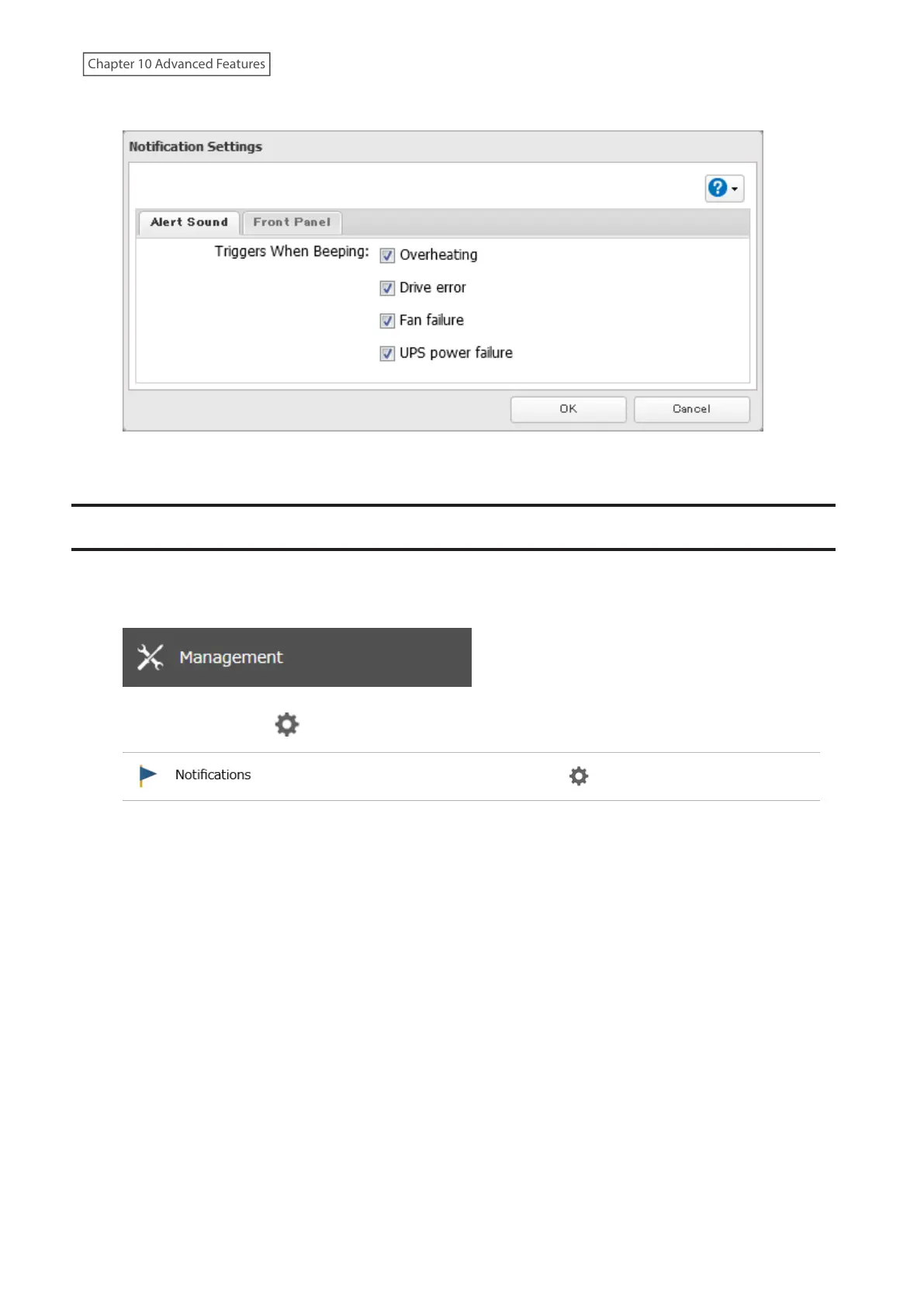
5 Select the triggers to make the alert beep, then click OK.
6 The process is complete once you close the confirmation window that appears.
LEDs
You may adjust the brightness of the LEDs on the TeraStation.
1 From Settings, click Management.
2 Click the settings icon ( ) to the right of “Notifications”.
3 Click Edit.
246
Chapter 10 Advanced Features















 To Next Page