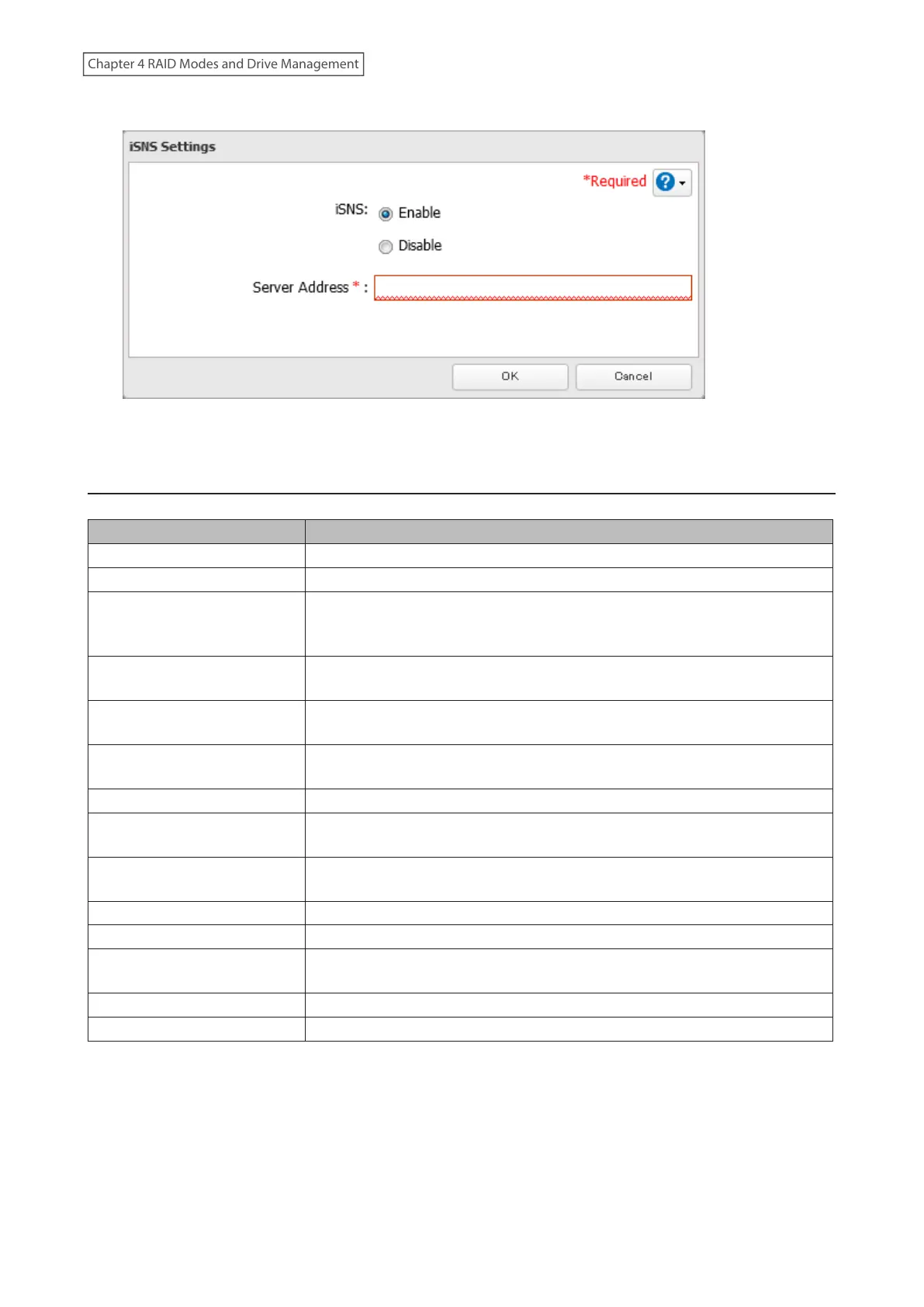
5 Enable “iSNS” and enter the IP address or hostname of the iSNS server, then click OK.
6 The process is complete once you close the confirmation window that appears.
Advanced iSCSI Volume Settings
You can configure the following advanced parameters for each iSCSI volume.
Advanced Parameter Description
HeaderDigest Controls the HeaderDigest usage by the iSCSI target portal group endpoint.
DataDigest Controls the DataDigest usage by the iSCSI target portal group (TPG) endpoint.
MaxConnections
Controls the usage of Multiple Connections per Session (MC/S). Initiator and
target negotiate the maximum number of connections requested and/or
acceptable.
InitialR2T
Turns the default use of R2T (Ready to Transfer) on or off for unidirectional and
the output part of bidirectional commands.
ImmediateData
Indicates whether the initiator and target have agreed to support immediate
data on this session.
MaxRecvDataSegmentLength
Maximum data segment length in bytes the initiator and target can receive in
an iSCSI Protocol Data Unit (PDU).
MaxXmitDataSegmentLength Maximum data segment length in bytes that can be sent.
MaxBurstLength
Maximum iSCSI data payload in a Data-In or a solicited Data-Out iSCSI
sequence, in bytes.
FirstBurstLength
Maximum amount in bytes of unsolicited data an iSCSI initiator can send to the
target during the execution of a single SCSI command.
MaxOutstandingR2T The R2T PDUs that can be in transition before an acknowledge PDU is received.
QueuedCommands Maximum number of commands queued to any session of this target.
File I/O Write Sync
Synchronous file I/O provides reliability but slower performance. Asynchronous
writes are faster, but buffered data will be lost if a power outage occurs.
Write Cache (WCE) Increases performance. This cannot be used when block I/O is selected.
LUN Number used to identify a local unit.
94
Chapter 4 RAID Modes and Drive Management















 To Next Page