RAID 0
A RAID 0 array combines two or more drives into a single array. The usable space is equal to the total capacity of all
drives in the array. This simple RAID mode offers faster performance than RAID modes that include parity. If a single
drive in the array fails, then all data in the array will be lost.
RAID 10
A RAID 10 array is available for TeraStations with four drives. In this mode, mirrored pairs of drives in RAID 1 arrays
are combined into a RAID 0 array. The usable space is equal to the capacity of the smallest drive multiplied by the
number of drives divided by two.
The default RAID mode is RAID 1 for the TS3210DN and TS3220DN TeraStation models, and RAID 5 for all other
TS3010 or TS3020 series TeraStation models.
Working with RAID Arrays
Using JBOD
With JBOD, each drive on the TeraStation is addressed separately. To put drives in an array into JBOD, follow the
procedure below.
1 From Settings, click Storage.
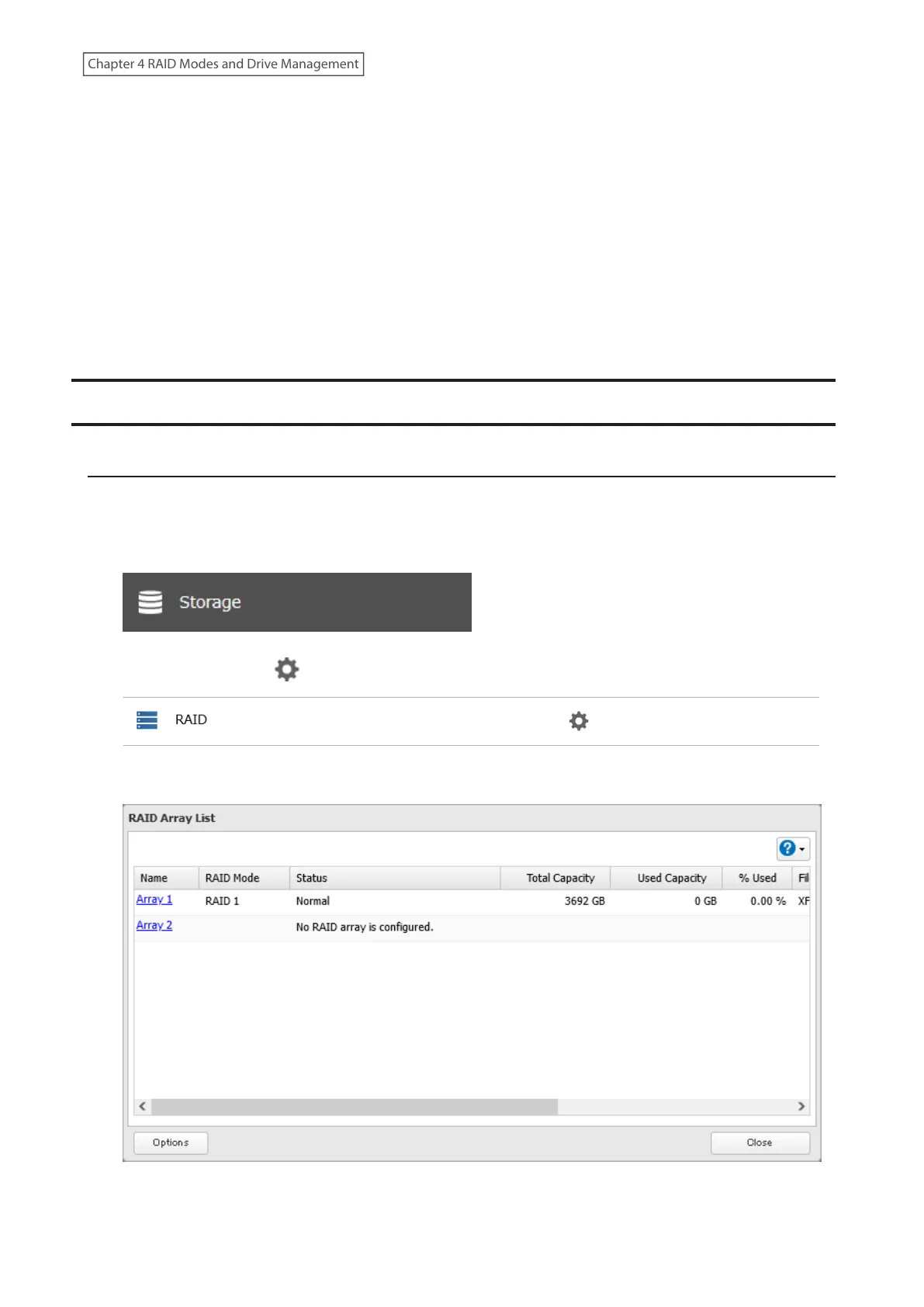
2 Click the settings icon ( ) to the right of “RAID”.
3 Click the array to delete.
51
Chapter 4 RAID Modes and Drive Management















 To Next Page