• The I34 virus alert message normally appears as a notification. Once the virus is removed from the quarantine
folder, the message is no longer displayed. If the antivirus software is configured to delete viruses from the
quarantine folder automatically, then the I34 virus alert message will disappear.
• If email notification is enabled in Settings, then the antivirus software notifies the user by email if a virus is found.
Enabling email notifications is recommended.
Depending on how many files are on your TeraStation, a virus scan may take several hours. Estimated scanning
times are shown below.
10,000 files: ~ 30 minutes
100,000 files: ~ 5 hours
1,000,000 files: ~ 50 hours
Notes:
• If the quarantine folder doesn’t have enough space, the infected files may be unable to be moved to the
quarantine folder. The Trend Micro NAS security scan log may identify any infected files as quarantined even if the
quarantine did not actually occur. In such a case, remove non-essential files from the quarantine folder and try
the virus scan again.
• If the infected file is too large, it may not be automatically moved to the quarantine folder. In such a case, check
the scan log to see whether the quarantine was successful. If it was not, move the infected file to the quarantine
folder manually.
Checking the Log
Follow the procedure below to check the virus scan log.
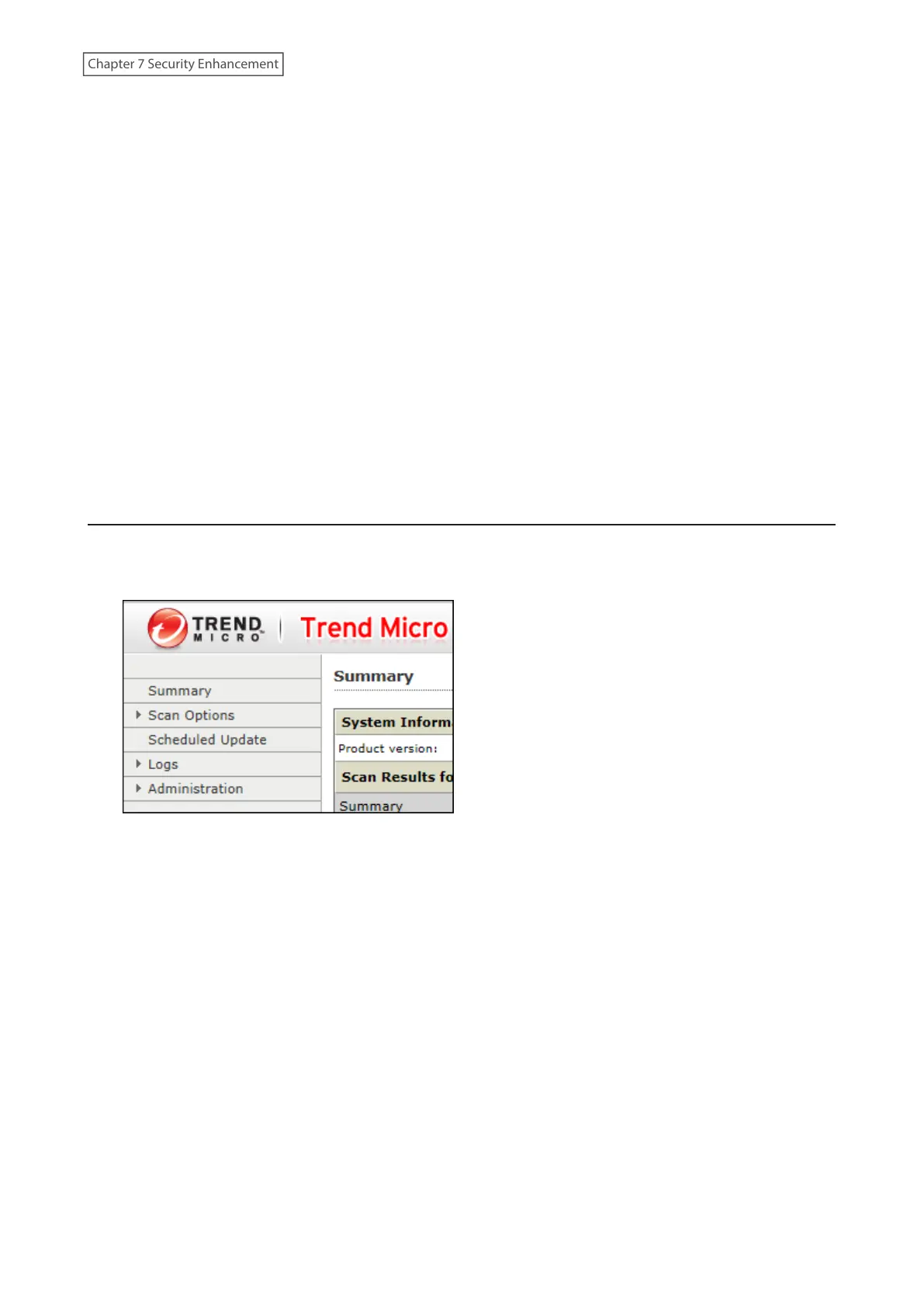
1 From the left-side menu of the Trend Micro NAS Security settings page, choose Logs.
202
Chapter 7 Security Enhancement















 To Next Page