Configuring Actions for If a Drive Used for the RAID Array Has Not
Been Detected
You can configure actions to be taken by the TeraStation if a drive used for the RAID array cannot be mounted when
booting.
Hiding the Confirmation Screen
Configure to display or hide the confirmation screen that showcases the actions for if a drive used for the RAID array
cannot be mounted when booting. The confirmation screen is configured to appear by default. To hide the screen,
follow the procedure below.
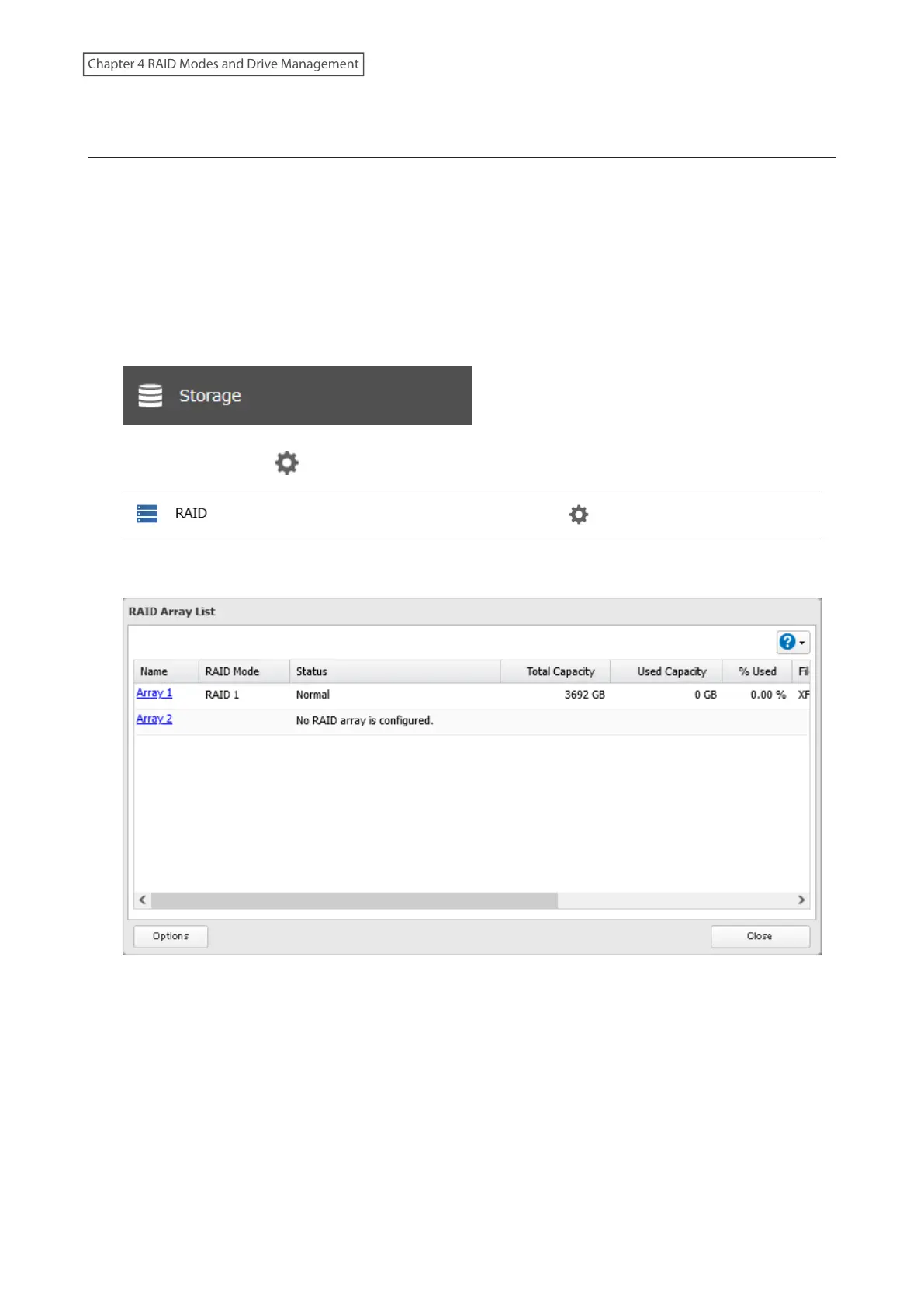
1 From Settings, click Storage.
2 Click the settings icon ( ) to the right of “RAID”.
3 Click Options.
4 Click Edit.
55
Chapter 4 RAID Modes and Drive Management















 To Next Page