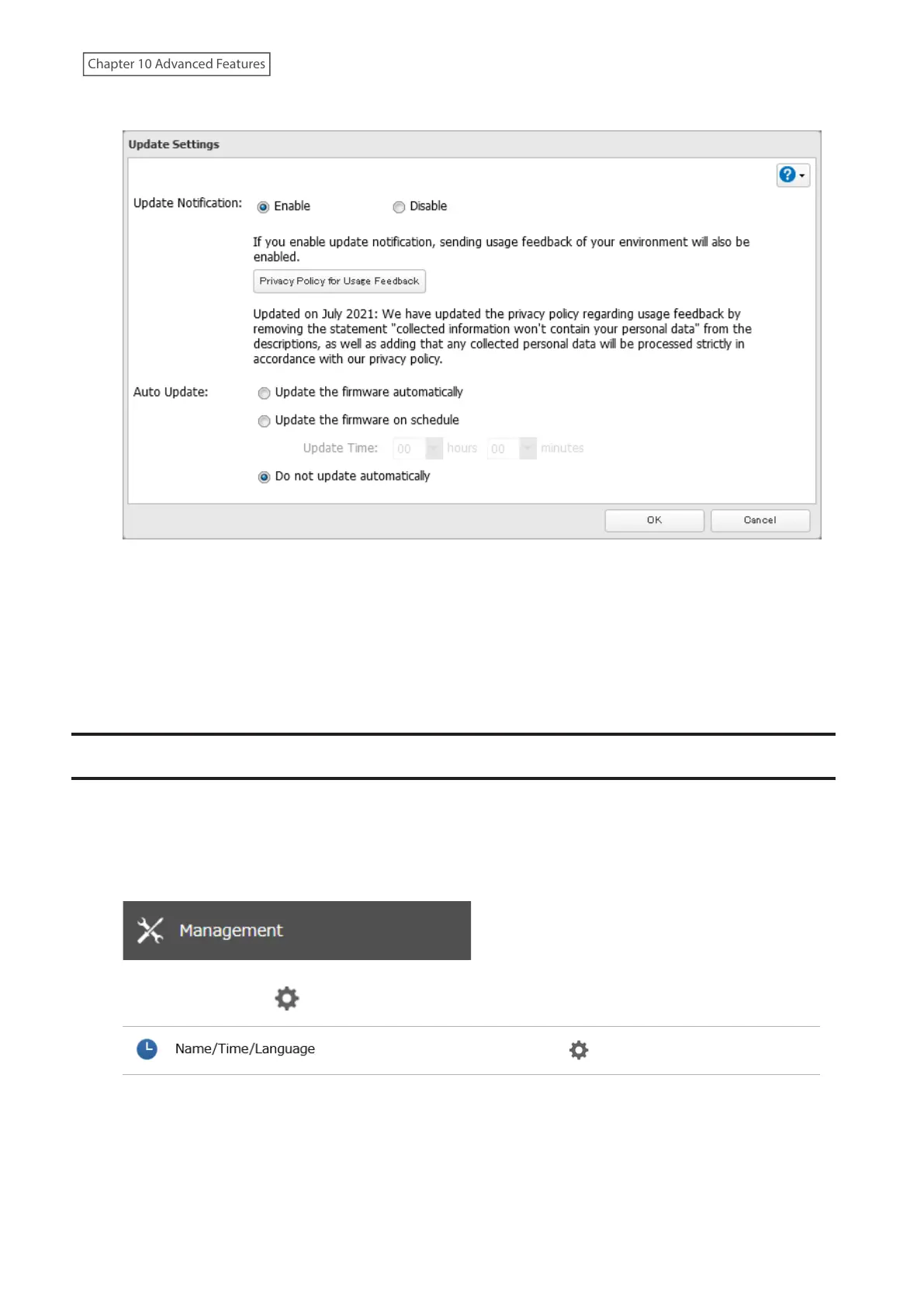
5 Select to enable or disable update notification and click OK.
6 The process is complete once you close the confirmation window that appears.
For further optimized firmware updates and product usability improvements, Buffalo may ask you to send your
usage and environment information. For more details such as the information sent and how it will be handled by us,
click Privacy Policy for Usage Feedback.
If update notification is enabled, it will also automatically enable sending usage feedback to Buffalo. If you don’t
want to send this information to us, disable update notification.
Name, Date, Time, and Language
Configure the TeraStation’s hostname, date, time, and language as shown below.
Note: To change the settings of a TeraStation that is being used as an iSCSI drive, navigate to Storage> iSCSI in
Settings and move the iSCSI switch to the off position temporarily before changing settings.
1 From Settings, click Management.
2 Click the settings icon ( ) to the right of “Name/Time/Language”.
3 Click Edit.
4 From the Name tab, enter the TeraStation’s name and description.
The name will be used for identifying your TeraStation on the network. When your TeraStation is detected,
the name will be used as the hostname. The hostname may contain up to 15 alphanumeric characters and
243
Chapter 10 Advanced Features















 To Next Page