Configuring Access Restrictions
You may restrict access for specific shared folders, including external USB drives.
Notes:
• Configure access restrictions only through Settings. Configuring access restrictions through Windows is not
supported and may cause unexpected behavior.
• Shared folders with limited access can still be used as backup destinations.
• If you grant both read-only and read and write access to the users or groups, the attributes will become as below:
Group with read and
write access
Group with read-only
access
Group with no access
User with read and write
access
R/W R R/W
User with read-only access R R R
User with no access R/W R -
R/W: Read and write, R: Read-only, -: No access
• If you change access restrictions for a user or group while they are accessing files, unexpected behavior may
occur.
Restricting Local User Access to Shared Folders
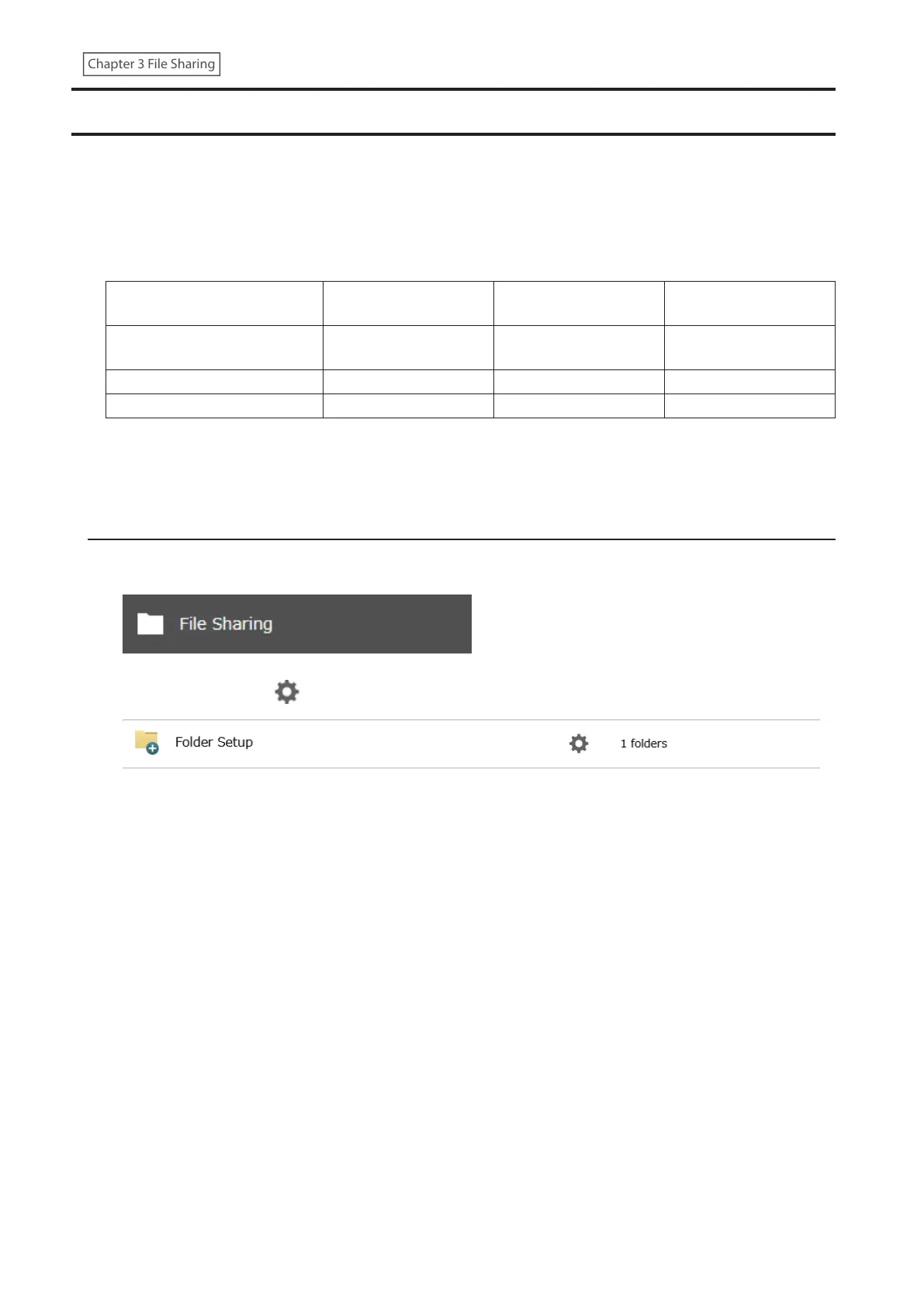
1 From Settings, click File Sharing.
2 Click the settings icon ( ) to the right of “Folder Setup”.
34















 To Next Page