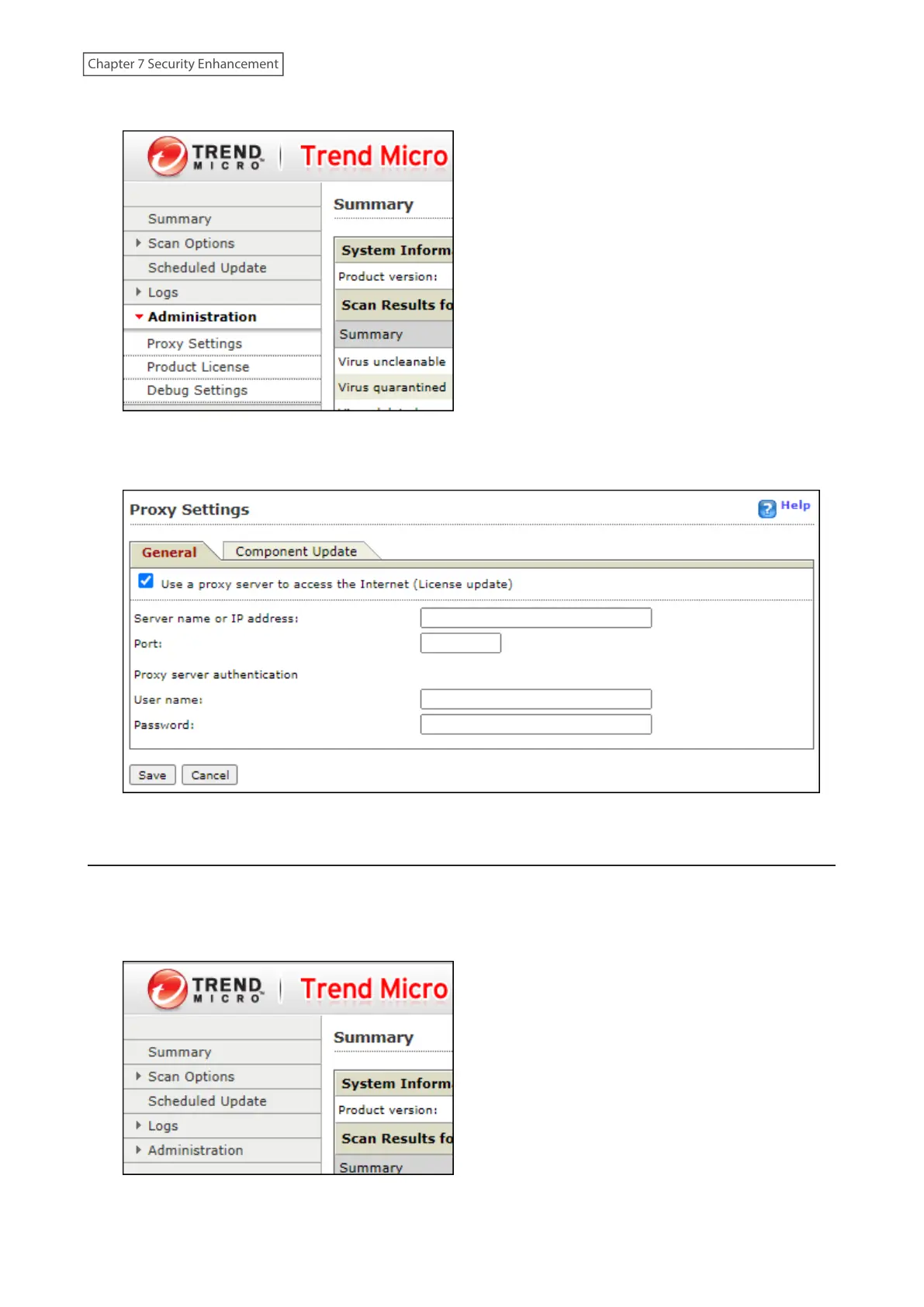
1 From the left-side menu of the Trend Micro NAS Security settings page, click Administration> Proxy Settings.
2 Select the “Use a proxy server to access the Internet (License update)” checkbox. Enter the IP address and port
of the proxy server, then click Save.
The antivirus software is now configured to use a proxy server.
Updating Antivirus Pattern Files
For best results, configure your antivirus software to update the antivirus pattern files automatically as described
below.
1 From the left-side menu of the Trend Micro NAS Security settings page, choose Scheduled Updates.
199
Chapter 7 Security Enhancement















 To Next Page