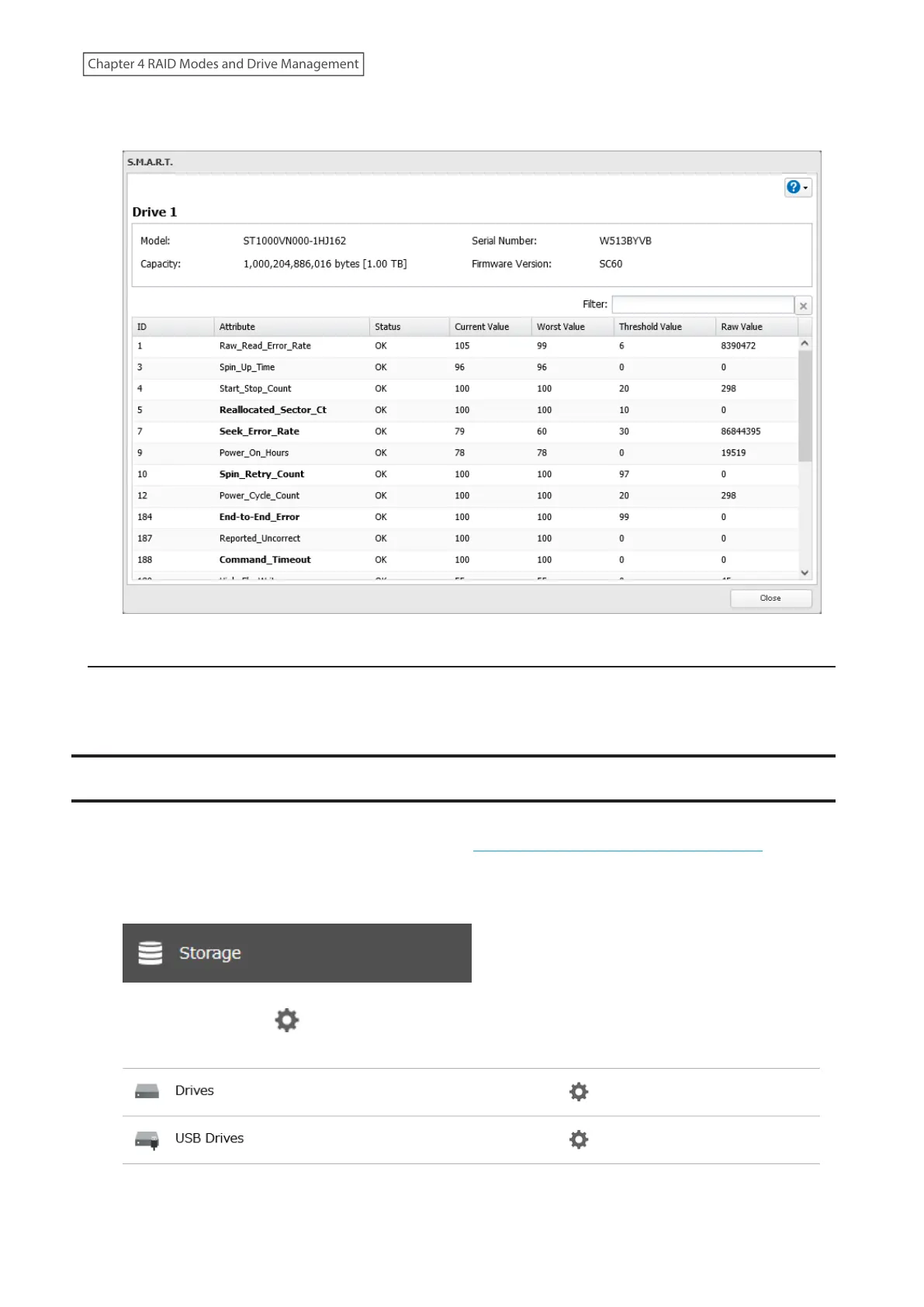
4 The process is complete when the S.M.A.R.T. information for the drive is displayed. Different information may
be displayed depending on the brand of drives on your TeraStation. Critical attributes are displayed in bold.
Checking the Drive Condition
Attributes with the worst value that is equal to or less than the threshold value may be significant. If an attribute
reports a failure, or has had one in the past, it will be displayed in the status column. In such a case, replacing that
drive is recommended.
Formatting Drives
Note: Under some circumstances, data deleted when a drive is formatted can be recovered. To ensure that data is
“gone forever”, a format might not be sufficient. Refer to the “Erasing Data on the TeraStation Completely” section
below for more information.
1 From Settings, click Storage.
2 Click the settings icon ( ) to the right of “Drives” to format an internal drive or “USB Drives” to format an
external drive.
71
Chapter 4 RAID Modes and Drive Management















 To Next Page