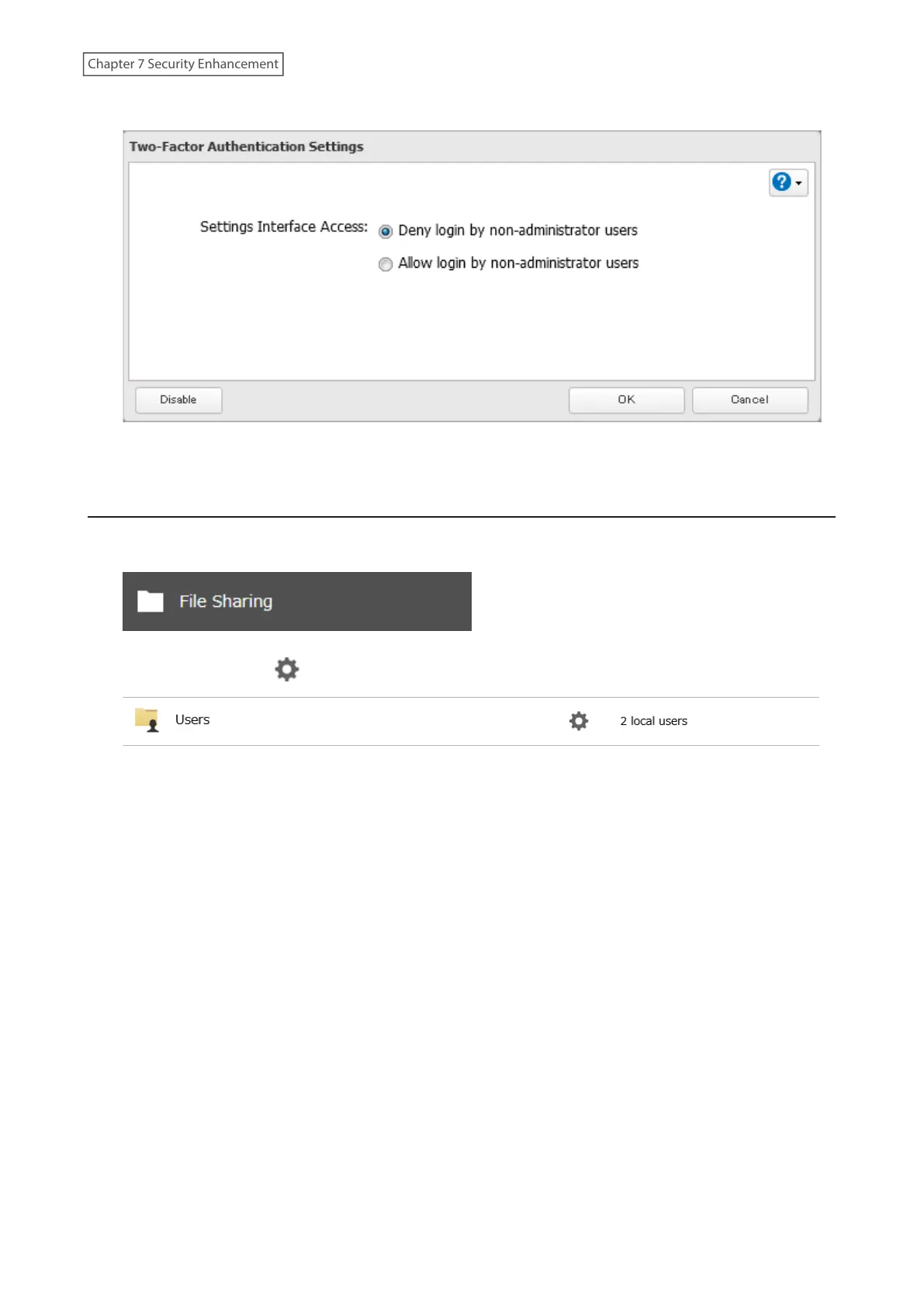
5 Change the “Settings Interface Access” option to “Deny login by non-administrator users”, then click OK.
6 The process is complete once you close the confirmation window that appears.
Disabling Two-Factor Authentication
1 From Settings, click File Sharing.
2 Click the settings icon ( ) to the right of “Users”.
192
Chapter 7 Security Enhancement















 To Next Page