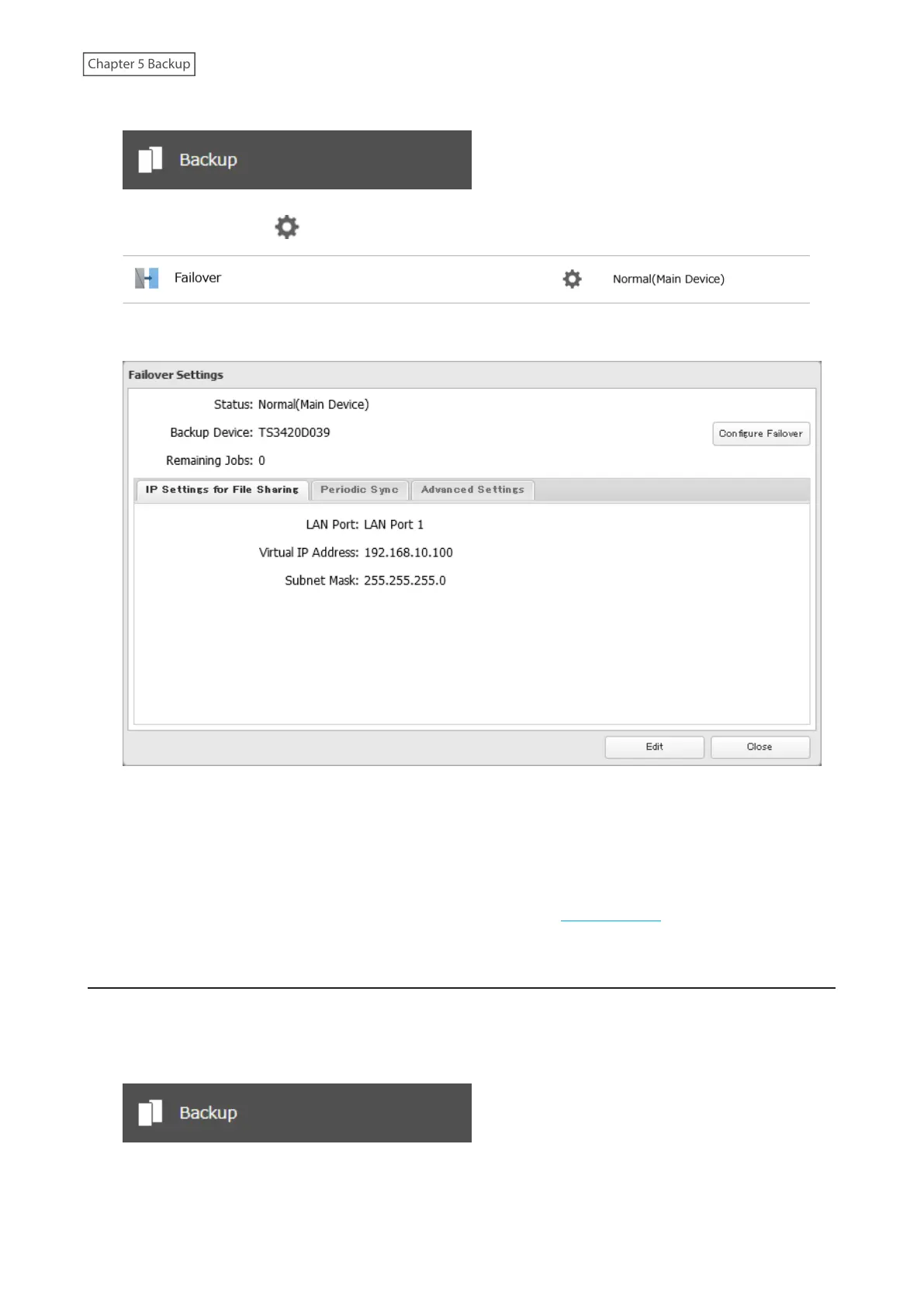
1 From Settings for the main TeraStation, click Backup.
2 Click the settings icon ( ) to the right of “Failover”.
3 Click Configure Failover.
4 Click Cancel maintenance mode.
5 The process is complete once you close the confirmation window that appears.
Note: To update the firmware while in maintenance mode, the main TeraStation can be updated from Settings, but
the backup TeraStation cannot. Download the firmware updater from the Buffalo website for the backup TeraStation
and try updating the firmware on it.
Synchronizing Between Main and Backup TeraStations Periodically
To copy files that are saved via other file sharing protocols such as AFP or FTP to the backup TeraStation regularly,
configure “Periodic Sync” in Settings. Follow the procedure below.
1 From Settings for the main TeraStation, click Backup.
120















 To Next Page