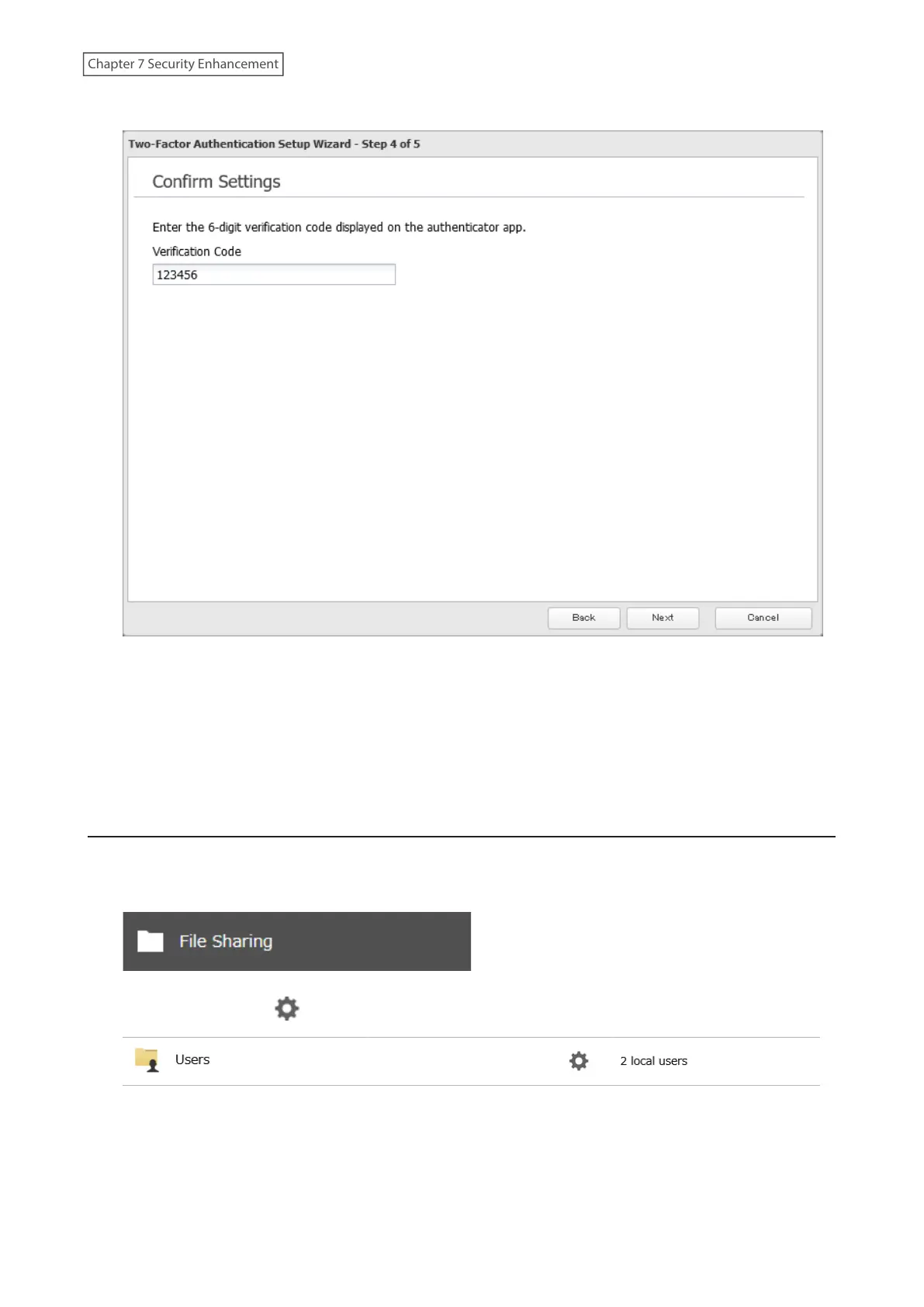
9 Enter the 6-digit verification code displayed on the authenticator app and click Next.
10 The process is complete once you close the wizard window that appears.
Two-factor authentication will become active after logging out from Settings. A verification code will be required
the next time you log in to Settings using the same username.
Note: If authentication fails even if the verification code is valid, make sure the time settings on both the TeraStation
and the mobile device are the same.
Restricting Logins for Non-Admin Users
You can restrict users who do not have administrator privileges from being able to log in Settings.
1 From Settings, click File Sharing.
2 Click the settings icon ( ) to the right of “Users”.
190
Chapter 7 Security Enhancement















 To Next Page