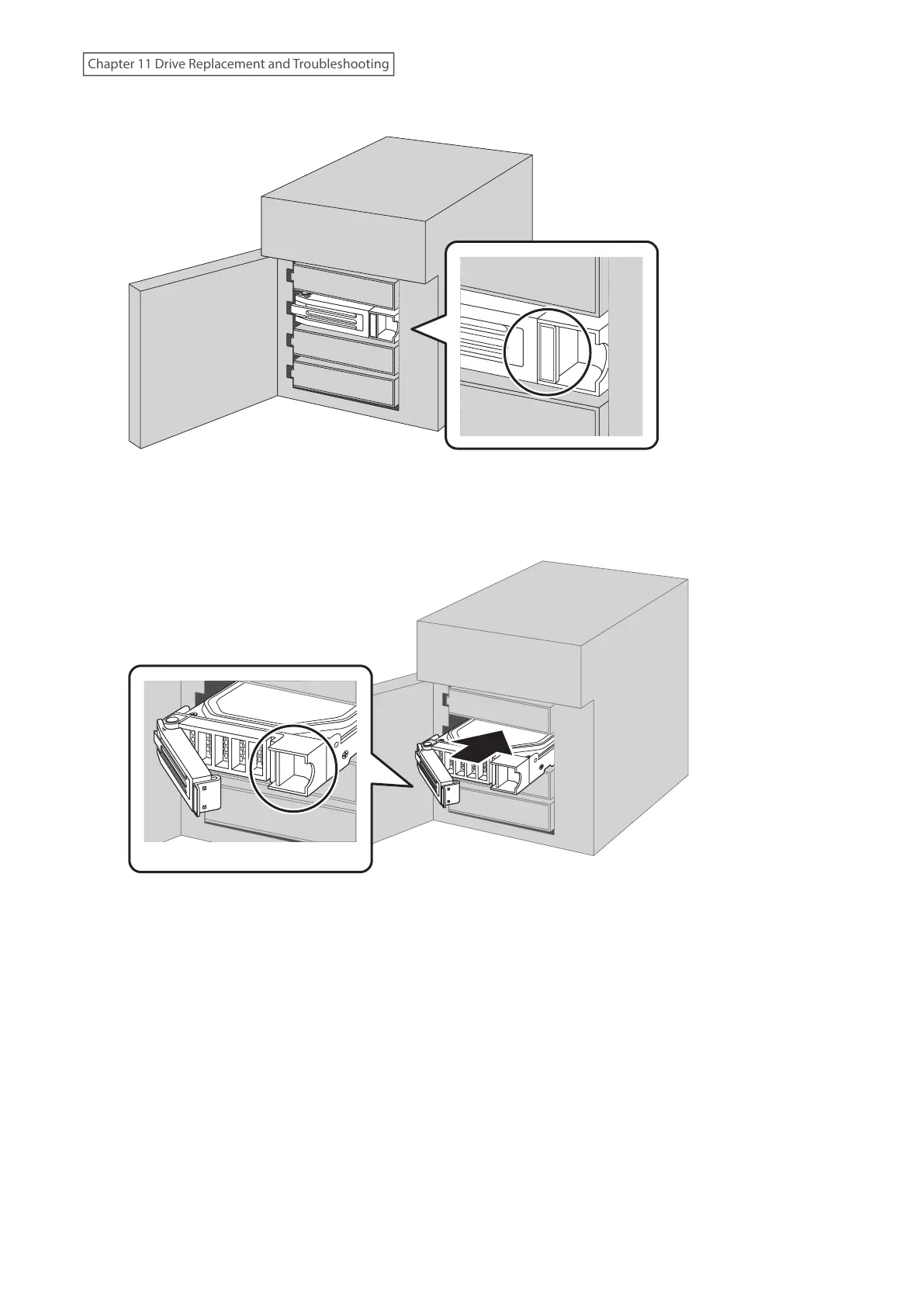
3 Push a drive’s unlock button and swing the lock mechanism out.
4 Pull out the drive cartridge and remove it from the TeraStation.
5 Insert the drive back into the same slot with the lock mechanism remaining open.
Push here to insert.
6 Swing the lock back down until it clicks into place.
7 Repeat steps 3–6 for all other installed drives.
8 Once every drive has been re-inserted, close the front cover.
9 Press the power button on the TeraStation.
10 The process is complete when any error messages disappear.
255
Chapter 11 Drive Replacement and Troubleshooting















 To Next Page