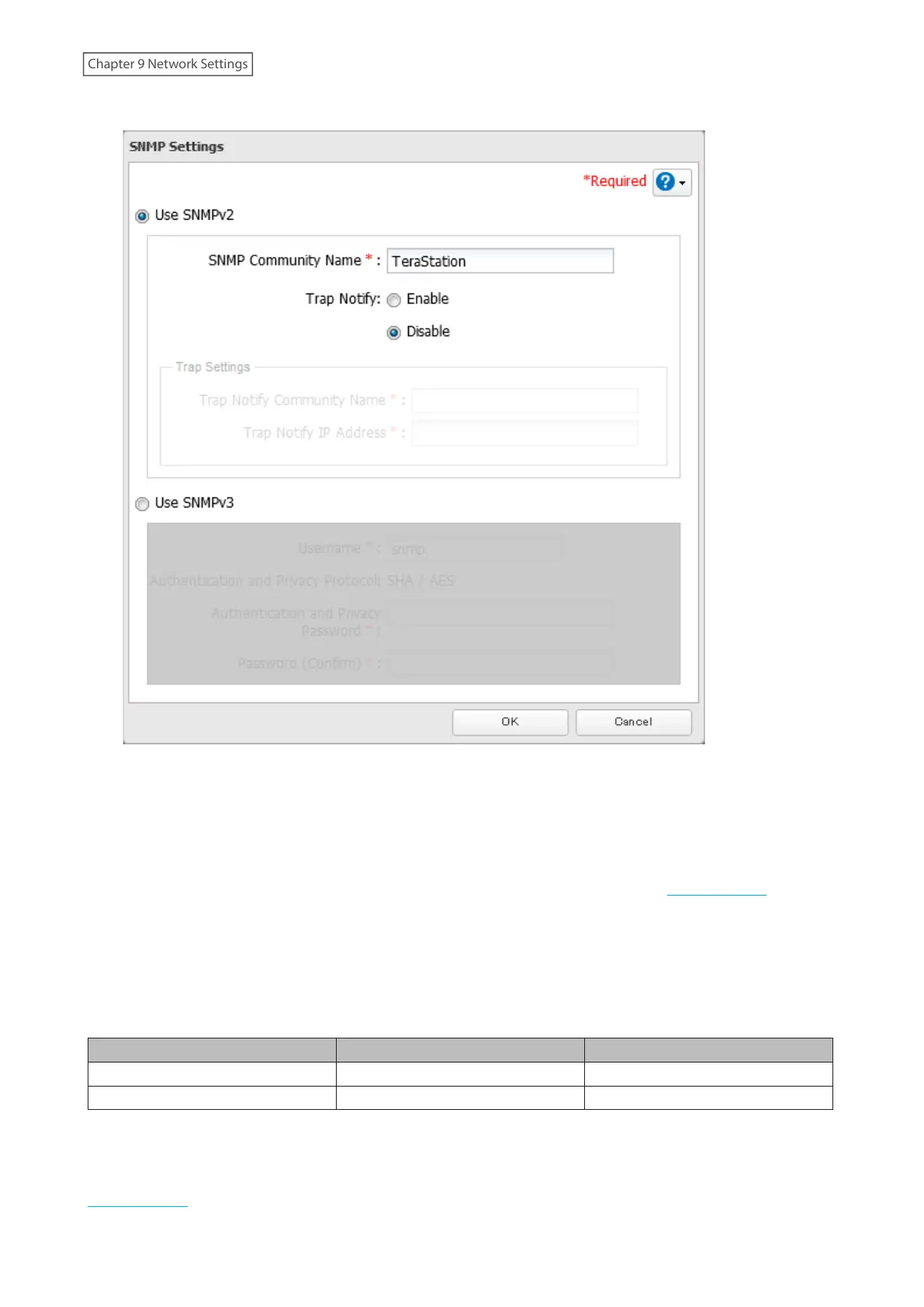
5 Select whether to use SNMP version 2 or version 3.
6 Configure the desired settings, then click OK.
7 The process is complete once you close the confirmation window that appears.
SNMP is now enabled. For further use, configure your SNMP-compatible network management software using the
Buffalo-specific MIB (management information base) file. The MIB file is available from the Buffalo website.
Depending on which SNMP client software you use, the procedure for configuring the software will differ. For more
detailed information on configuring the client software, refer to its help or included manual.
Relevant Trap List
Standard Public MIB Traps
Conditions Trap Name OID
SNMP service starts. coldStart 1.3.6.1.6.3.1.1.5.1
SNMP service ends. nsNotifyShutdown 1.3.6.1.4.1.8072.4.0.2
Private MIB Traps
If any traps are not listed in the following chart, refer to the web page for downloading the private MIB file on the
Buffalo website for more detailed information.
224
Chapter 9 Network Settings















 To Next Page