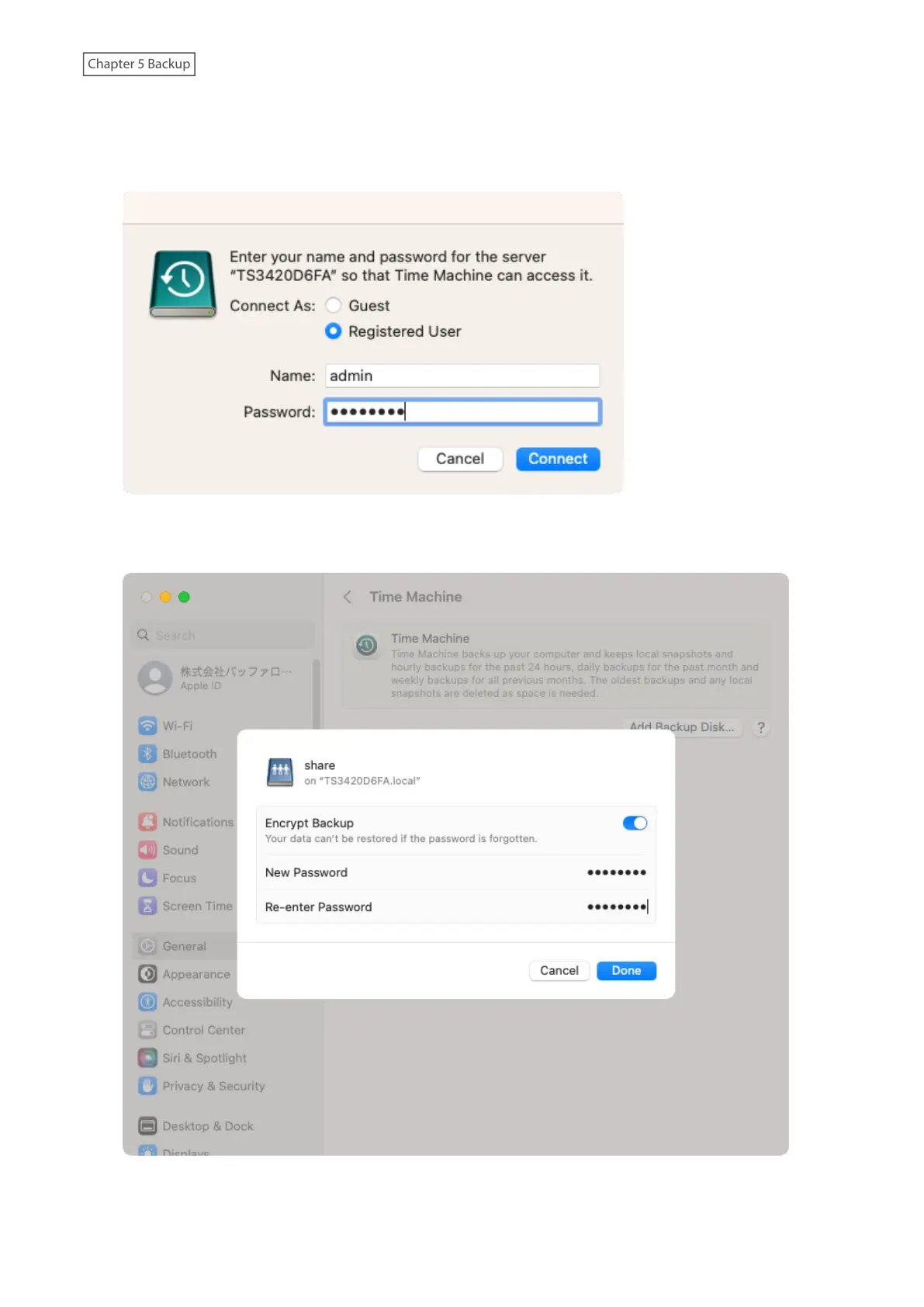
6 Enter a username and password to be used for accessing the shared folder and click Connect.
If access restrictions are not configured on the destination share, log in using the administrator account. The
default username and password for the administrator account are “admin” and “password”. If access restrictions
are configured, log in using an account with write privileges.
7 Select whether to encrypt the backup data and click Done.
If enabling encryption, enter the password for backup twice.
131















 To Next Page