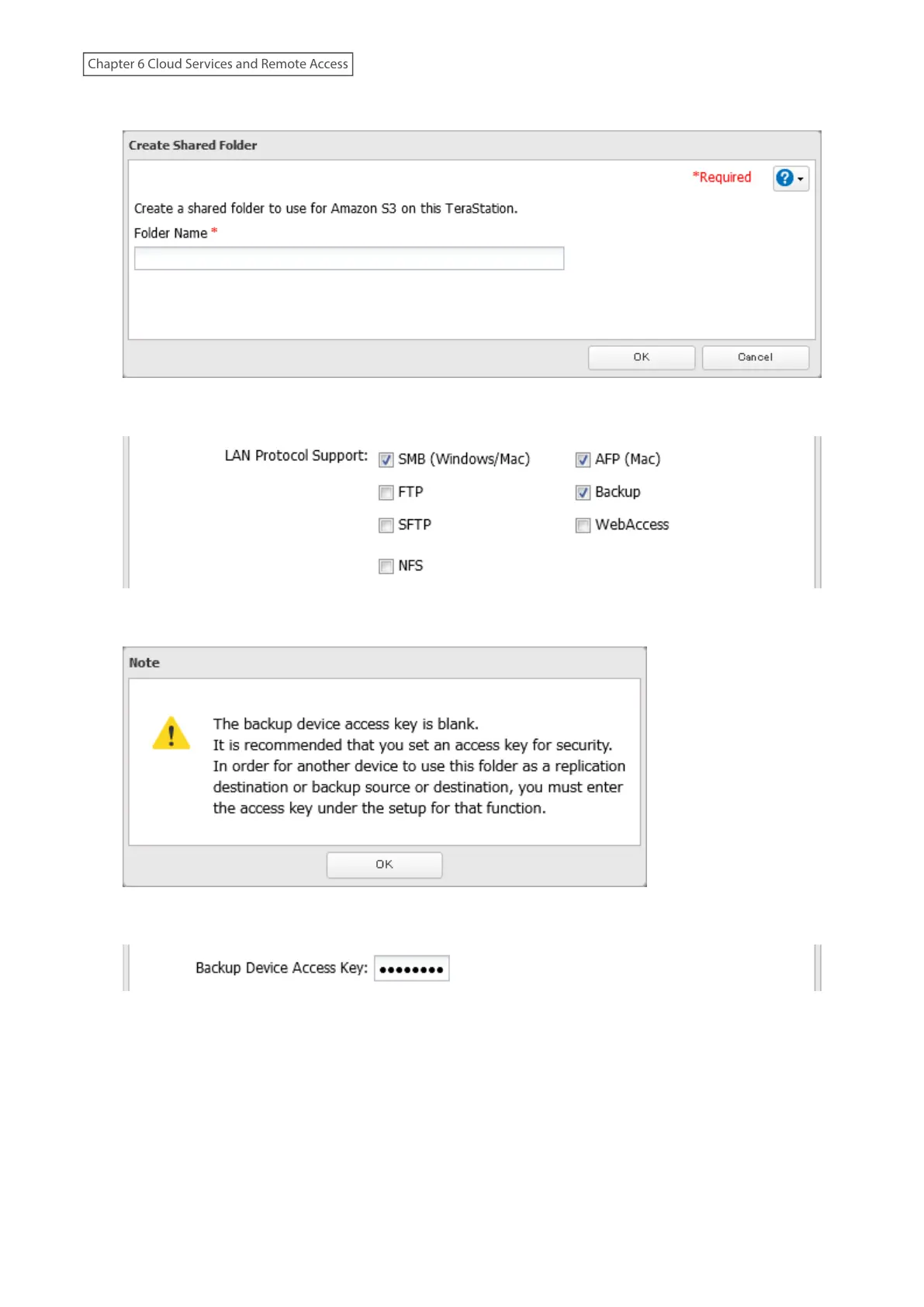
6 Enter a remote folder name to use with Amazon S3 and click OK.
7 Under “LAN Protocol Support”, select the “Backup” checkbox on the Basic tab.
8 Click OK.
9 Enter the desired characters into the backup device access key field and click OK.
10 Configure the desired shared folder settings, then click OK.
11 The process is complete once you close the confirmation window that appears.
Notes:
• If a remote folder created through this process is configured to use NFS, it cannot be mounted from an NFS client.
• Files cannot be uploaded to this remote folder using WebAccess.
135
Chapter 6 Cloud Services and Remote Access















 To Next Page