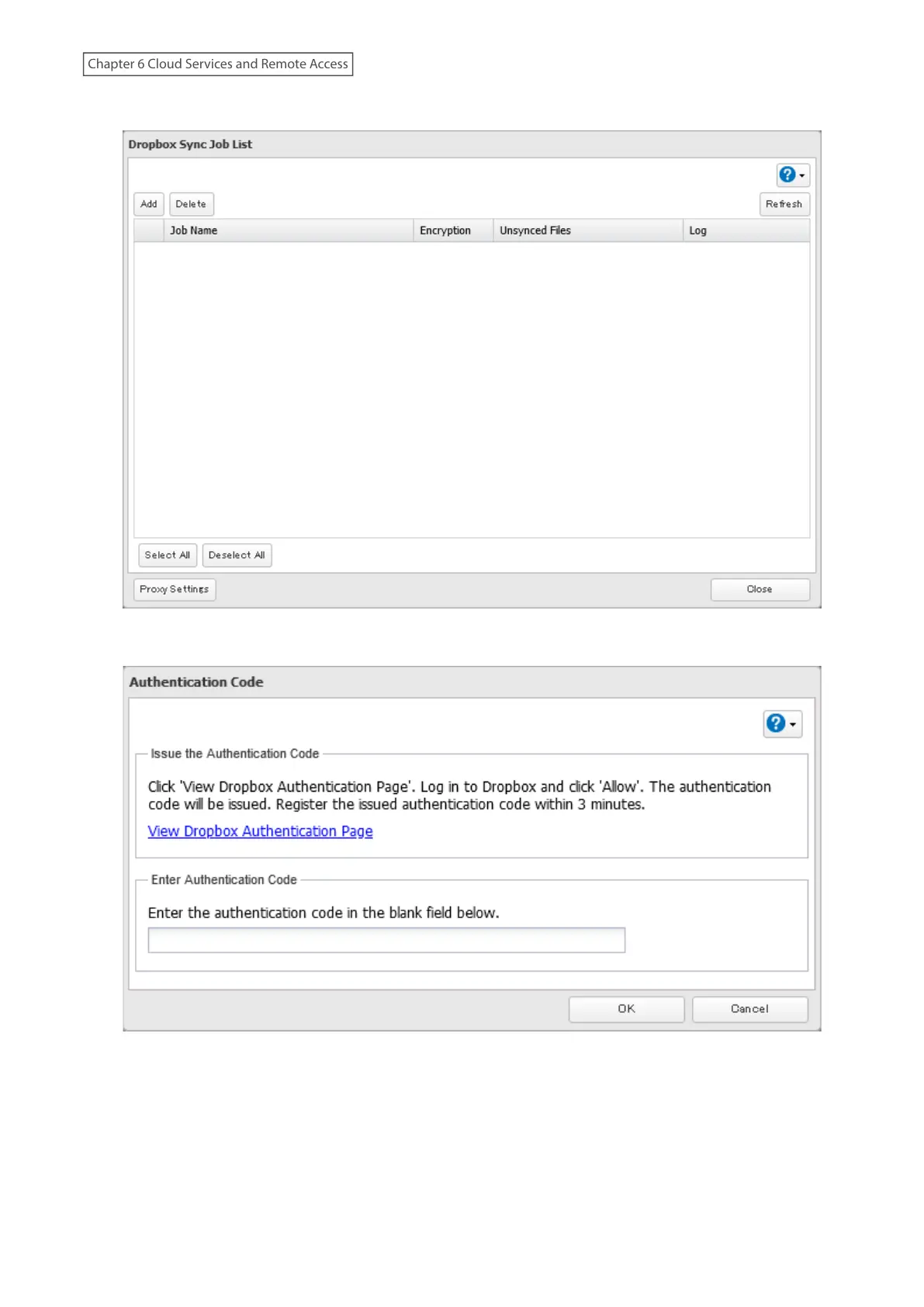
4 Click Add.
5 Click View Dropbox Authentication Page.
6 The authentication site that is offered by Dropbox will be displayed. Log in to the website with your Dropbox
account, then click Allow.
7 The authentication code will be displayed. Copy the authentication code and return to Settings.
Authentication code reregistration should be finished within three minutes.
141
Chapter 6 Cloud Services and Remote Access















 To Next Page