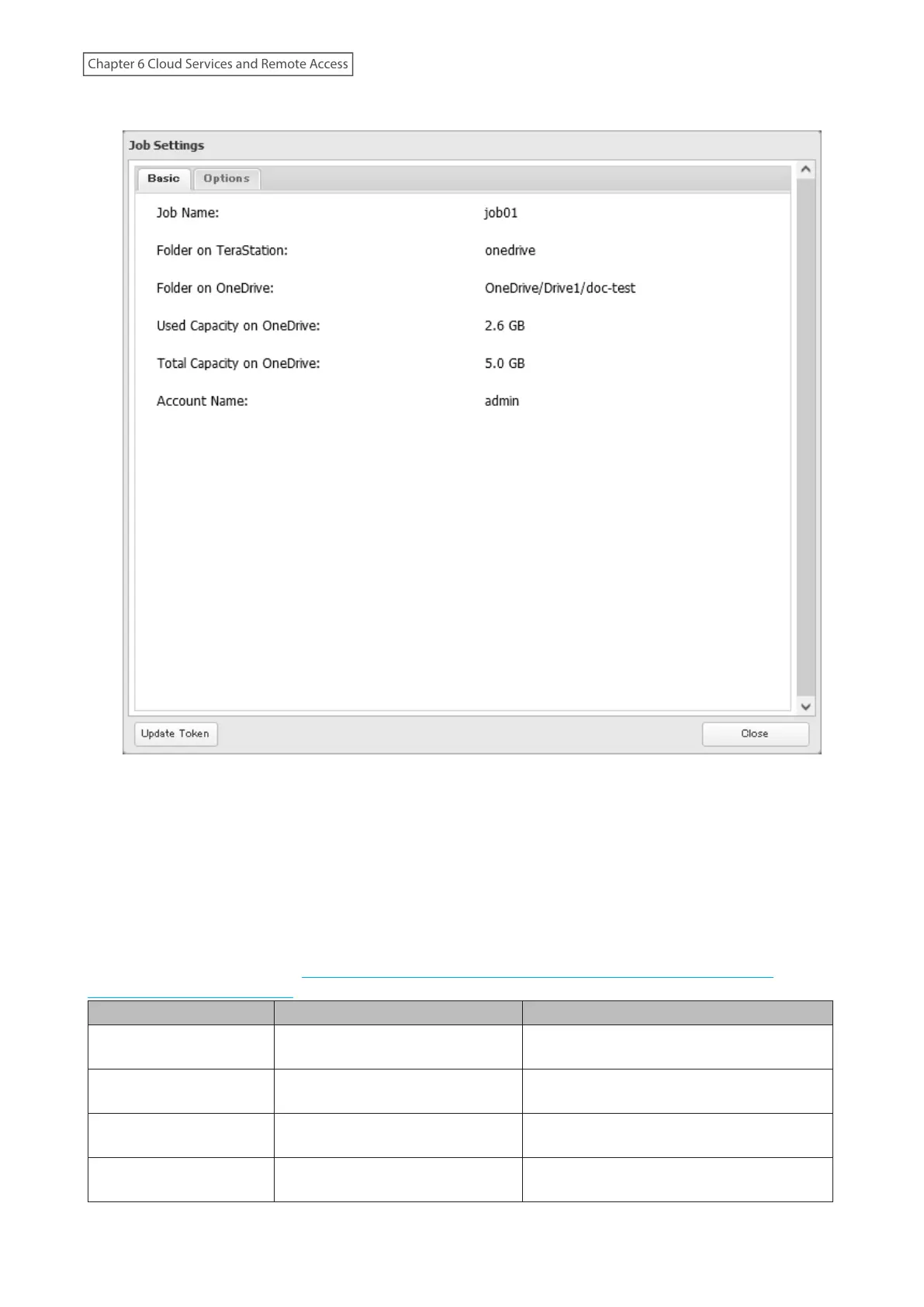
4 Click Update Token at the bottom-left of the window.
5 Click Reset after the token update process finishes.
6 The process is complete once you close the confirmation window that appears.
Error Appears While Creating a Job or Error Code Appears on the Error Log
You may encounter error messages that contain the following error codes when creating OneDrive Sync jobs;
the error log may contain the following error codes as well. If you encounter one of the following error codes,
refer to the table below and try the respective corrective action. If the error code is not listed on the table, refer
to the Microsoft website instead: https://docs.microsoft.com/en-us/onedrive/developer/rest-api/concepts/
errors?view=odsp-graph-online.
Code Description Corrective Action
access_denied
Access denied for the requested
information.
To link with OneDrive, please consent to the
request from OneDrive.
server_error
The authentication server
encountered a temporary error.
Please wait for about 10 minutes and try
again.
temporarily_unavailable
The authentication server is too
busy.
Please wait for about 10 minutes and try
again.
authcode_notfound
The authentication server is too
busy.
Please wait for about 10 minutes and try
again.
177
Chapter 6 Cloud Services and Remote Access















 To Next Page