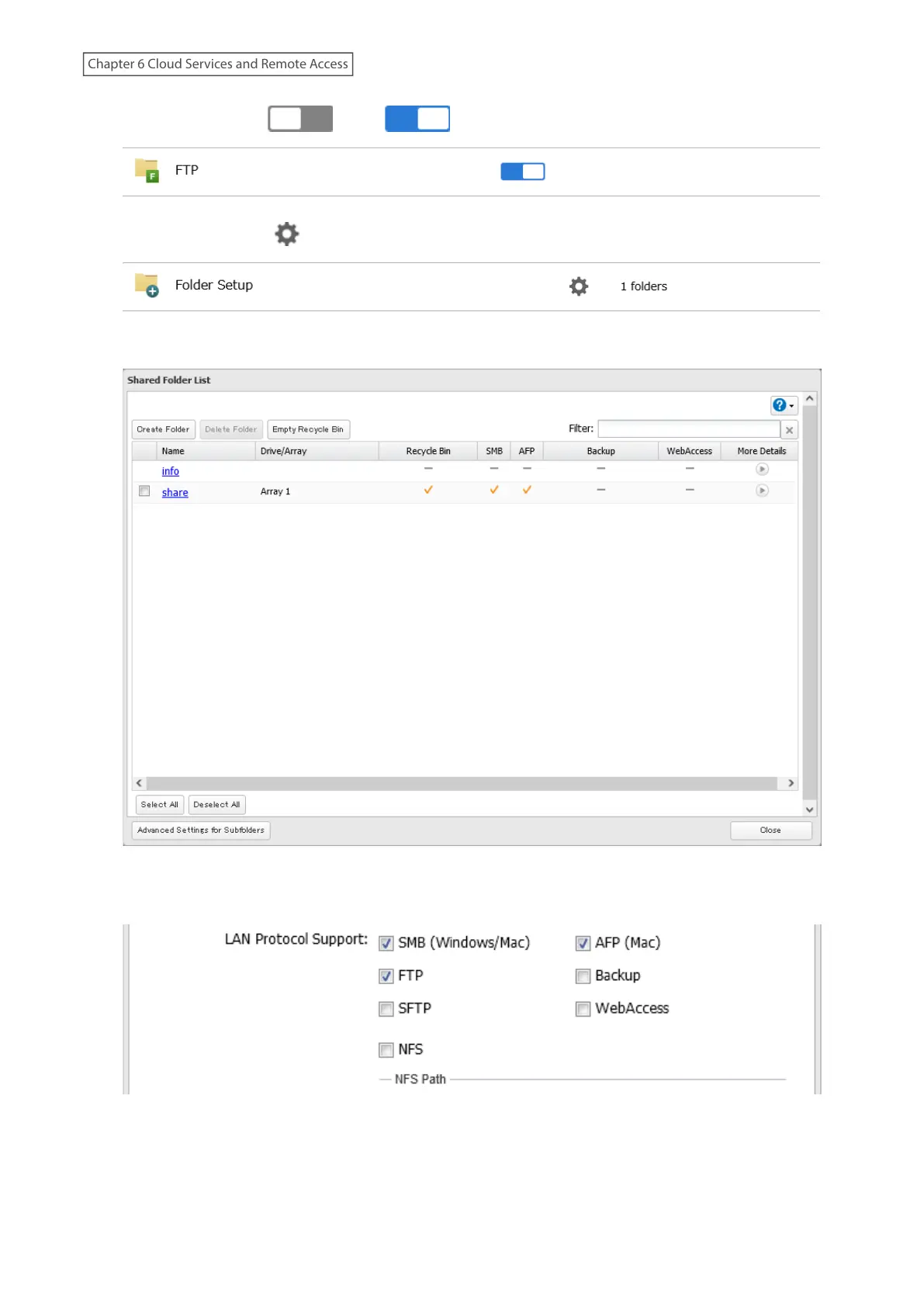
2 Move the FTP switch ( ) to the position to enable FTP.
3 Click the settings icon ( ) to the right of “Folder Setup”.
4 Choose a folder to enable remote FTP access on.
5 Under “LAN Protocol Support”, select the “FTP” checkbox on the Basic tab; select read-only or read and write for
the shared folder’s attribute on the Option 2 tab and click OK.
6 The process is complete once you close the confirmation window that appears.
183
Chapter 6 Cloud Services and Remote Access















 To Next Page