Note: Make sure the TeraStation’s MTU size is smaller than the hub or router’s. Larger MTU sizes may not cause data
to be correctly transferred to the TeraStation.
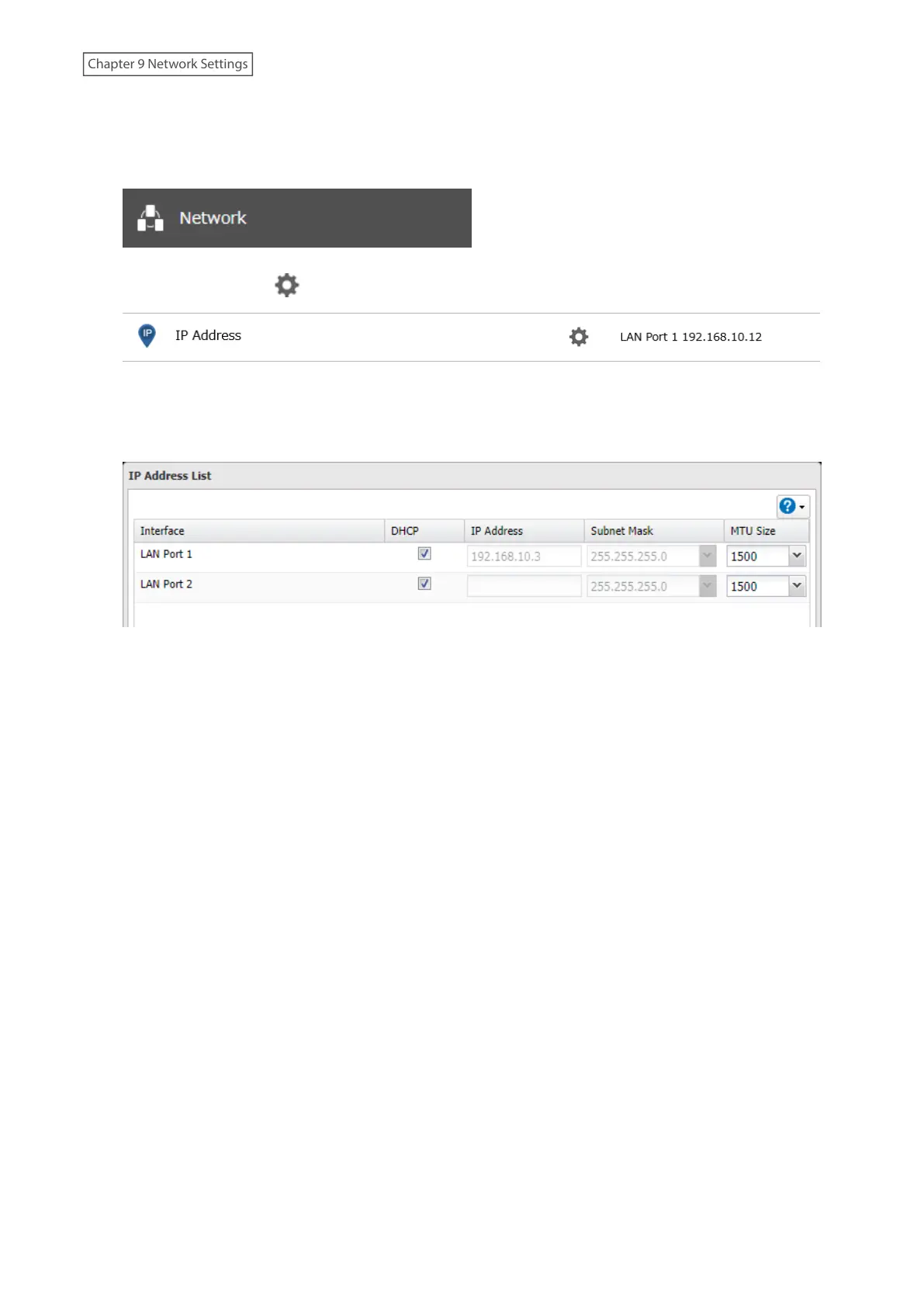
1 From Settings, click Network.
2 Click the settings icon ( ) to the right of “IP Address”.
3 Click Edit.
4 Select or enter the desired MTU size and click OK.
5 The process is complete once you close the confirmation window that appears.
226
Chapter 9 Network Settings















 To Next Page