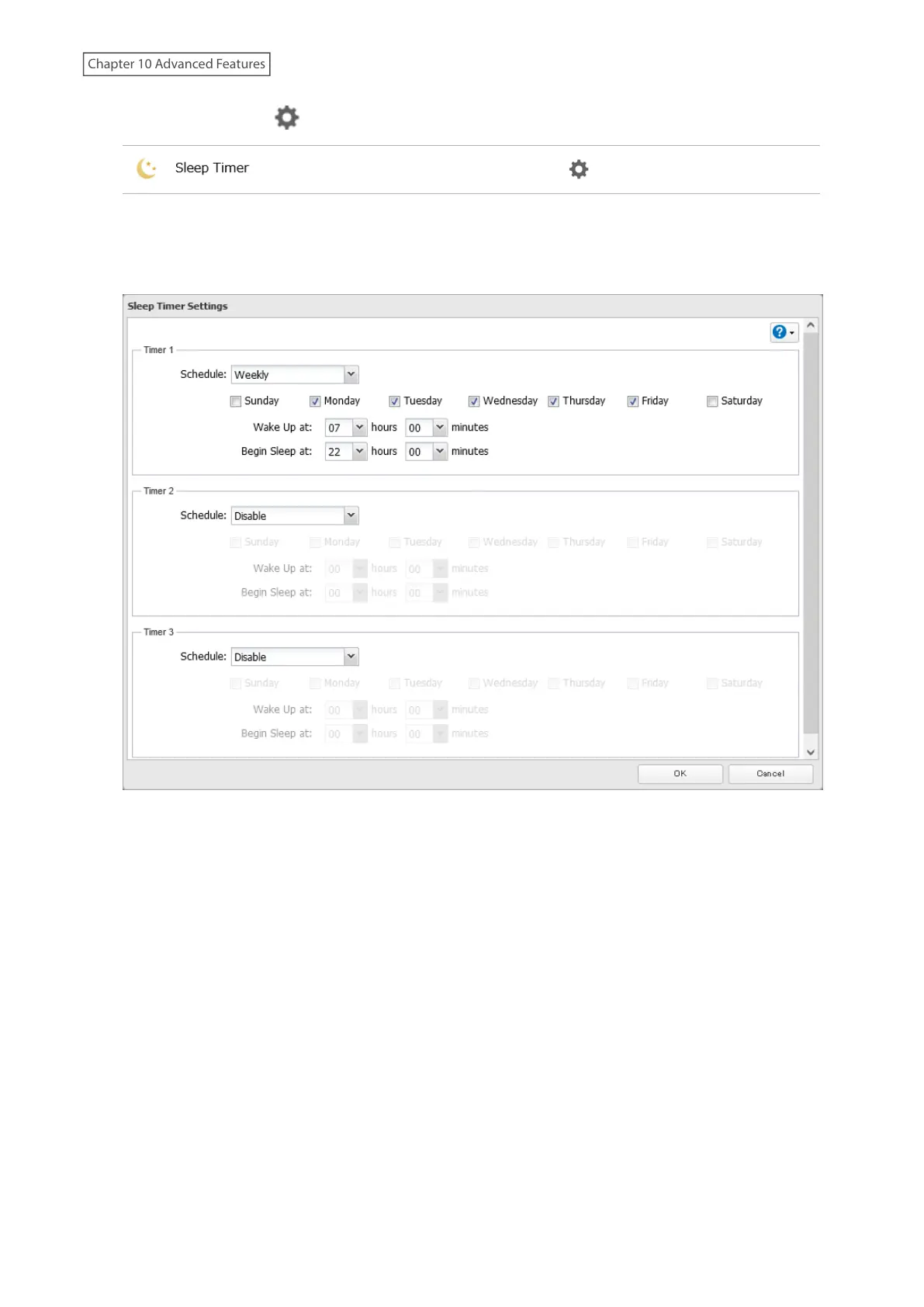
2 Click the settings icon ( ) to the right of “Sleep Timer”.
3 Click Edit.
4 Specify the timer interval, wake-up time, and time to enter sleep mode, then click OK.
5 The process is complete once you close the confirmation window that appears.
Notes:
• Up to three timers can be set.
• The time to enter sleep mode can be set from 12:00 a.m. to 3:45 a.m. of the next day. The time to wake from sleep
mode can be set from 12:00 a.m. to 11:45 p.m. If the time to enter sleep mode is after 12:00 a.m., the wake-up
time setting may be from 4:00 a.m. to 11:45 p.m.
• The time to enter sleep mode should not be set to the same time as or earlier than the start time.
• If sleep mode timer is scheduled to go off while logging in to Settings, checking or formatting a drive, running
a backup process, or setting a backup job within five minutes of the current time, the TeraStation will not enter
sleep mode when the configured time is reached.
• Examples of timer settings are shown below:
◦ Example 1:
If running at a current time of 10:00 a.m. Wednesday
Timer 1: Daily 12:00–24:00
Timer 2: Not used
Timer 3: Not used
234
Chapter 10 Advanced Features















 To Next Page