1 Plug the power cable of the UPS to a wall socket.
2 Connect the power cable of the TeraStation to the UPS.
3 Connect the UPS and the TeraStation.
4 Turn on the UPS, then the TeraStation.
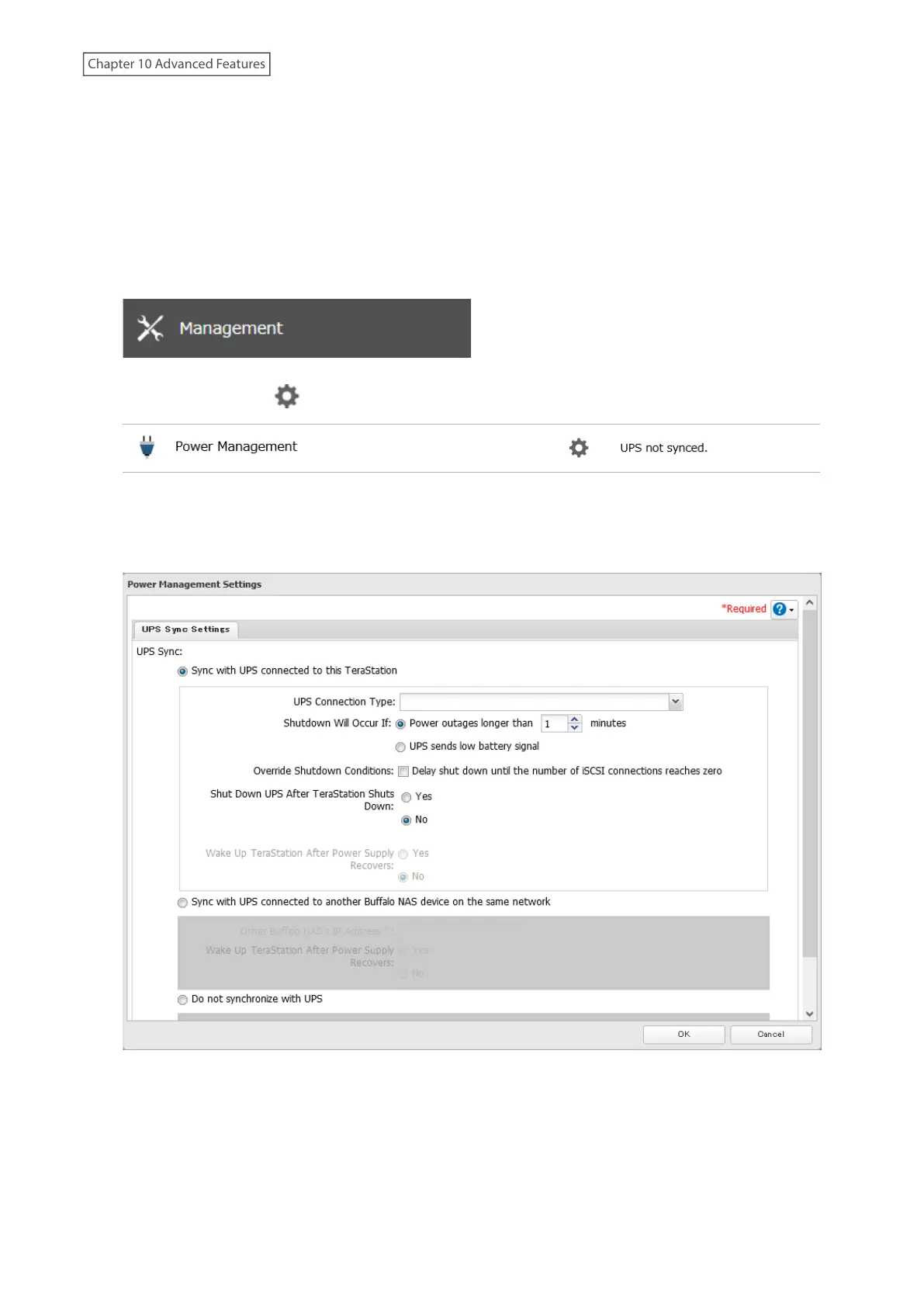
5 From Settings, click Management.
6 Click the settings icon ( ) to the right of “Power Management”.
7 Click Edit.
8 Configure the desired settings, then click OK.
9 The process is complete once you close the confirmation window that appears.
236
Chapter 10 Advanced Features















 To Next Page