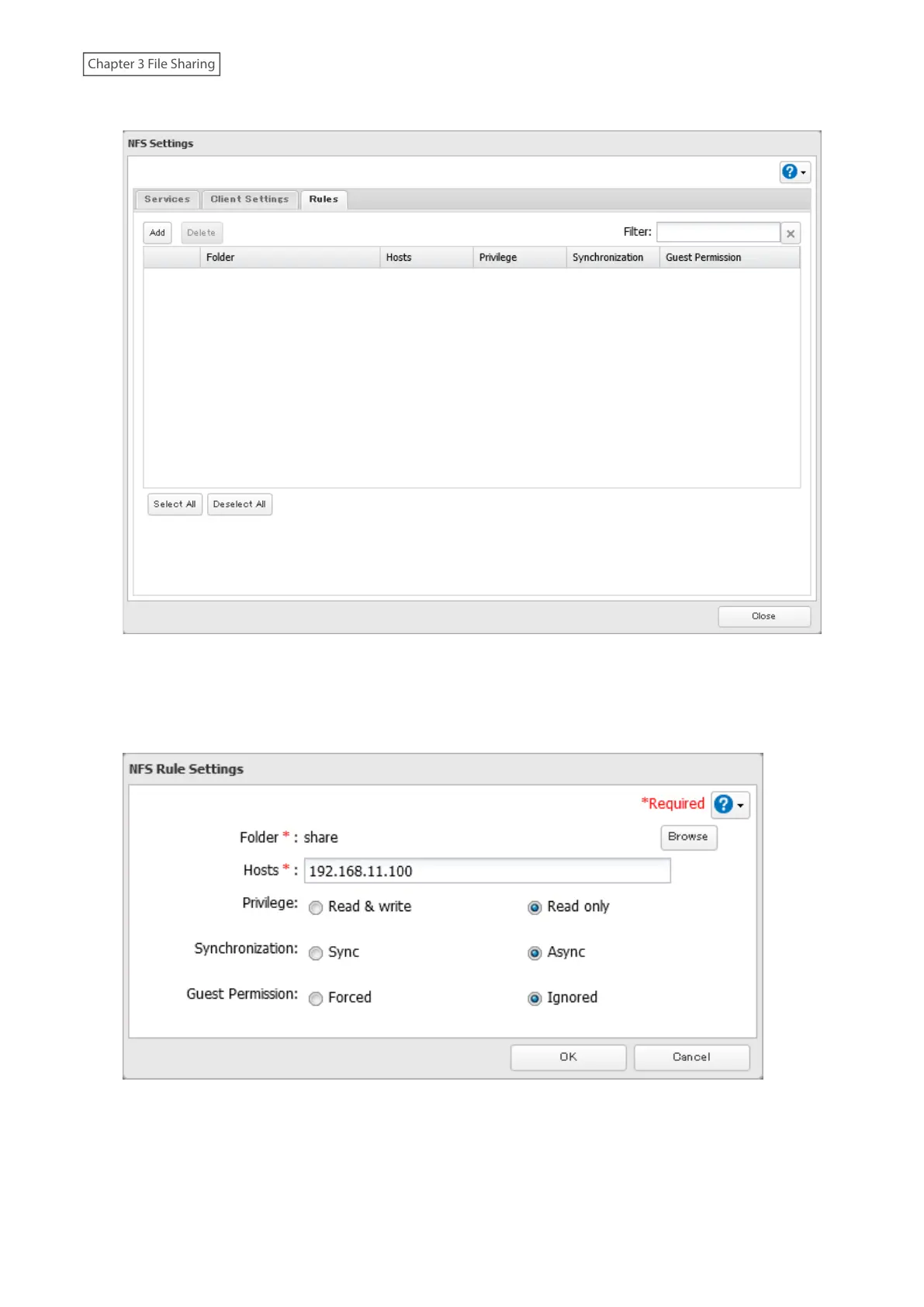
12 Click Add.
13 Choose the folder to restrict access to, and enter the clients that will have restricted access into the “Hosts”
field. Clients may be entered by hostname, IP address, or IP address range. Wildcards are supported. Separate
multiple entries with commas. You may assign read-only or read and write access to the listed clients. Rules
override any settings made from the Services tab.
14 Click OK. The process is complete once you close the confirmation window that appears.
Notes:
• To restrict NFS access to a specific network or client, navigate to File Sharing> NFS> Services and click Edit. Enter
the address of the network. For example, if your local network subnet has a router at 192.168.1.1 and clients
46















 To Next Page