4 Insert the new drive (sold separately) into the empty slot with the lock mechanism remaining open and swing
the lock back down until it clicks into place.
5 Close the front cover.
6 When the drive is recognized, the status LED will flash red and the I32 message will appear as a notification.
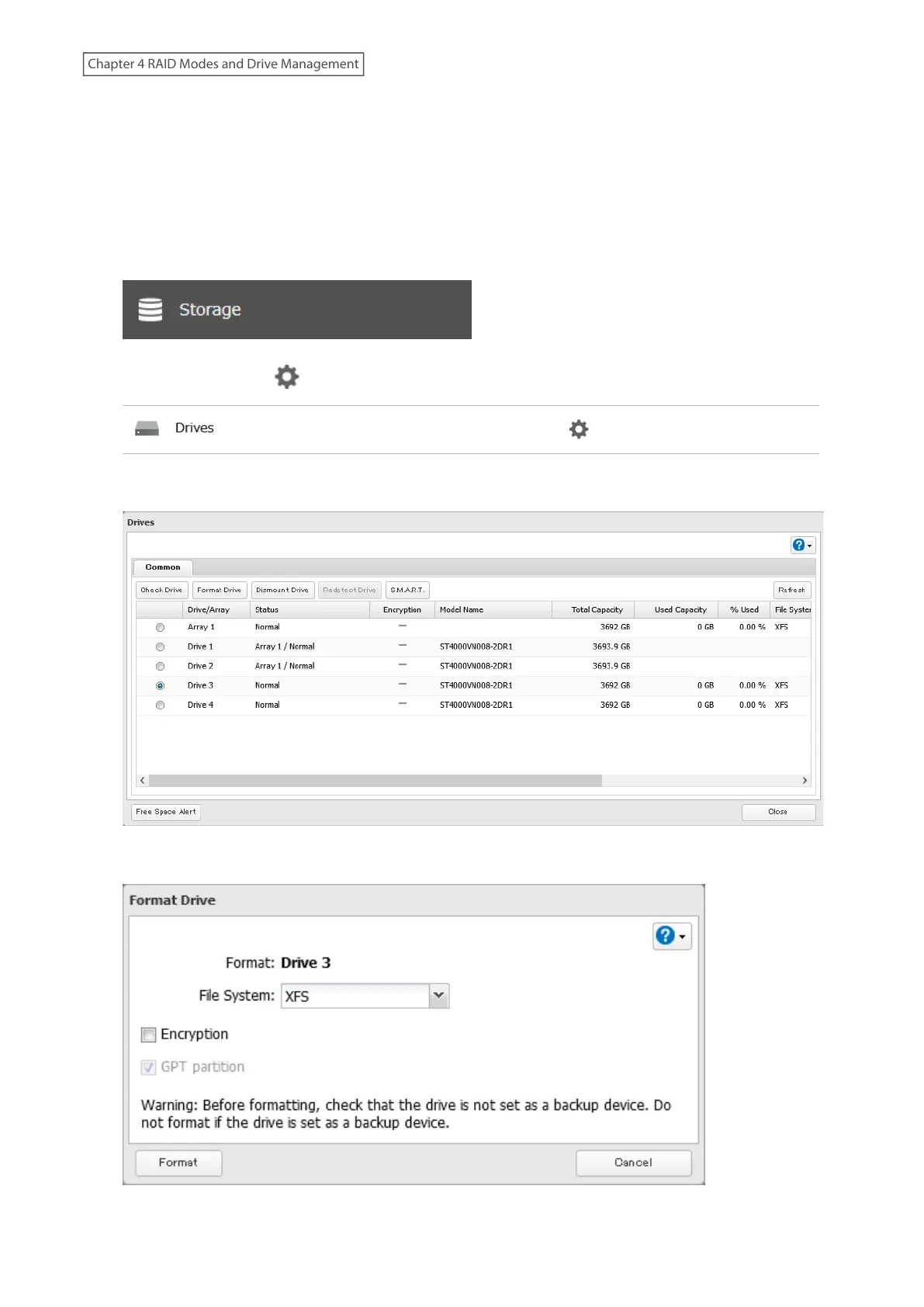
7 From Settings, click Storage.
8 Click the settings icon ( ) to the right of “Drives”.
9 Select the inserted new drive and click Format Drive.
10 Select a format type and click Format.
60
Chapter 4 RAID Modes and Drive Management















 To Next Page