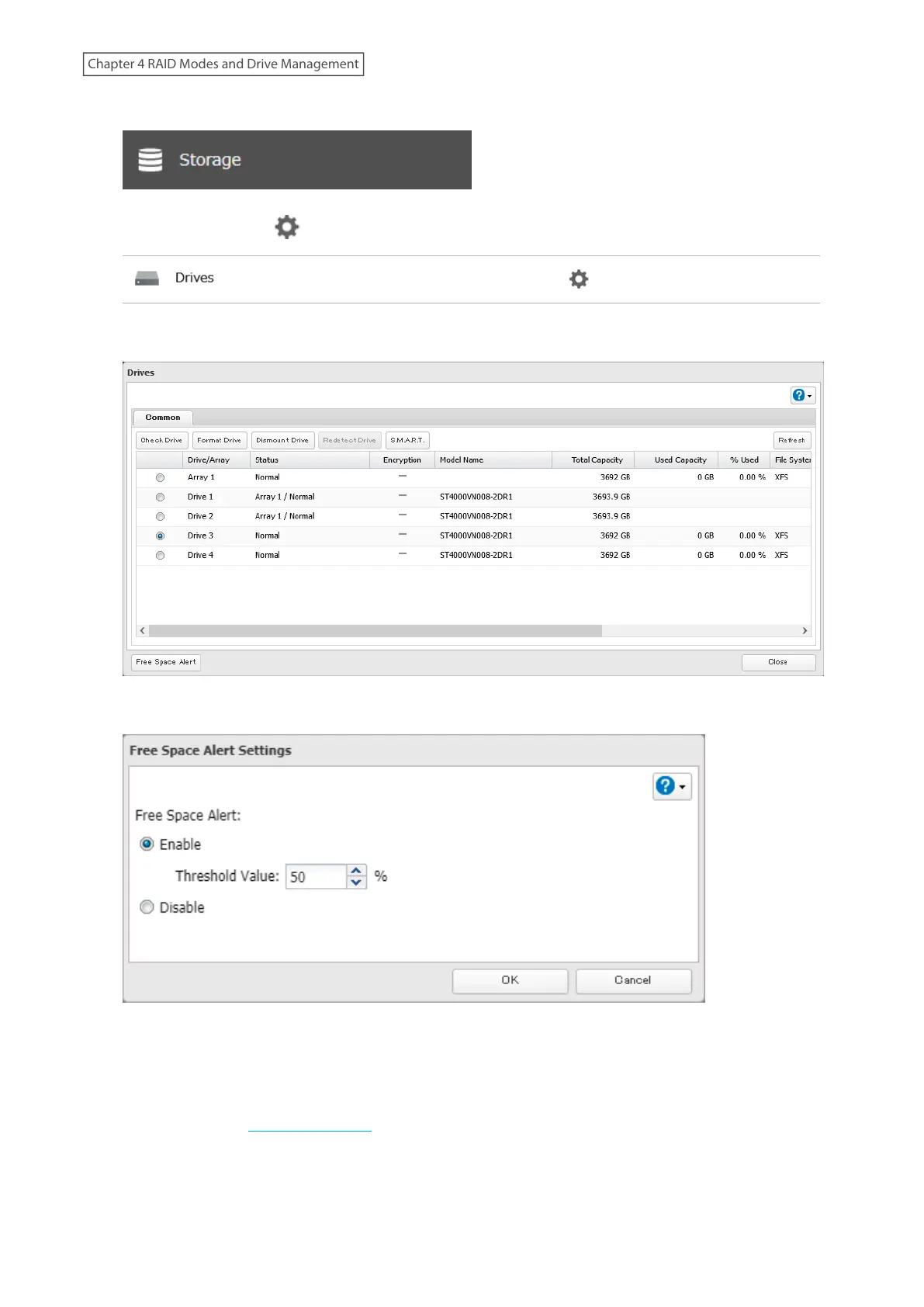
1 From Settings, click Storage.
2 Click the settings icon ( ) to the right of “Drives”.
3 Click Free Space Alert.
4 Enable “Free Space Alert” and enter the threshold value, then click OK.
5 The process is complete once you close the confirmation window that appears.
The free space alert is now enabled. If the percentage of remaining free space on the TeraStation decreases past the
threshold percentage, a notification will appear on the Dashboard in Settings. To configure free space alert email
notifications, refer to the “Email Notification” section in chapter 10.
65
Chapter 4 RAID Modes and Drive Management















 To Next Page