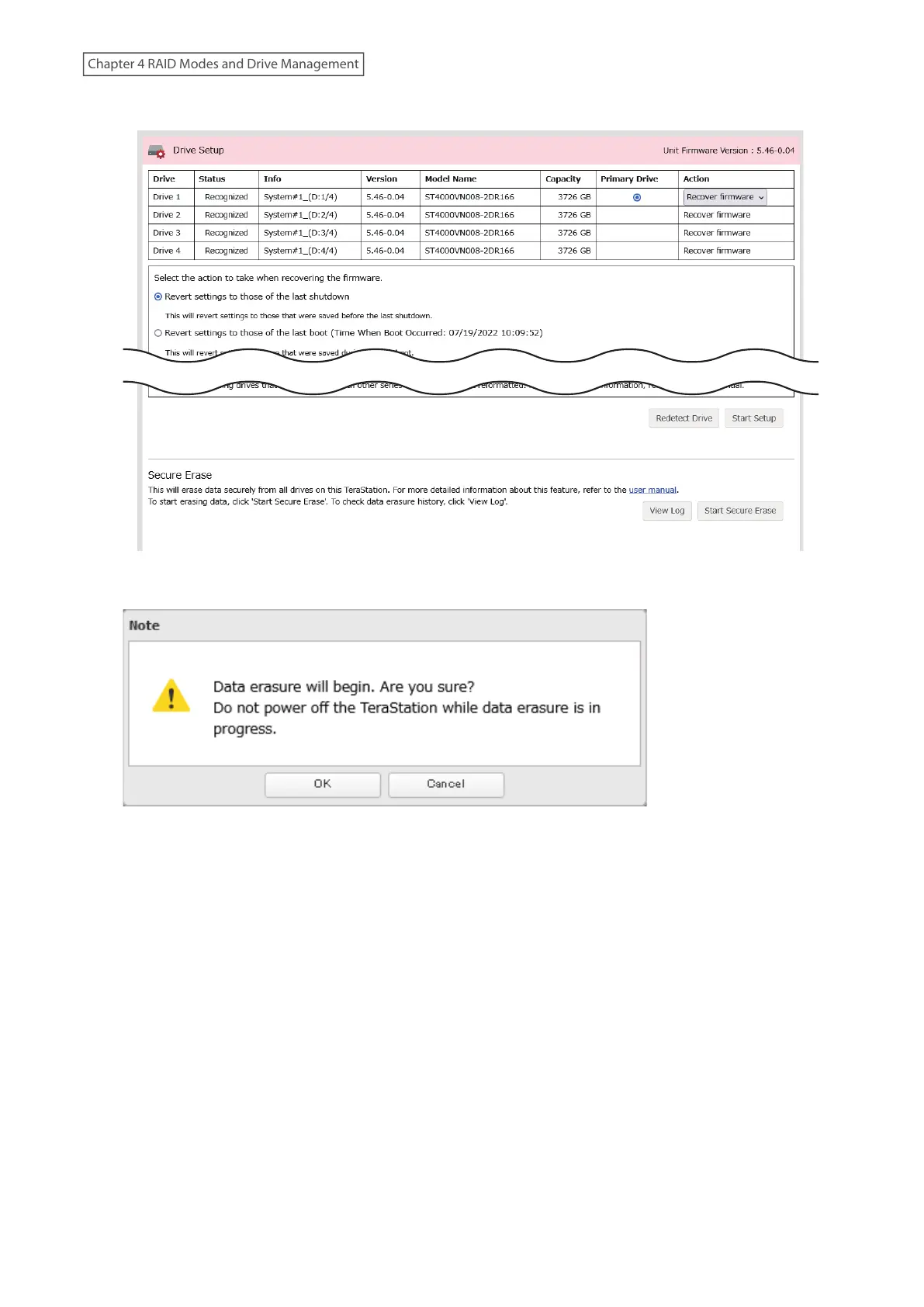
5 Under the “Secure Erase” section, click Start Secure Erase.
6 Read the message carefully and click OK.
7 The “Confirm Operation” screen will open. Enter the confirmation number, then click OK.
8 The Secure Erase process will begin. Wait until it’s finished.
Note: The data erasure process will be run on multiple drives at the same time. The full process will take about
1.5 to 2.5 hours per terabyte, and the duration will vary depending on the model and status of the drives.
75
Chapter 4 RAID Modes and Drive Management















 To Next Page