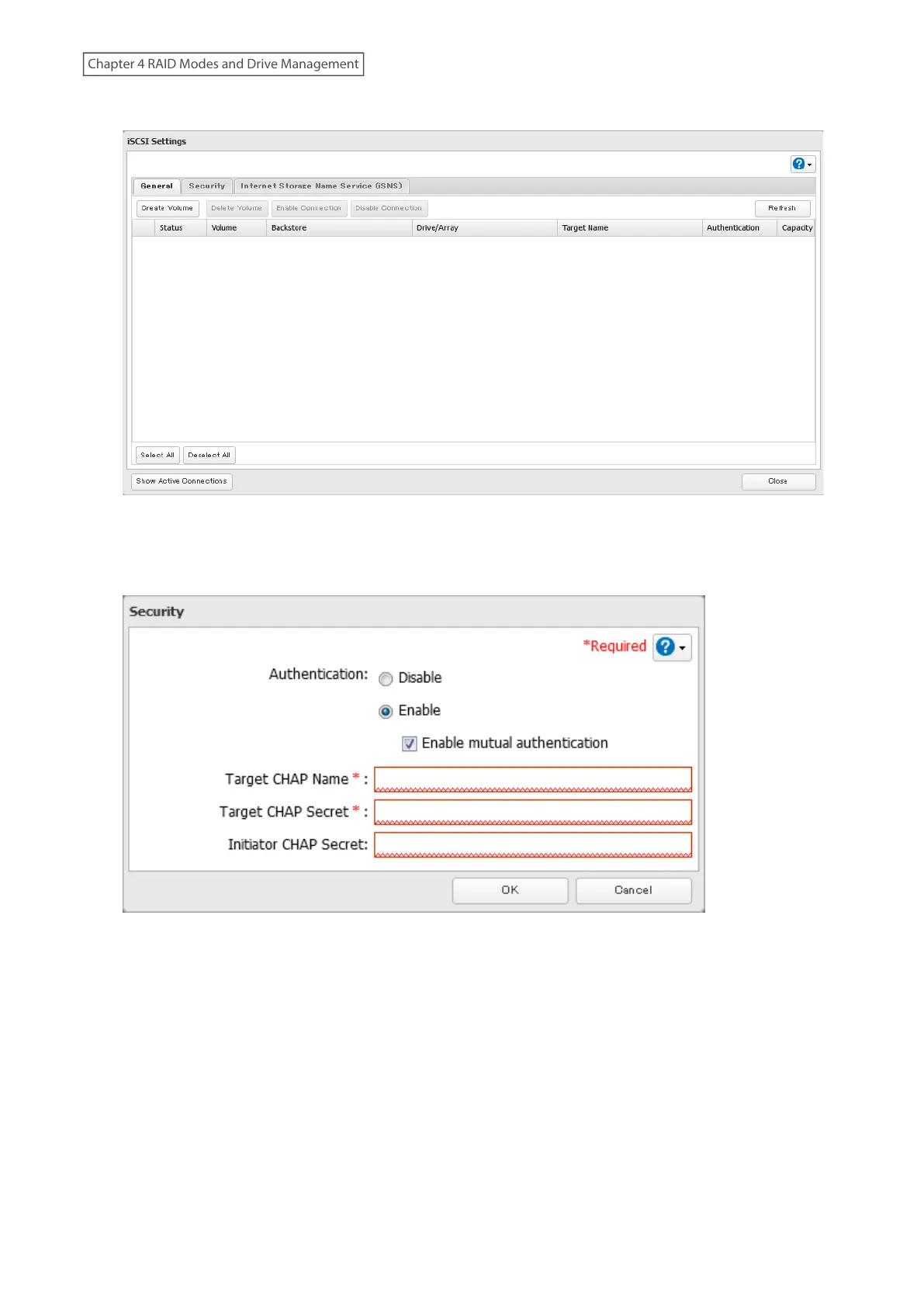
3 Click the Security tab.
4 Click Edit.
5 Enable “Authentication” and enter the target CHAP name and secret, then click OK.
Note: To enable mutual authentication in addition to target CHAP name and secret authentication, select the
“Enable mutual authentication” checkbox and enter the initiator CHAP secret.
To search or connect the volume which has mutual authentication enabled from Microsoft iSCSI Initiator,
initiator CHAP secret settings should be configured.
6 The process is complete once you close the confirmation window that appears.
Configuring for Individual Volumes
Follow the procedure below to configure access restrictions for individual volumes.
87
Chapter 4 RAID Modes and Drive Management















 To Next Page