5
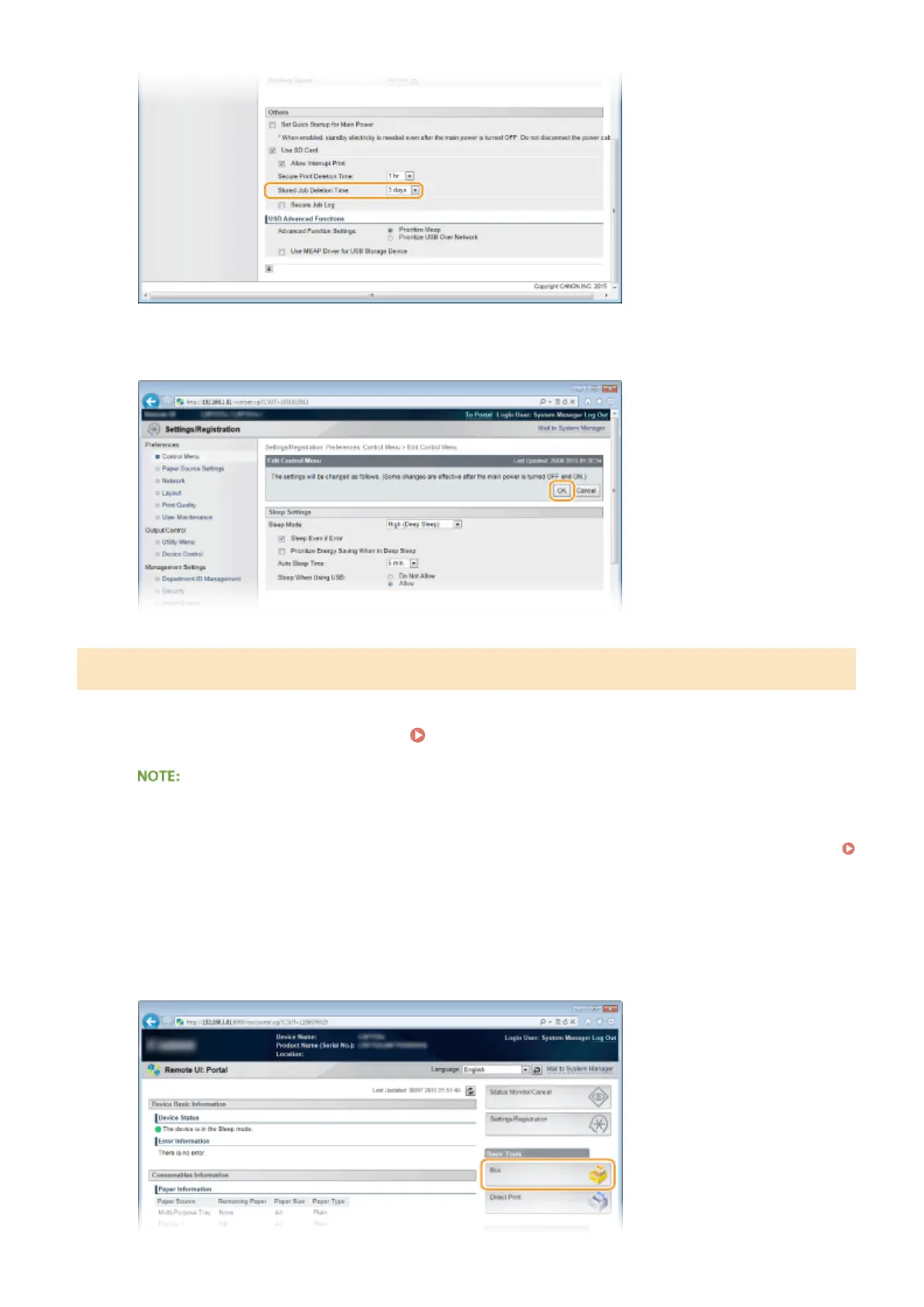
Click [OK].
Manually Deleting Documents
1
Start the Remote UI and log on. Starting Remote UI(P. 333)
If you logged on in General User Mode
● By default, the machine is congured so that no users (general users) other than the administrator can
delete the documents. To allow end users to operate documents, you must change the settings.
Enabling End Users to Operate Documents(P. 348)
● You can delete only the document of which user name matches the one that was used to log on to the
Remote UI.
2
Click [Box].
Printing a Document
142



 To Next Page