2
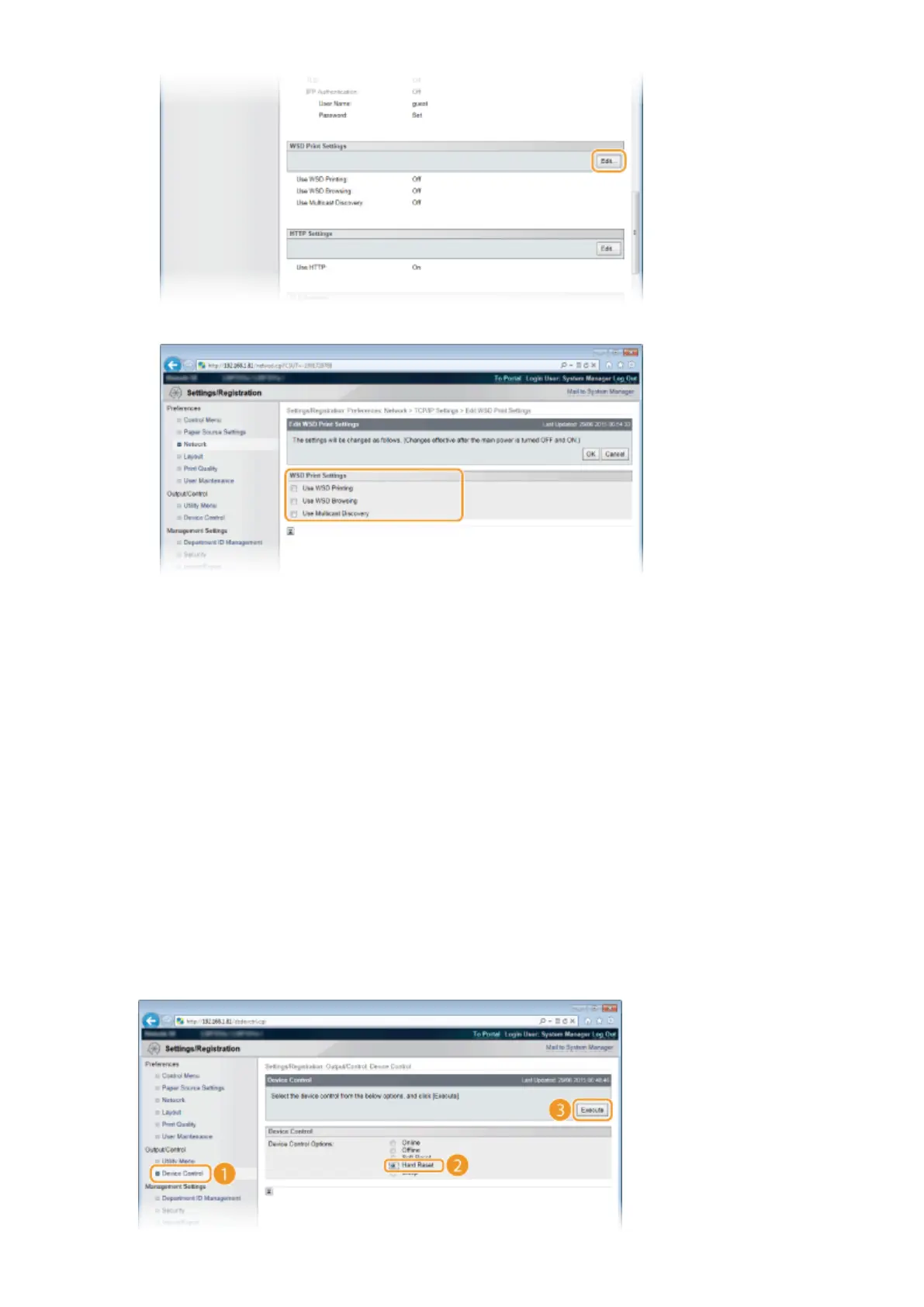
Congure the settings as necessary.
[Use WSD Printing]
When using WSD for printing, select the check box. When not using, clear the check box.
[Use WSD Browsing]
Select the check box to obtain information about the machine from a computer via WSD. This check box is
automatically selected when the [Use WSD Printing] check box is selected.
[Use Multicast Discovery]
Select the check box to set the machine to reply to multicast discovery messages. If the check box is
cleared, the machine stays in sleep mode even when multicast discovery messages are owing on the
network.
3
Click [OK].
5
Perform a hard reset.
● Click [Device Control], select [Hard Reset], and then click [Execute].
Network
201



 To Next Page