If Using Windows Server 2003
Installing the printer drivers requires the User Software DVD-ROM. Insert the User Software DVD-ROM into the drive
on the computer before starting the procedure.
● Close the setup screen that is displayed when the DVD-ROM is inserted.
1
Open the Printer Folder. Displaying the Printer Folder(P. 616)
2
Double-click [Add Printer].
3
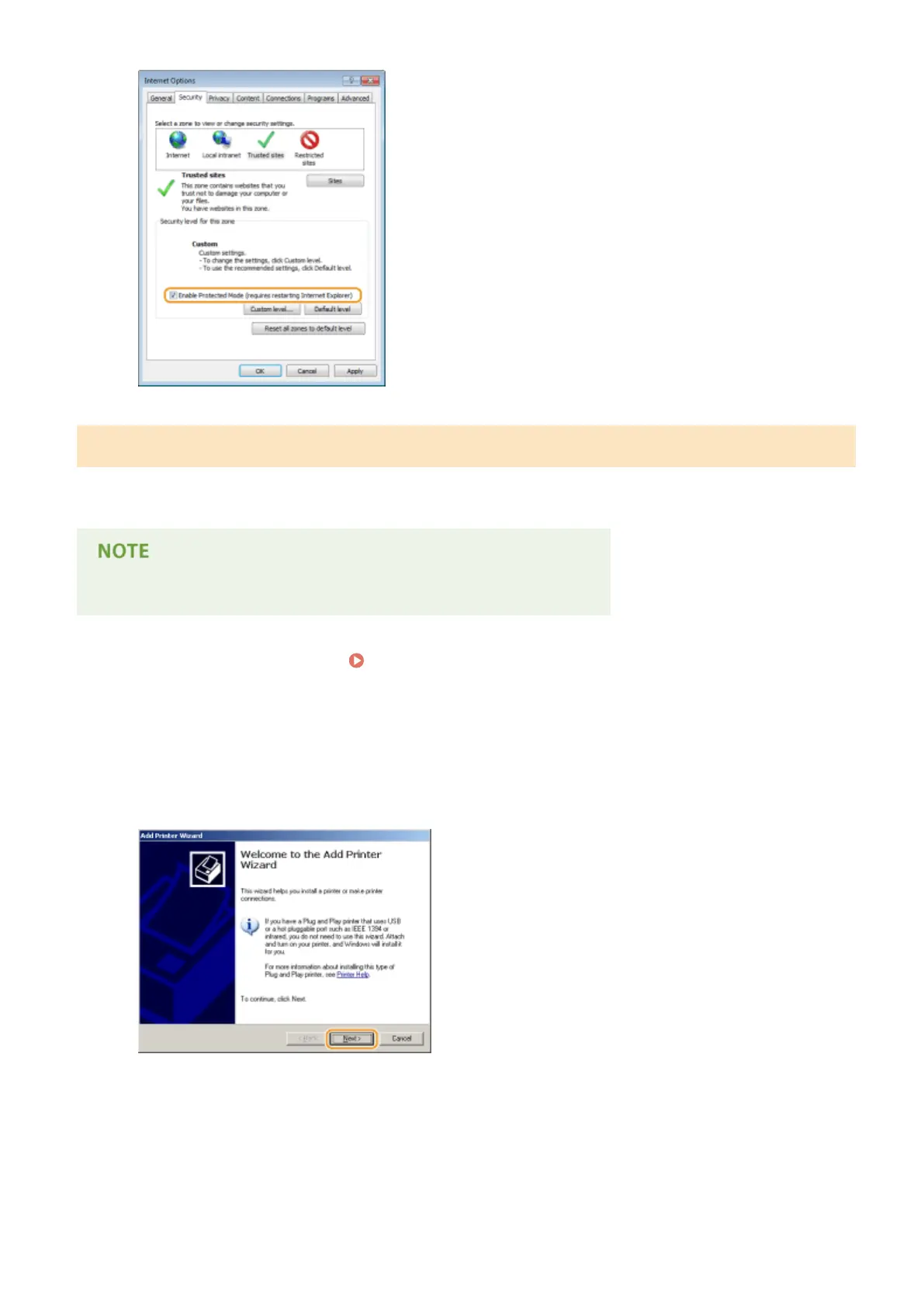
Click [Next].
4
Select [A network printer, or a printer attached to another computer] and click
[Next].
Network
209



 To Next Page