12
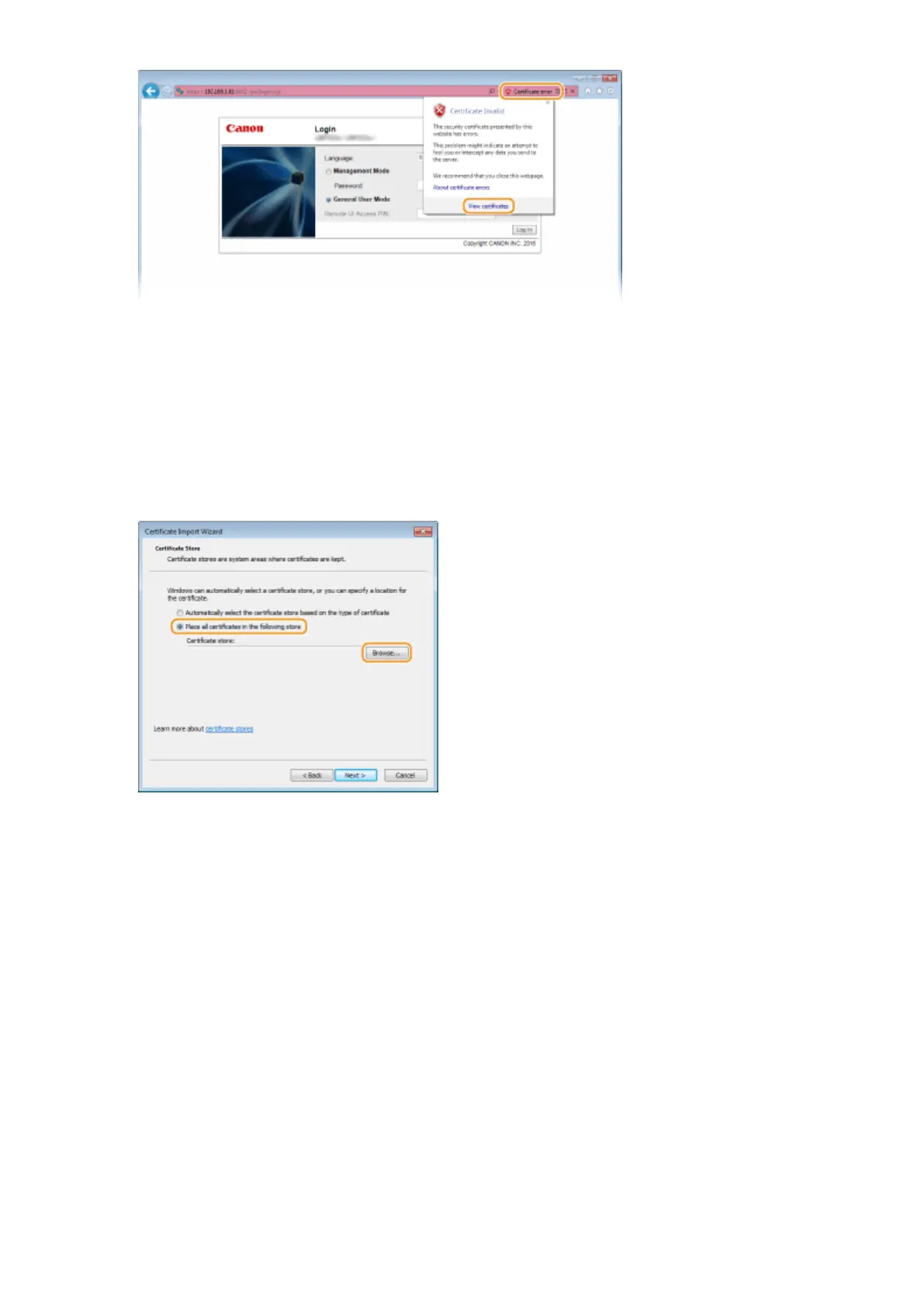
Click [Install Certicate].
13
Click [Next].
14
Select [Place all certicates in the following store] and click [Browse].
15
Select [Trusted Root Certication Authorities], and follow the on-screen instructions
to complete the certicate import wizard.
16
If you have cleared the [Enable Protected Mode (requires restarting Internet
Explorer)] check box in step 7, select the check box.
Network
208



 To Next Page