6
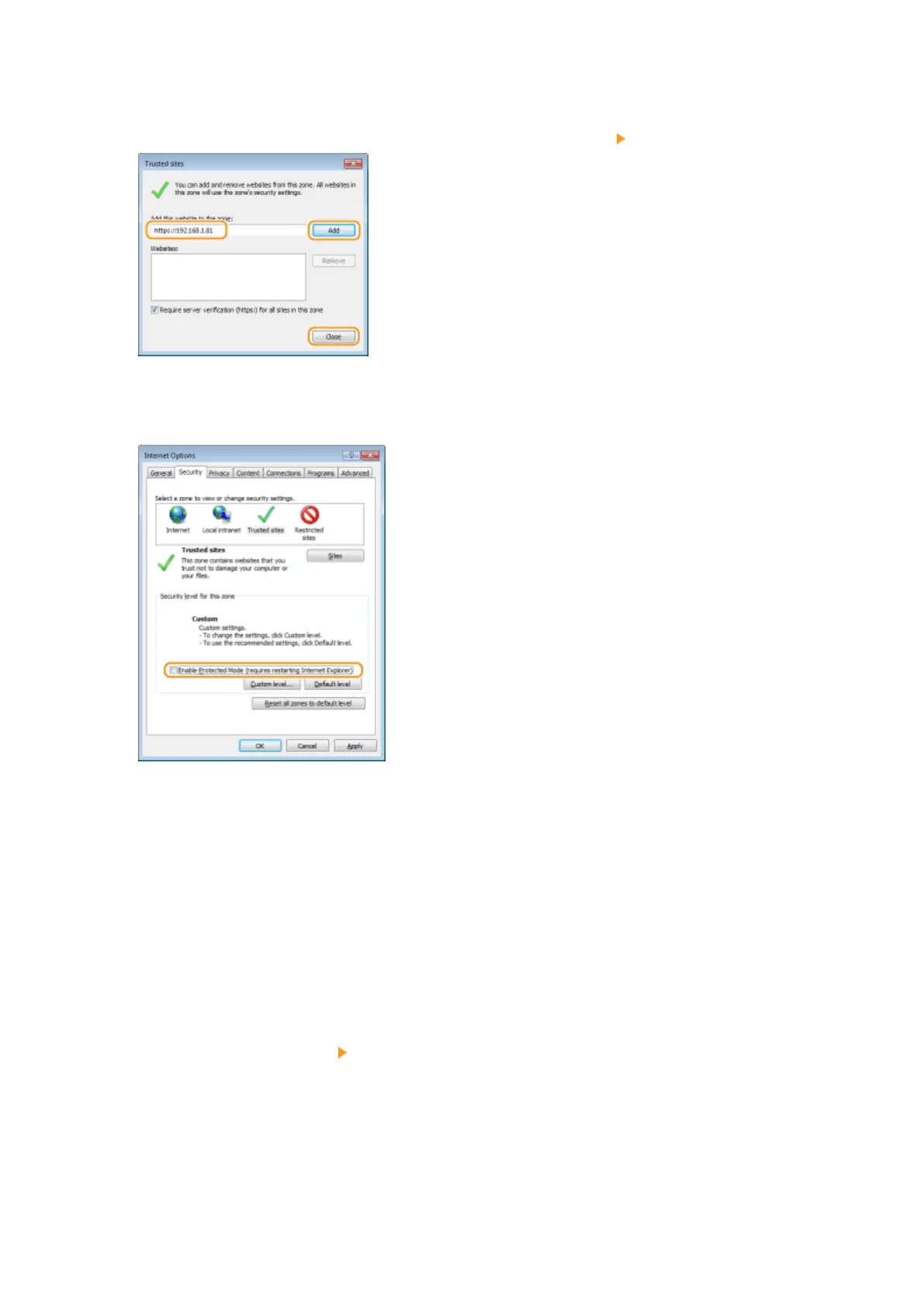
Make sure that "https://<IP address of the machine> or <host name of the
machine>.<domain name>/" is displayed, and click [Add] [Close].
7
Clear the [Enable Protected Mode (requires restarting Internet Explorer)] check box
when it is selected.
8
Click [OK].
➠
The screen returns to the Remote UI screen.
9
Exit the Web browser.
10
Repeat steps 1 to 3 to start the Remote UI.
11
Click [Certicate error] [View certicates] in the right of the address eld.
Network
207



 To Next Page